
Offline to-do list app for Android
Capture tasks, review your day, manage reminders, and keep planning momentum even when the network is weak. Listro is designed so everyday task management does not depend on a cloud workspace loading first.
 Diveno Labs
Live on Play Store
Listro is a premium Android productivity app built around fast task capture, calm planning, dependable reminders, home-screen widgets, and optional private Google Drive backup. It combines tasks, projects, habits, logbooks, calendar planning, AI insight, Play Billing premium access, and local-first storage so the core workflow works well without an account or a heavy cloud workspace.
What is Listro?
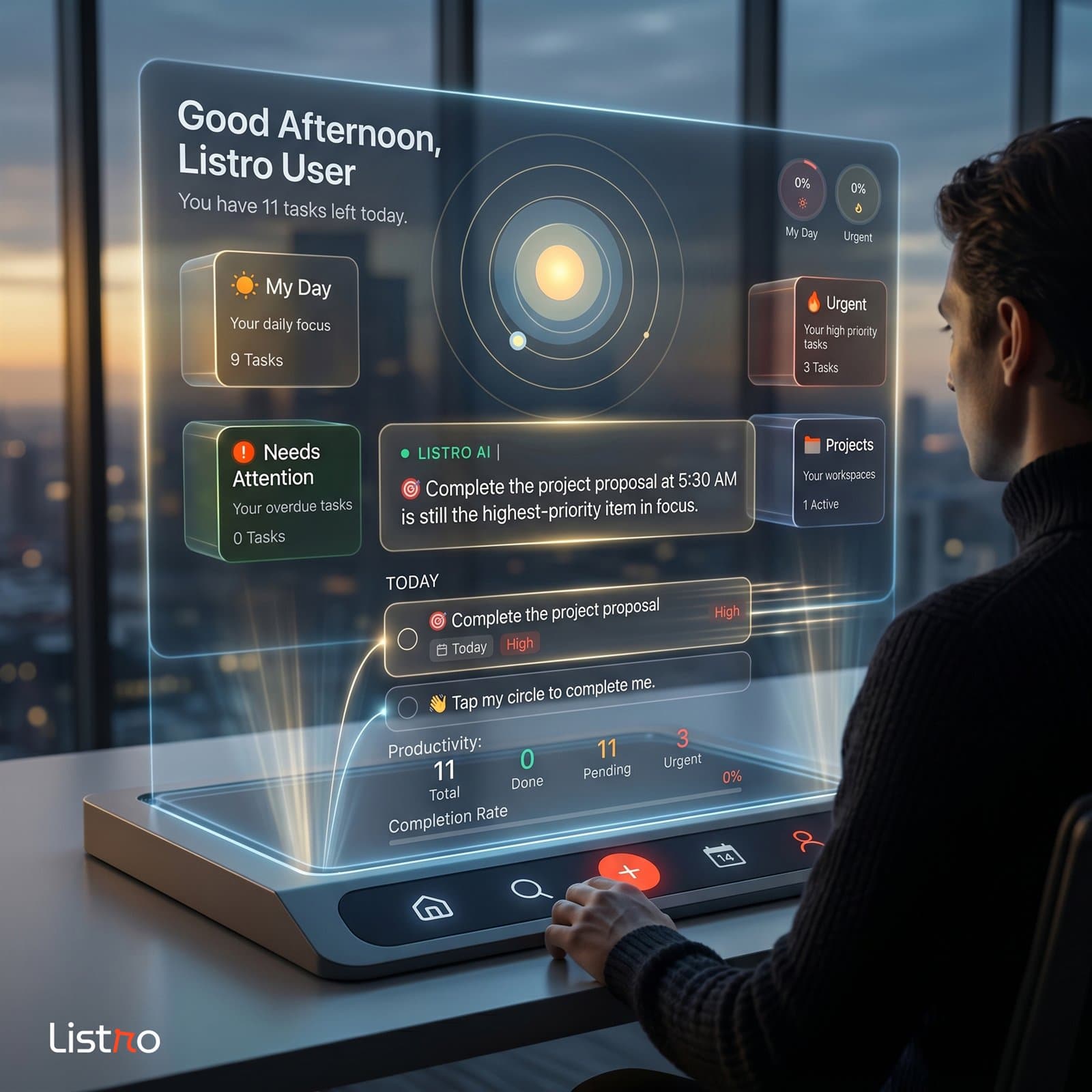
Listro is a local-first Android productivity app for planning your day, organizing projects, tracking habits and logbooks, managing reminders, reading your schedule, and keeping the most important tasks close through home-screen widgets. It is built for people who want fast capture, Premium AI insight, private backup, and a planner that stays useful without requiring an account.
Listro for Android
Listro is built for Android users who want a simple to-do list app, daily planner, habit tracker, and offline task manager in one calm workflow. The app focuses on fast capture, clear planning, local-first storage, and practical widgets instead of a heavy project management setup.
Capture tasks, review your day, manage reminders, and keep planning momentum even when the network is weak. Listro is designed so everyday task management does not depend on a cloud workspace loading first.
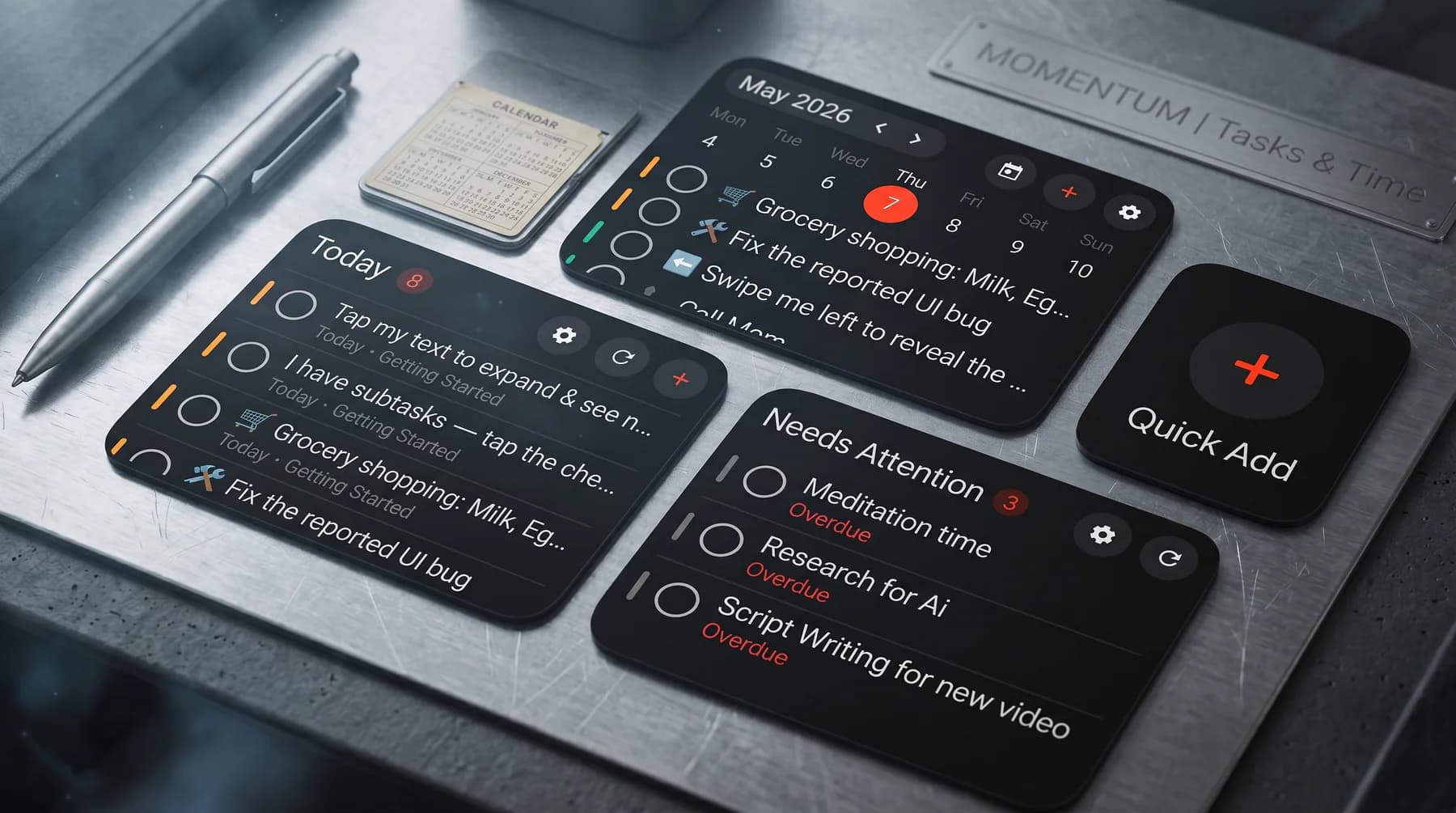
Today Focus, Weekly View, Needs Attention, and Quick Add widgets keep important tasks close to the Android home screen, so quick planning can happen without opening a heavy project dashboard.
Your core task content stays local on your device. Optional backup uses your own Google Drive app-data folder, so Diveno Labs does not run a task-content server for your lists, habits, projects, or daily plans.
Todoist and TickTick are strong cross-platform systems. Listro is built for Android users who prefer a calmer local-first task manager, offline planning, and fewer account-heavy workflows.
Listro focuses on personal task capture, widgets, reminders, habits, and daily planning without running your task content through a Diveno Labs cloud server.
Listro is not trying to replace Asana, Trello, or Monday for teams. It is for private Android productivity: errands, study tasks, solo projects, habit notes, and daily focus.
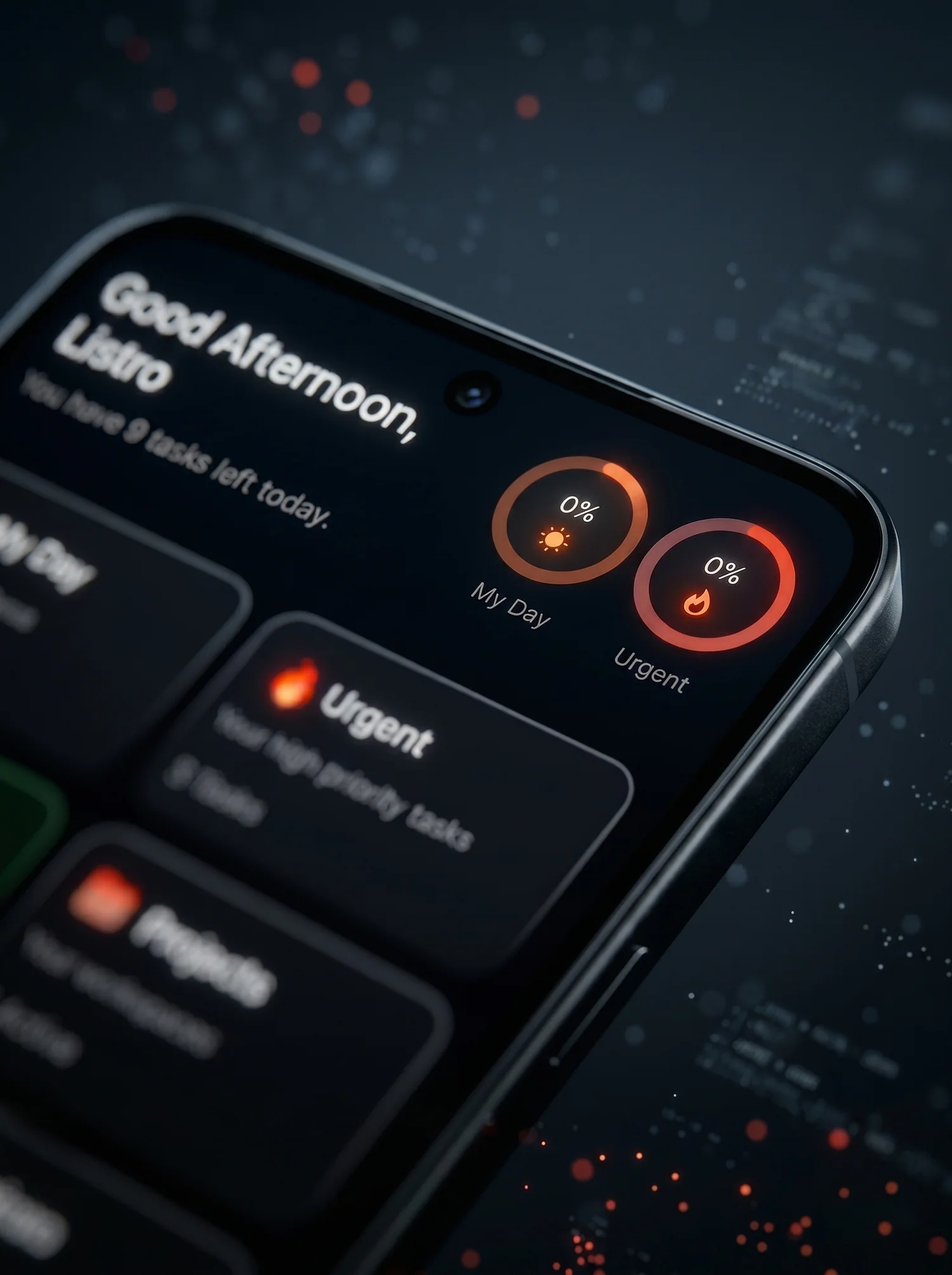
Listro opens with a command-center view of focus, urgent work, overdue signals, projects, habits, logbooks, and recent motion. The point is not to show more data. It is to make the next move obvious.
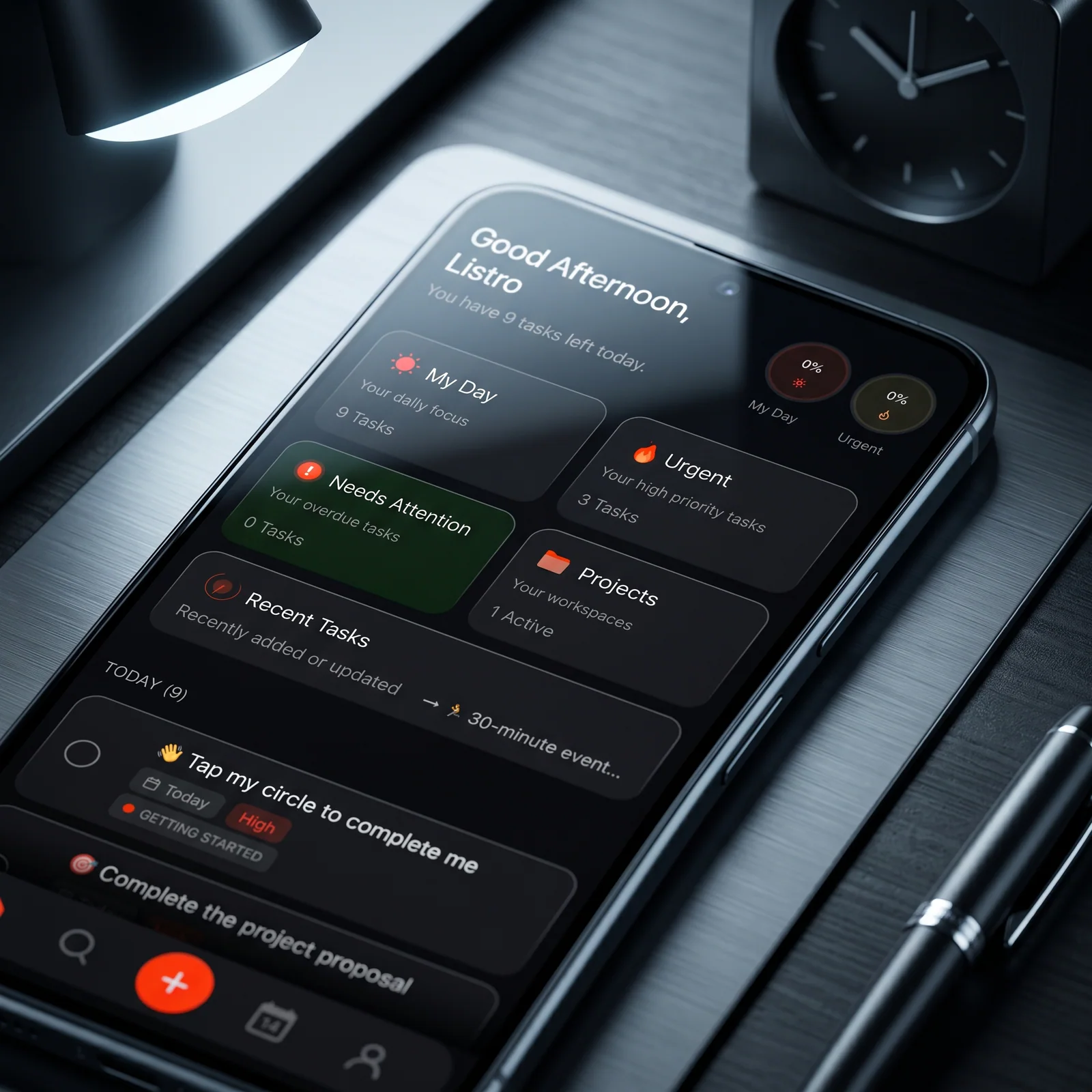
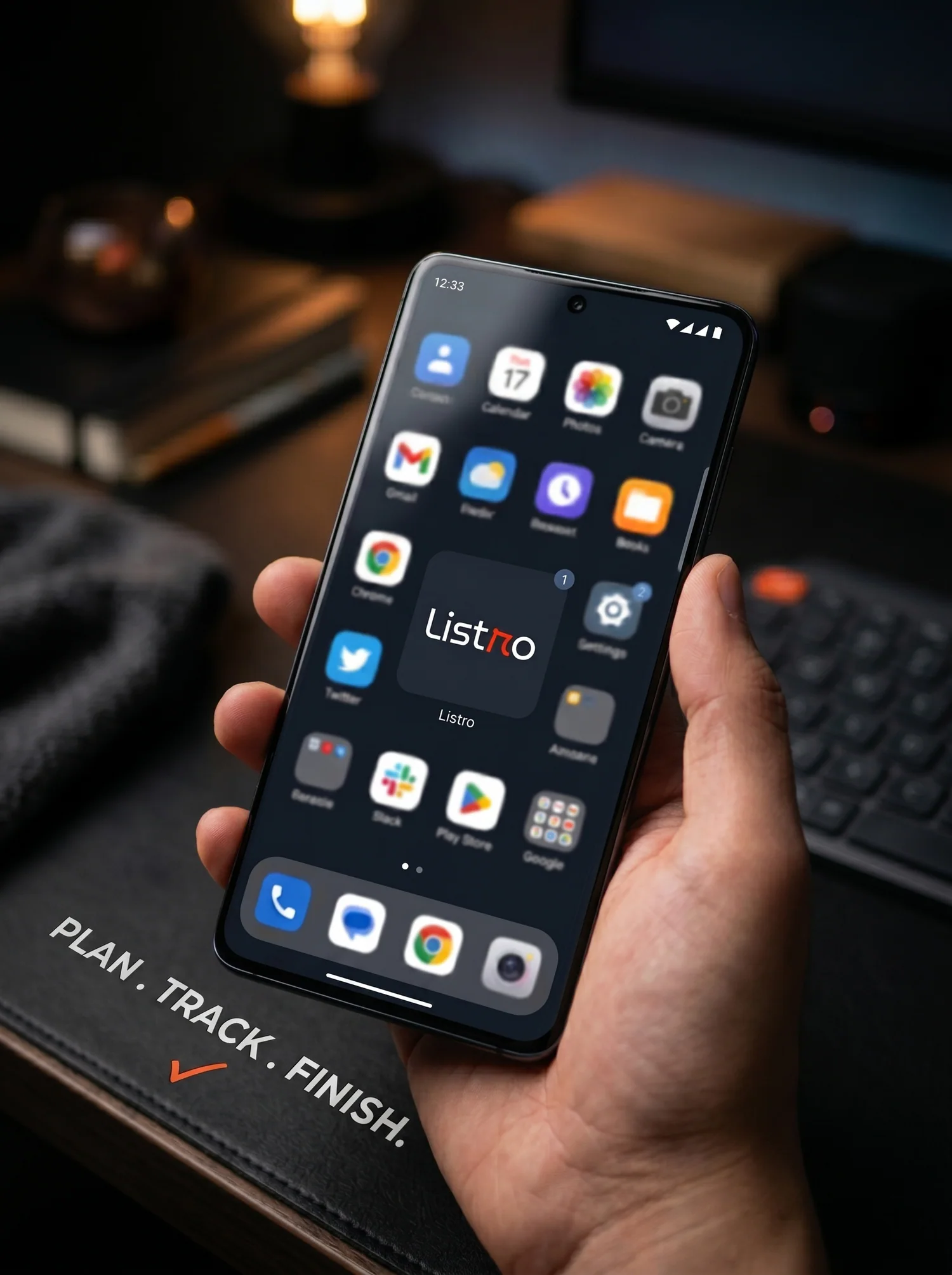
Capture what matters, organize it without friction, restore Premium access reliably, and return to the work with a calmer head. Listro keeps planning close to action instead of turning productivity into another project.
The task creator feels like a floating control surface: add a task, attach reminders, choose priority, drop it into a project, add tags or recurrence, and keep typing. It is built for brain dumps that need structure without losing speed.
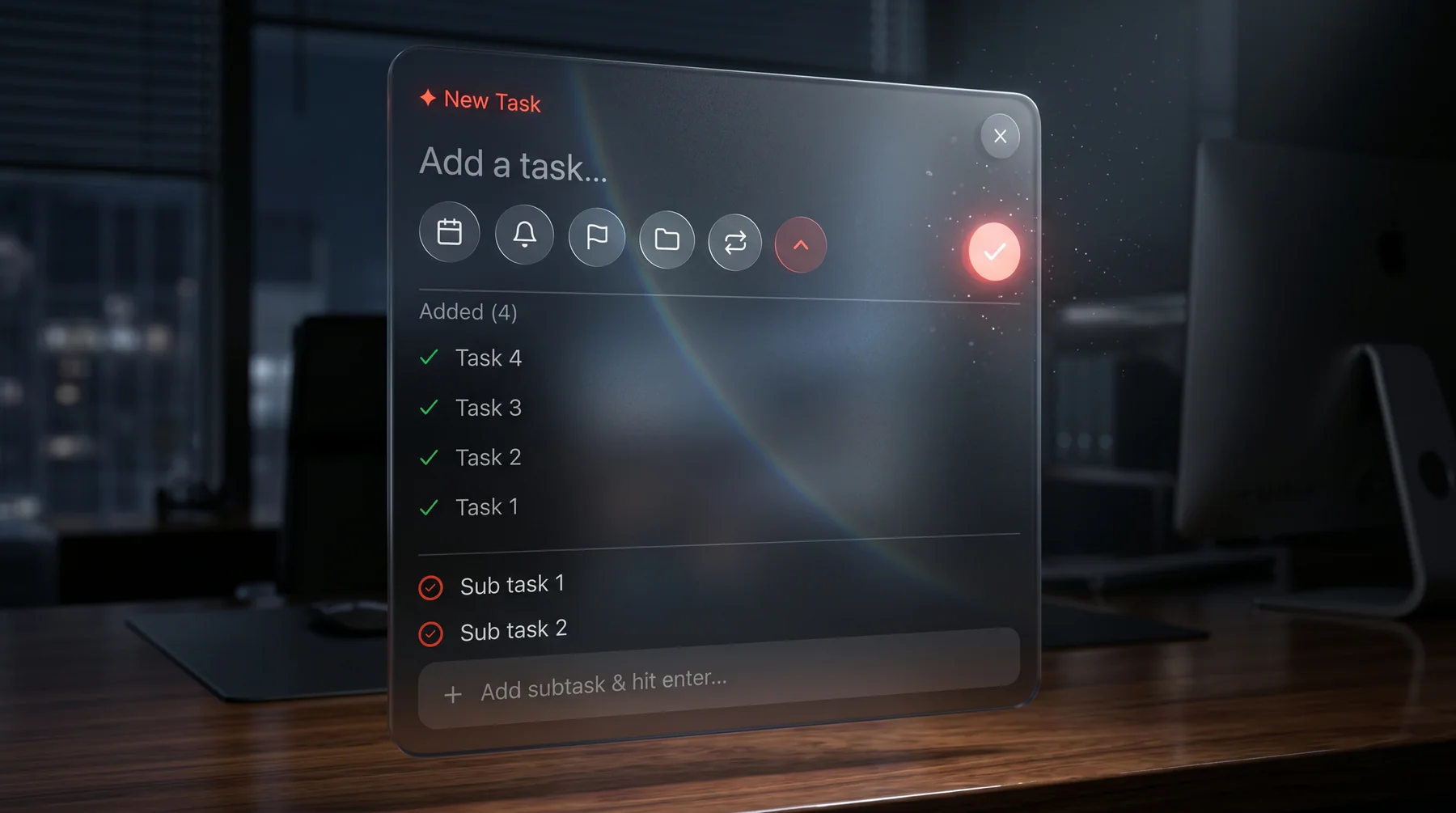
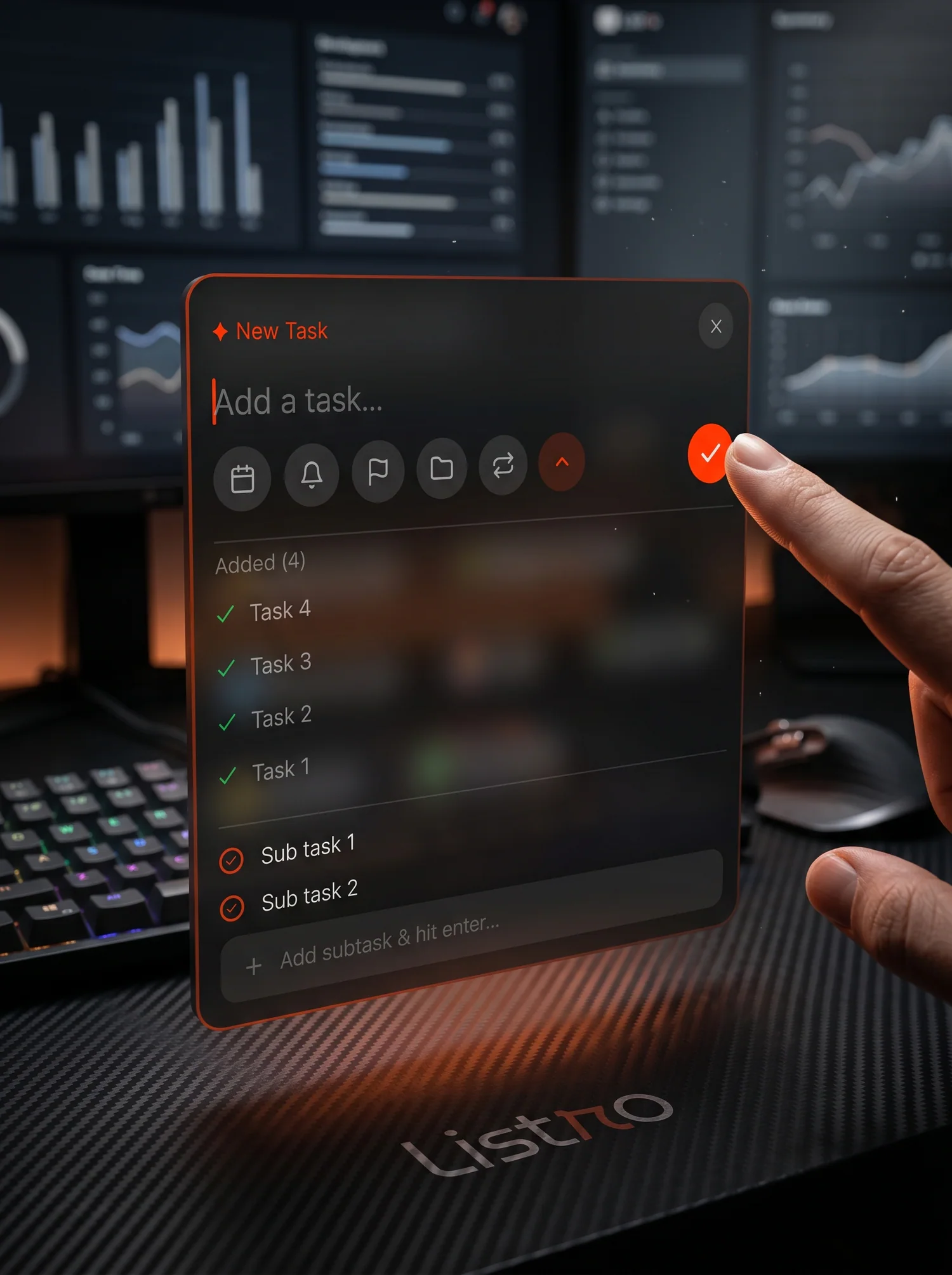
Today Focus, Weekly View, Needs Attention, and Quick Add become small, glanceable surfaces. Listro is not just a destination; it is a daily rhythm spread across the places you already look.
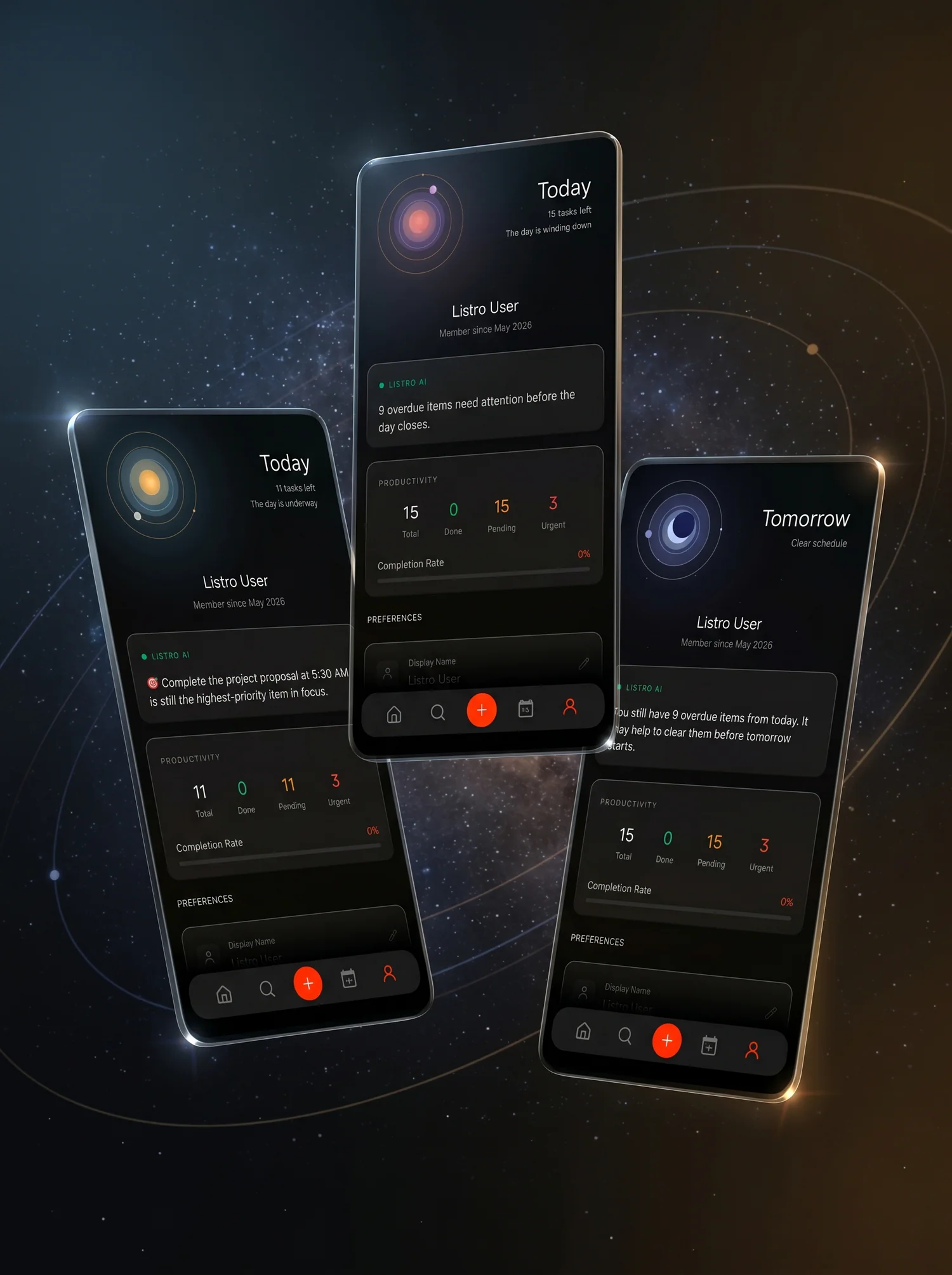
Premium adds AI insight, productivity stats, recurring tasks, calendar sync, Drive backup, and widget customization. Listro reflects the shape of your day without turning planning into noise.
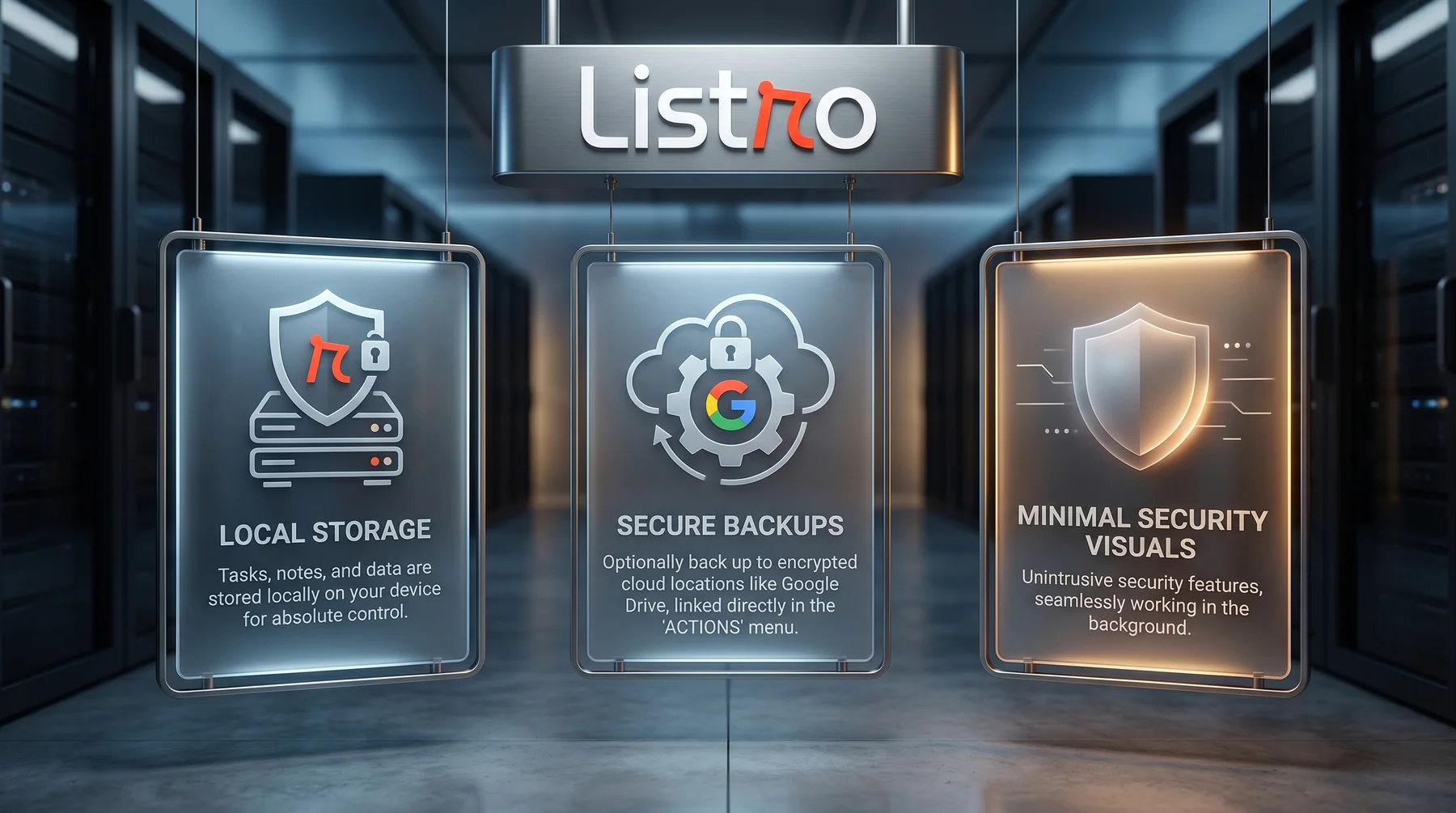
Tasks, notes, habits, and schedule data stay local on your device, with optional backup to your own Google Drive app-data folder. Listro keeps the security story visible, but quiet.
Related Listro reading
Visual walkthrough
The page follows the same product rhythm as the app itself: first impression, core workflow, visual proof, trust posture, and the details users need before installing.
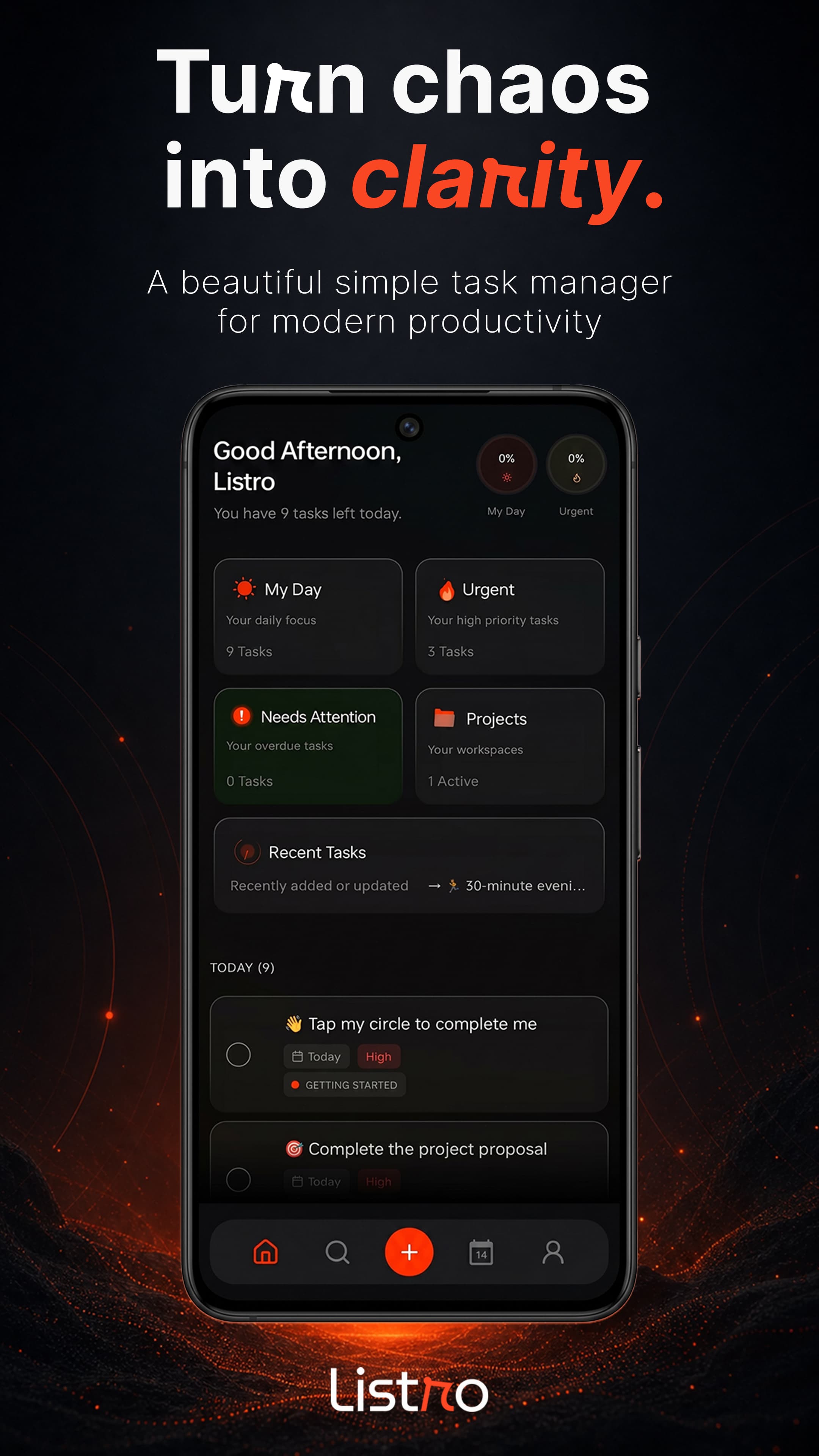
Pulse Core turns your day into a readable dashboard for focus, urgency, projects, habits, logbooks, and recent task movement.
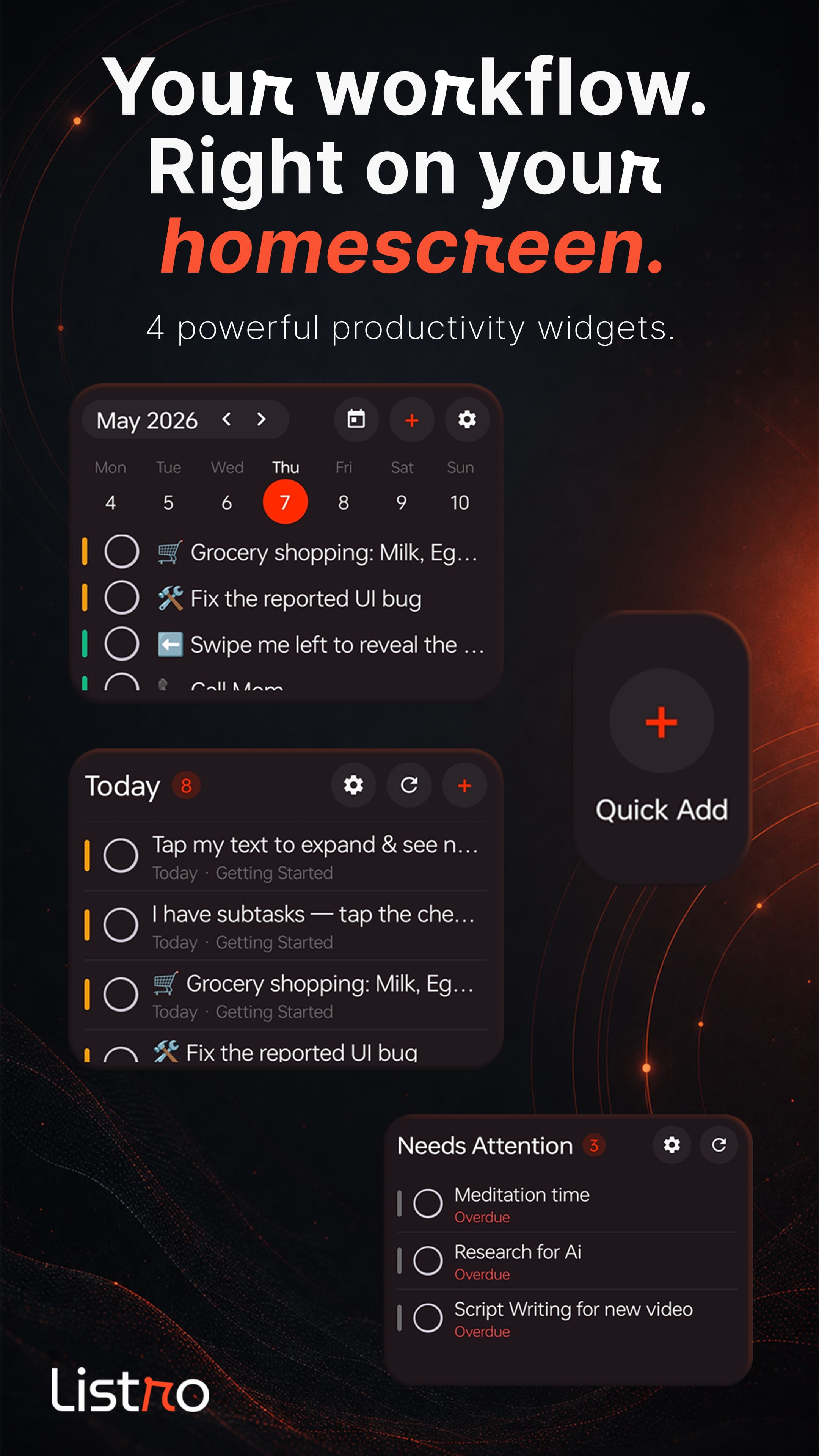
Today Focus, Weekly View, Needs Attention, and Quick Add widgets keep real task surfaces outside the app.
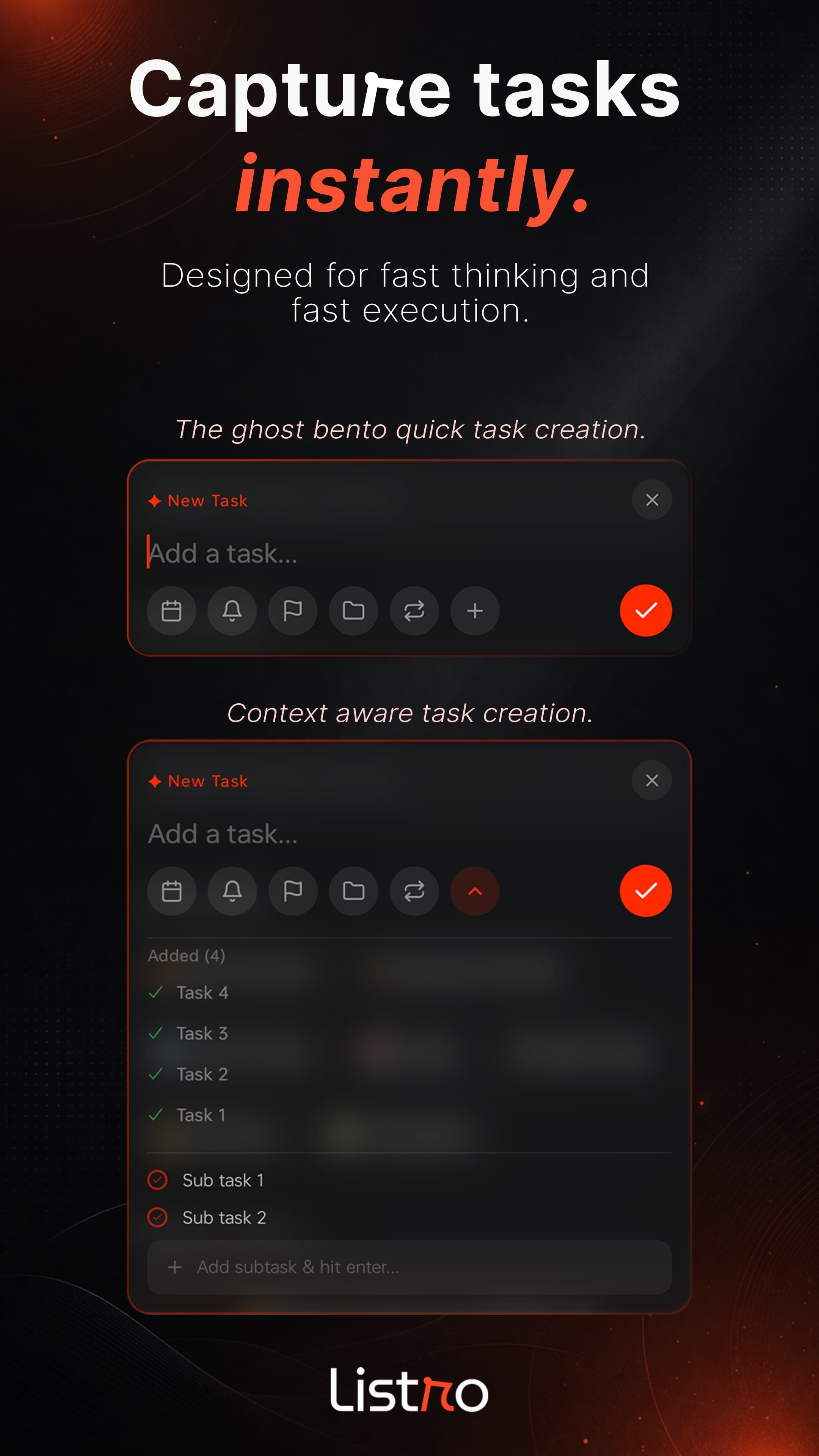
The task creation suite supports rapid-fire entry, subtasks, Smart Chips, priorities, reminders, projects, and tags.
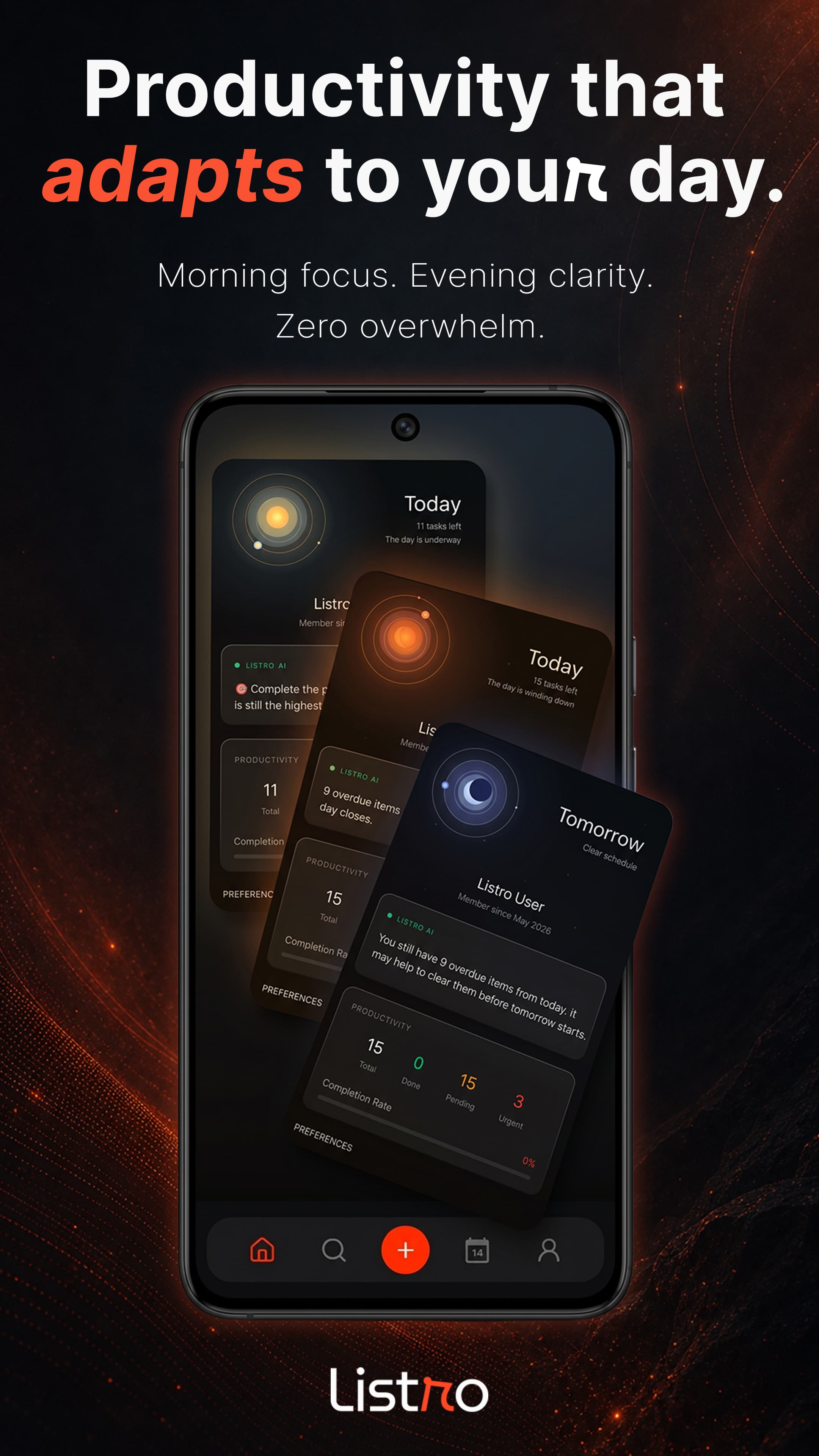
Premium insights, productivity stats, and Beta Pioneer recognition help long-time supporters keep their access clear.
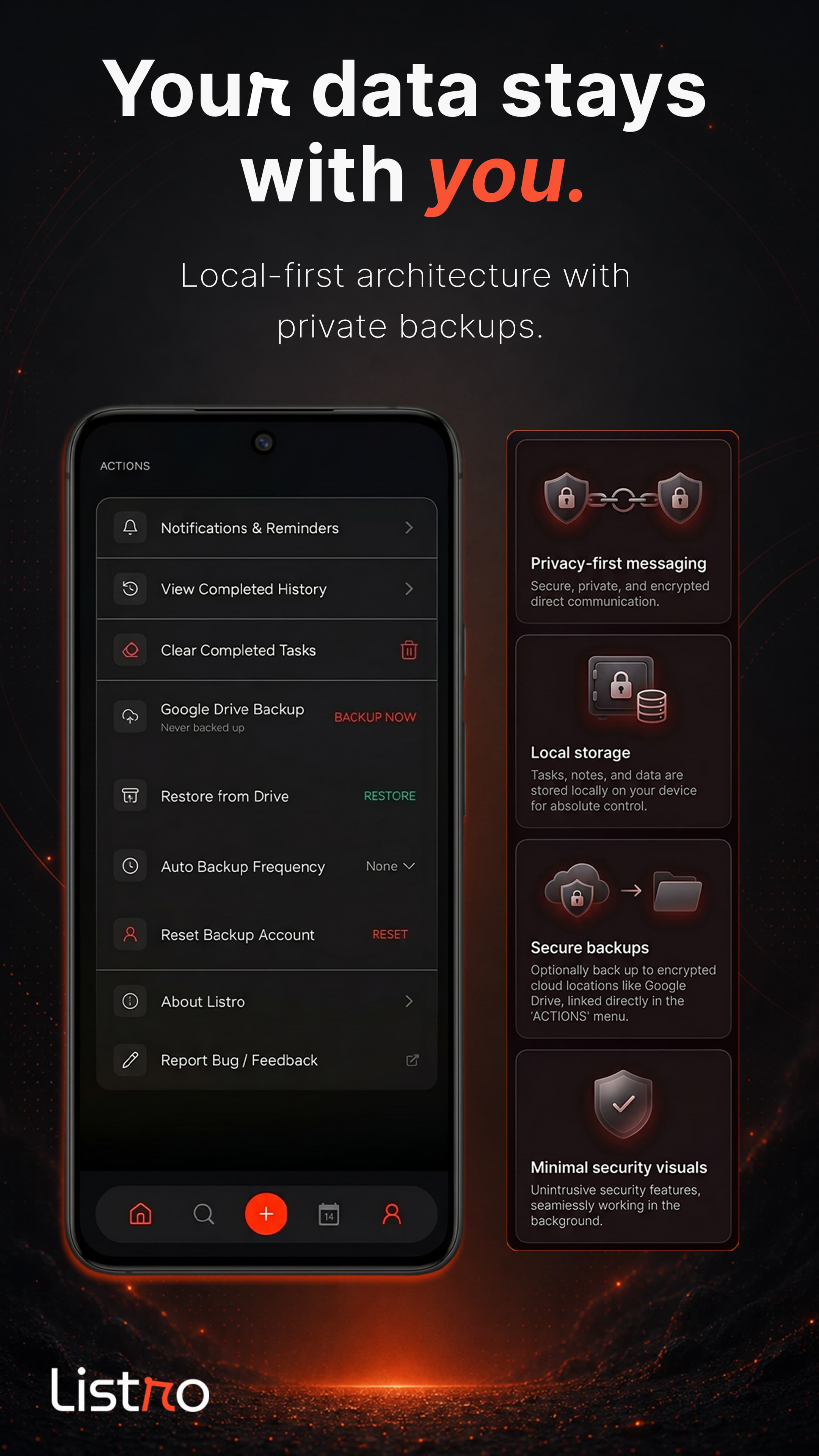
Your tasks stay on your device, work offline, and can be backed up privately to your own Google Drive app-data folder.
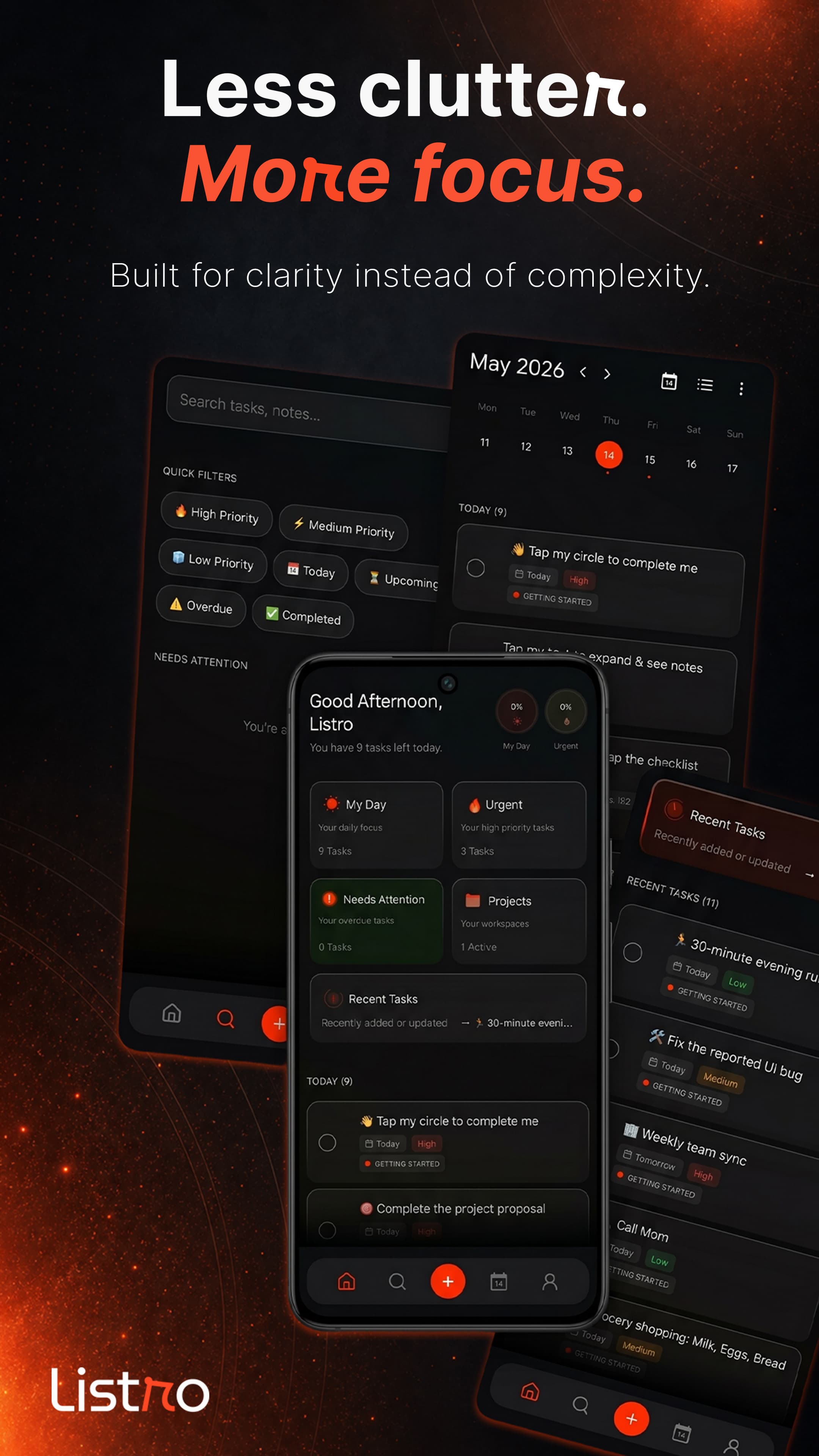
Search, priority filters, calendar context, and clean task lists help you move from overload to action.
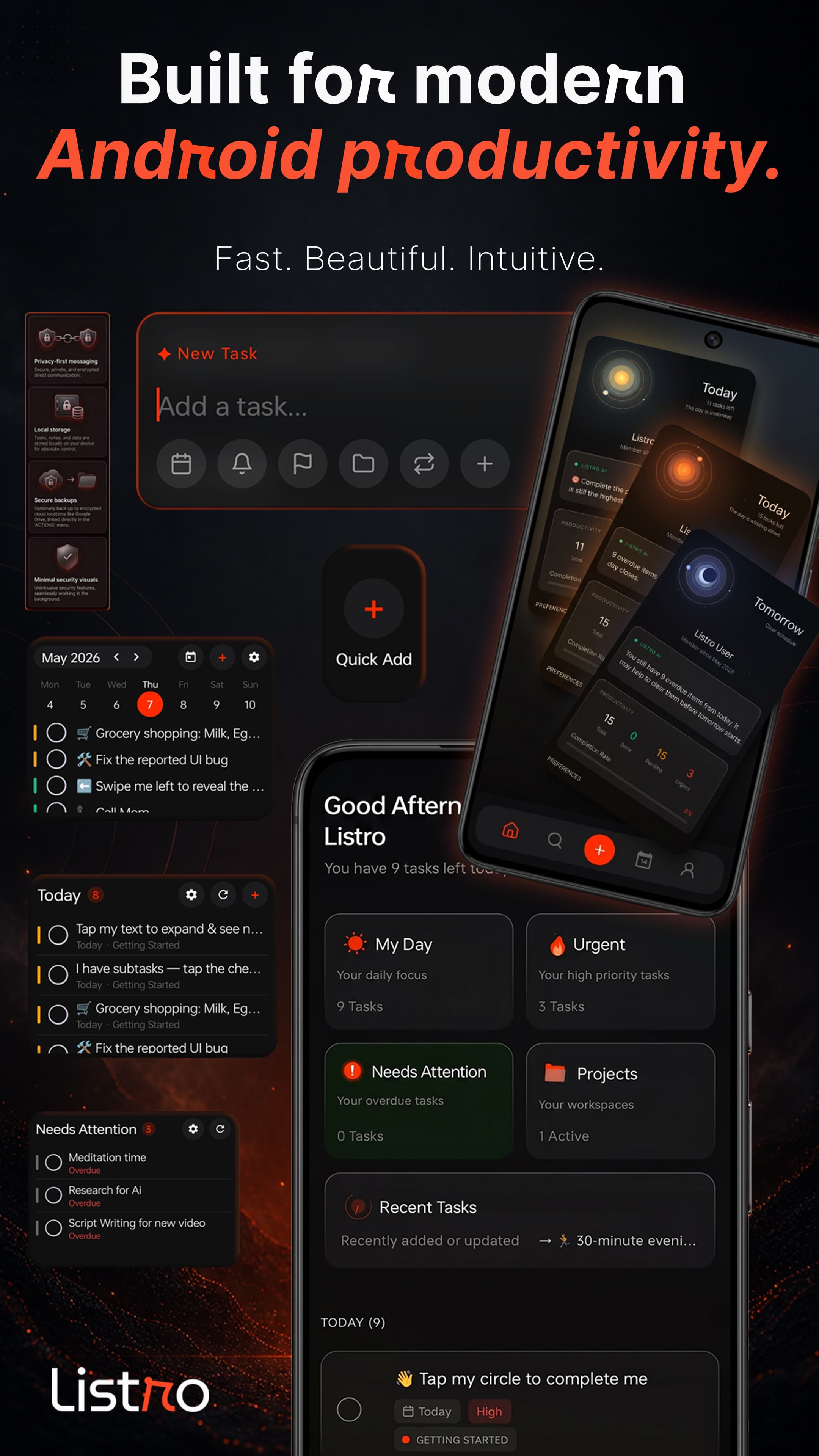
Listro brings capture, widgets, dashboard, profile intelligence, and privacy tools into one polished Android planner.
Listro is premium, but its trust model stays simple. We have no servers for your task content. Your to-do list, habits, notes, projects, and schedule stay on your device, with optional private backup to your own Google Drive app-data folder. Google services are used for sign-in, Drive backup, crash reporting, supporter verification, and Play Billing.
Listro is a productivity application developed and operated by Rahul Shekhawat, sole proprietor of Diveno Labs, based in Jaipur, Rajasthan, India.
Subscription
Fixed widgets not loading on some devices after the v1.8 update and refined the user interface.
Try Listro Premium before subscribing and see whether AI insight, recurring tasks, backup, and widget customization fit your workflow.
Unlock Premium with a simple monthly plan that includes AI insight, recurring tasks, private backup, widget customization, and easy restore whenever you reinstall.
Early supporters can restore Beta Pioneer Premium from Settings, separate from the standard Google Play subscription path.
FAQ
Listro is a local-first Android productivity app for tasks, projects, habits, reminders, logbooks, widgets, calendar planning, and optional Premium AI insight.
Yes. Listro uses local-first logic, meaning your tasks, habits, projects, and notes are stored on your device. Optional Google Drive backup uses your own private app-data folder; Diveno Labs does not store or read task content on company servers.
Yes. Because Listro is designed around local storage, you can manage your day and task lists without an internet connection.
No account is required for the core task planning workflow. Listro uses local-first storage, with optional Google services for private Drive backup, Play Billing, crash reporting, and supporter verification.
Yes. Listro includes Today Focus, Weekly View, Needs Attention, and Quick Add widgets so important tasks can stay visible from the Android home screen.
Todoist and TickTick are powerful cross-platform productivity systems. Listro is positioned for Android users who want a calmer local-first task manager with offline planning, private task storage, and practical home-screen widgets.
Core Listro task data is stored on your device. If you enable backup, Listro uses your own Google Drive app-data folder rather than a Diveno Labs task-content server.
Yes. Listro is built for Android users who want a simple to-do list app with fast capture, clean daily planning, reminders, projects, and widgets without a heavy team workspace.
Yes. Listro works as a daily planner by combining My Day, urgent tasks, calendar context, reminders, habits, recent tasks, and project progress in one focused Android workflow.
Yes. You can add due dates and reminders to tasks, then review upcoming, overdue, urgent, and today-focused work from Listro's task lists, calendar surfaces, and widgets.
Yes. Listro Premium includes recurring tasks, making it useful for repeated routines such as bills, workouts, household tasks, study plans, and weekly check-ins.
Yes. Listro supports projects, priorities, subtasks, smart chips, and search filters so you can separate personal tasks, work plans, habits, errands, and long-running goals.
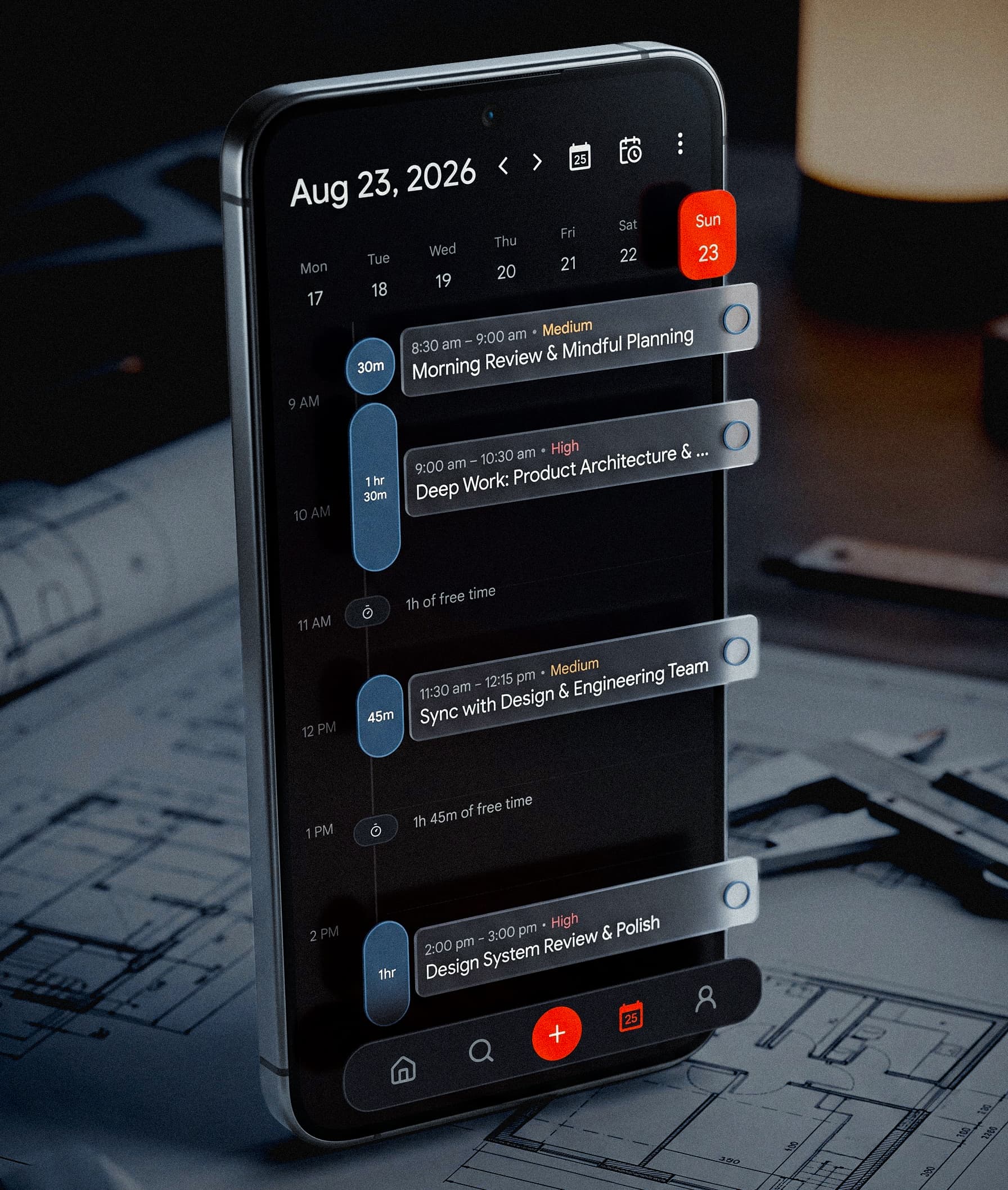
Yes. Listro includes calendar planning for viewing scheduled tasks alongside your day. Calendar tasks can be edited, and Premium adds device calendar sync.
Yes. Listro includes Android home-screen widgets for Today Focus, Weekly View, Needs Attention, and Quick Add, with Premium customization for accent colors, transparency, and widget styling.
Yes. Listro can back up and restore your data with optional Google Drive app-data backup. The backup stays in your own Google account instead of a Diveno Labs task-content server.
Yes. Listro includes habits and logbooks alongside tasks and projects, so you can track routines, daily notes, completions, and personal productivity without using separate apps.
Yes. Listro Premium includes AI insight and productivity stats to help you understand task momentum, daily progress, urgent work, pending tasks, and completed tasks.
Listro supports Android 8.0 and newer, is built with Jetpack Compose, and targets modern Android release requirements including Android 15.
Premium includes AI insights, productivity stats, recurring tasks, device calendar sync, Google Drive backup and restore, automatic backups, and widget customization. It uses a 3-day free trial and Rs.99/month Google Play subscription.