Version 1.0 · Android

Diveno Calculator

Everyday maths, beautifully simple.

From everyday sums to trigonometry, logs, and roots, Diveno Calculator keeps maths clear and close at hand. Switch between basic and scientific modes, choose a light or dark theme, and revisit calculations within your current session. Calculations run on your device, with no accounts or advertisements.

Diveno Calculator cinematic product hero image
v1.0app version
2 modesbasic and scientific
Offlineon-device calculations
No adsno account required

What is Diveno Calculator?

Everyday sums. Scientific thinking. One familiar keypad.

Diveno Calculator brings basic and scientific maths into a clean Android experience. A large result display, tactile controls, light and dark themes, and temporary session history help you move through calculations without an account or a connection.

Basic to scientific

A little more power when you need it.

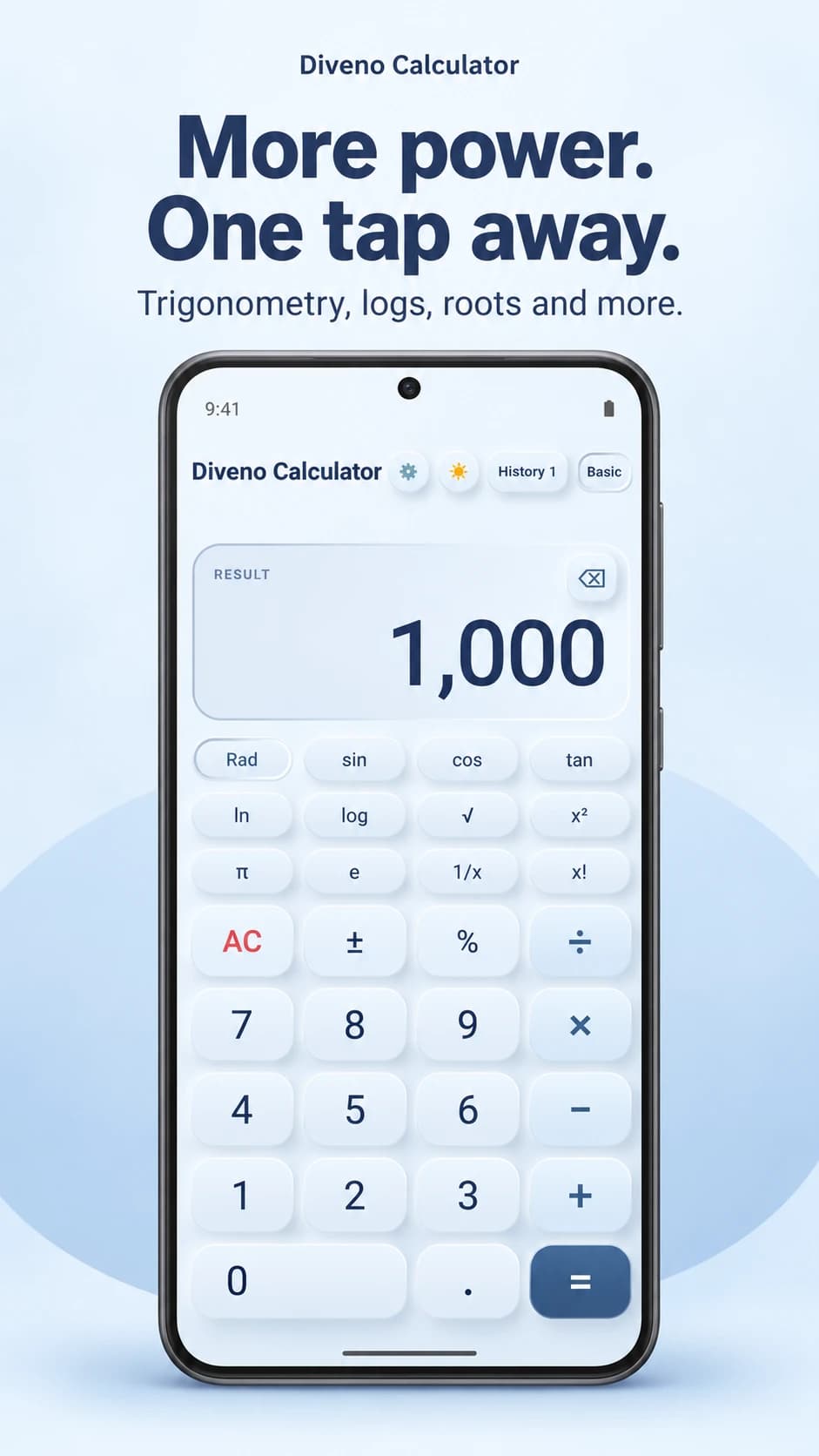
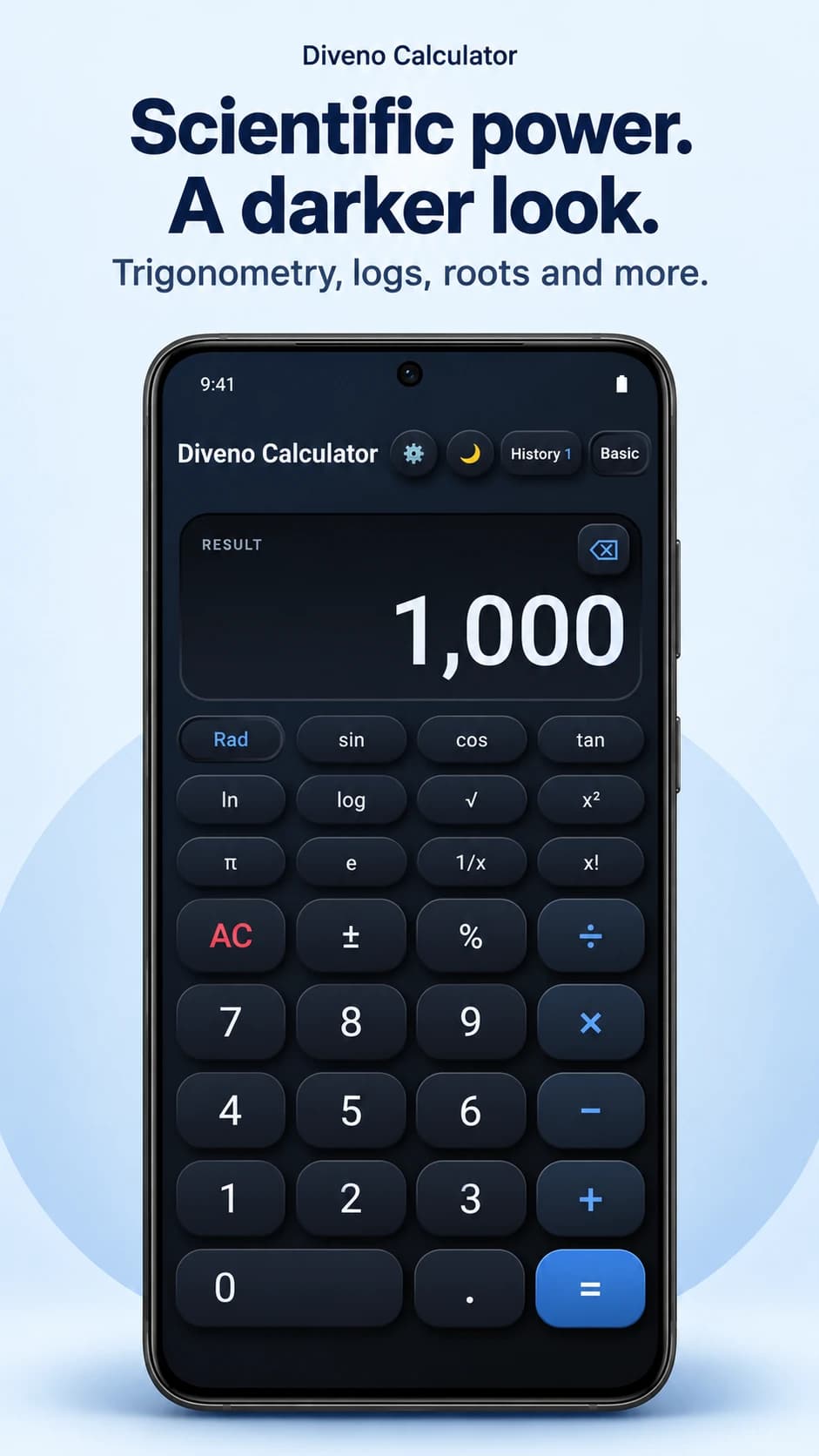
Keep everyday arithmetic simple, then switch to scientific mode for trigonometry, logarithms, roots, powers, and factorials. The clear display and tactile keypad stay familiar.

sin · cos · tanln · logRoots · powersRadians · degrees

Diveno Calculator dark scientific keypad with trigonometry, logs, roots, and factorials
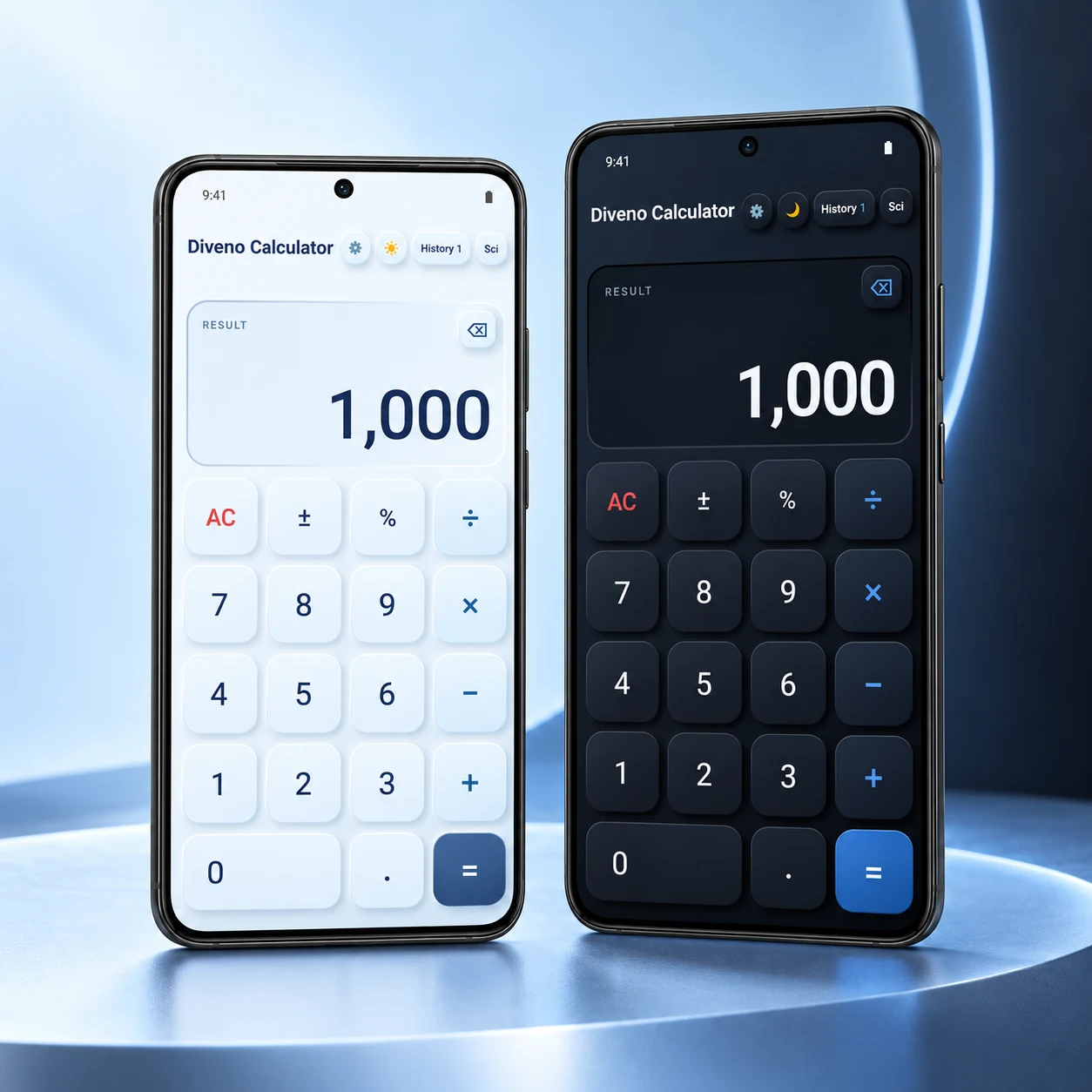
Diveno Calculator light and dark themes side by side on Android phones
Your calculator, your theme

Soft in the light. Clear in the dark.

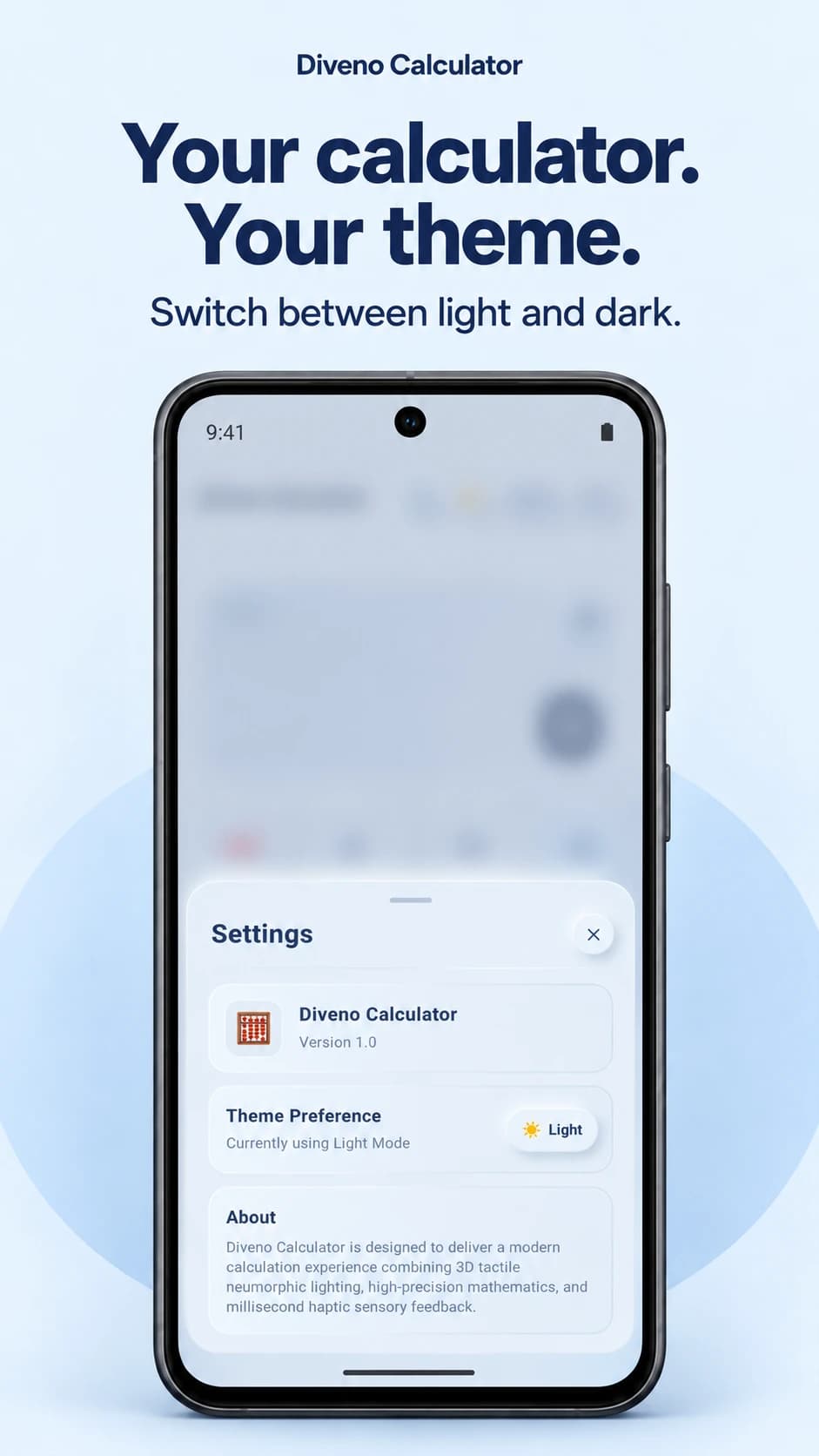
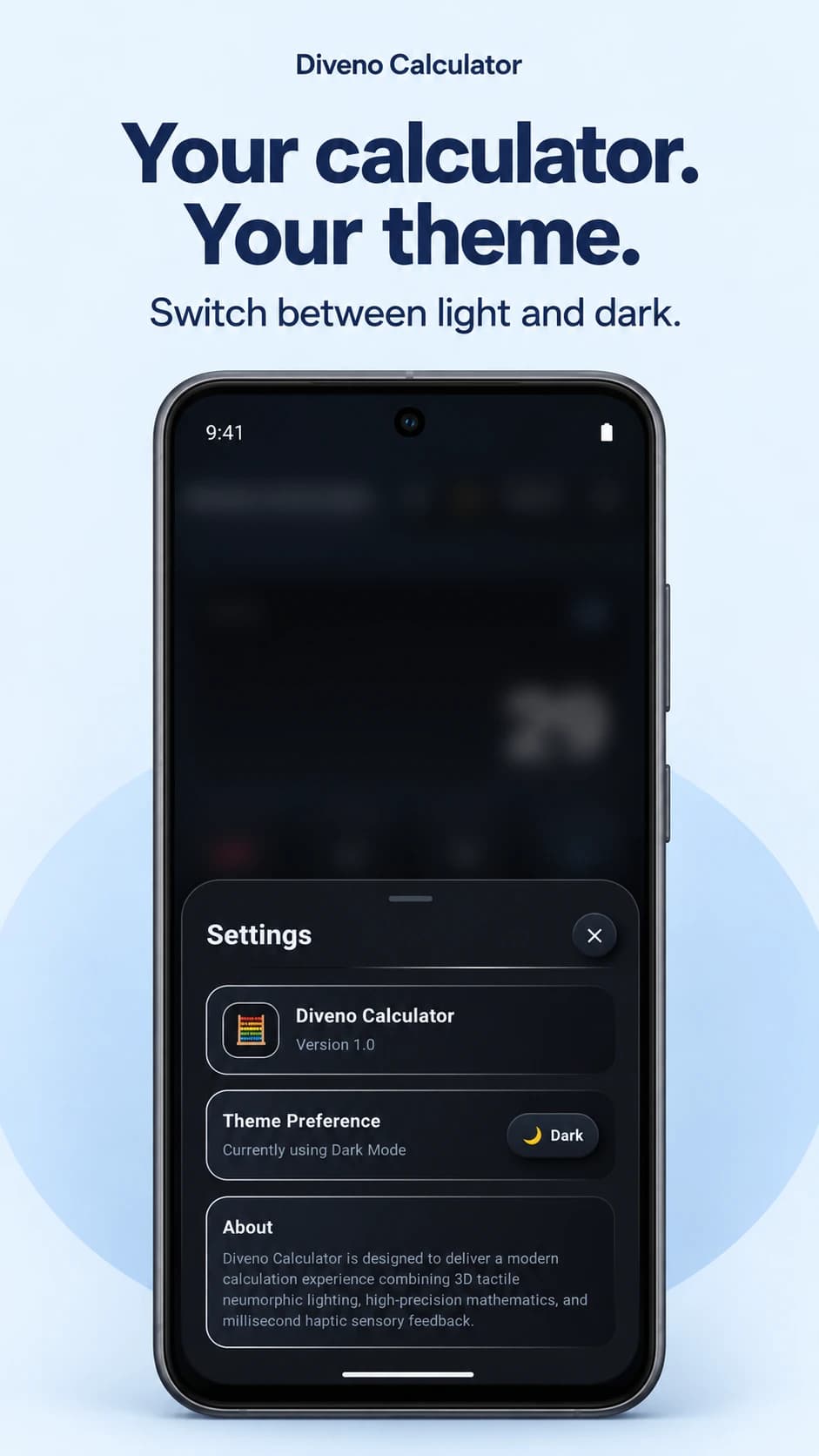
Choose pale blue surfaces or a charcoal keypad with blue accents. Switch themes from the calculator or Settings, and return to your saved preference the next time you open the app.

A sculpted keypad and tactile feedback give each calculation a satisfying touch.

Session history

Pick up a calculation while it’s still close.

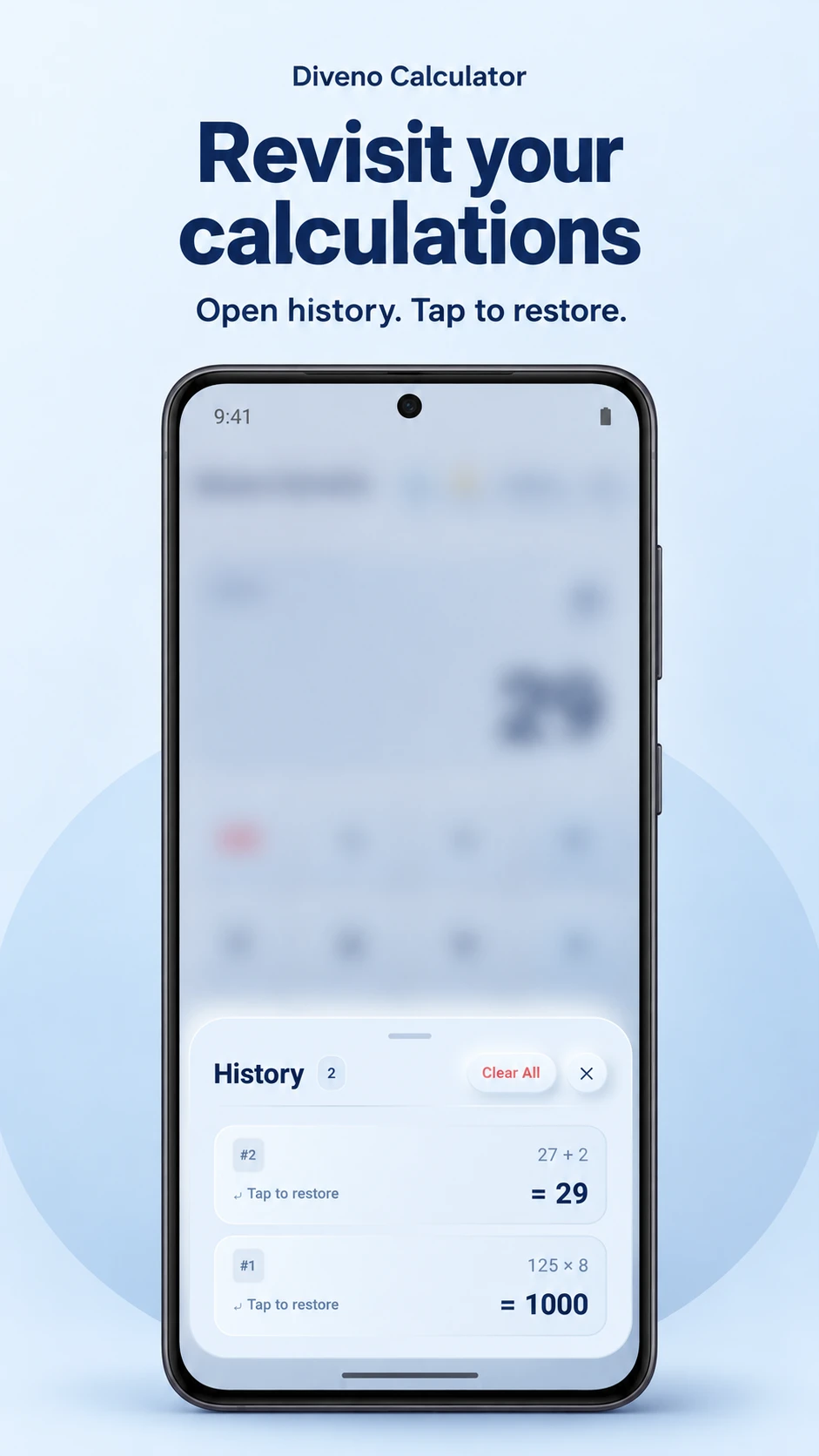
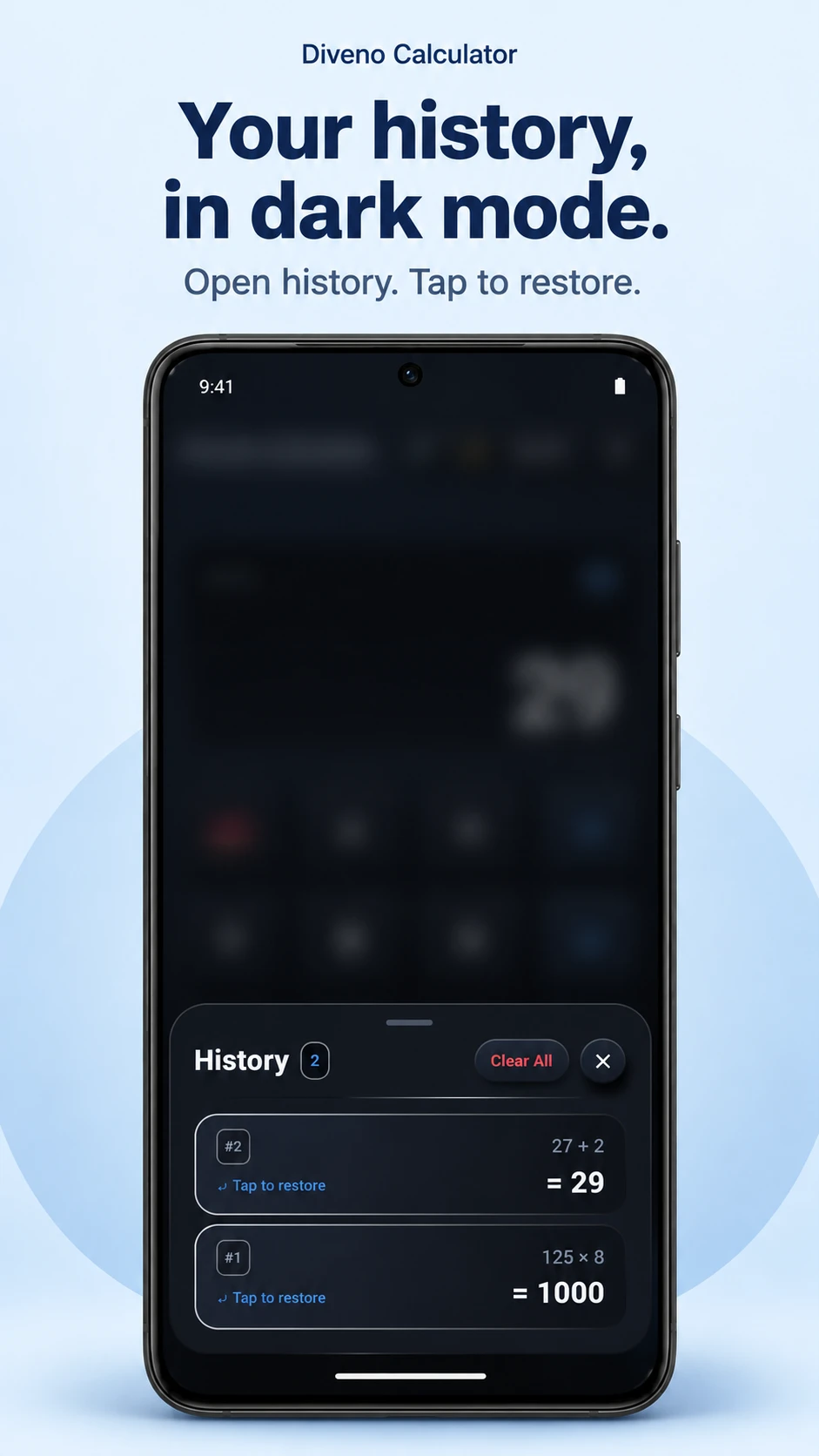
Open History to review completed expressions and results. Tap an entry to restore it, or use Clear All to clear the current session.

History stays in memory for the current calculator session. It is not saved permanently and may disappear when the session is recreated or the app process ends.

Need a result elsewhere? Long-press the result display to copy it to the Android clipboard.

Diveno Calculator light-mode session history with tap-to-restore entries

Visual walkthrough

Product scenes that follow the real Diveno Calculator workflow.

The page follows the same product rhythm as the app itself: first impression, core workflow, visual proof, trust posture, and the details users need before installing.

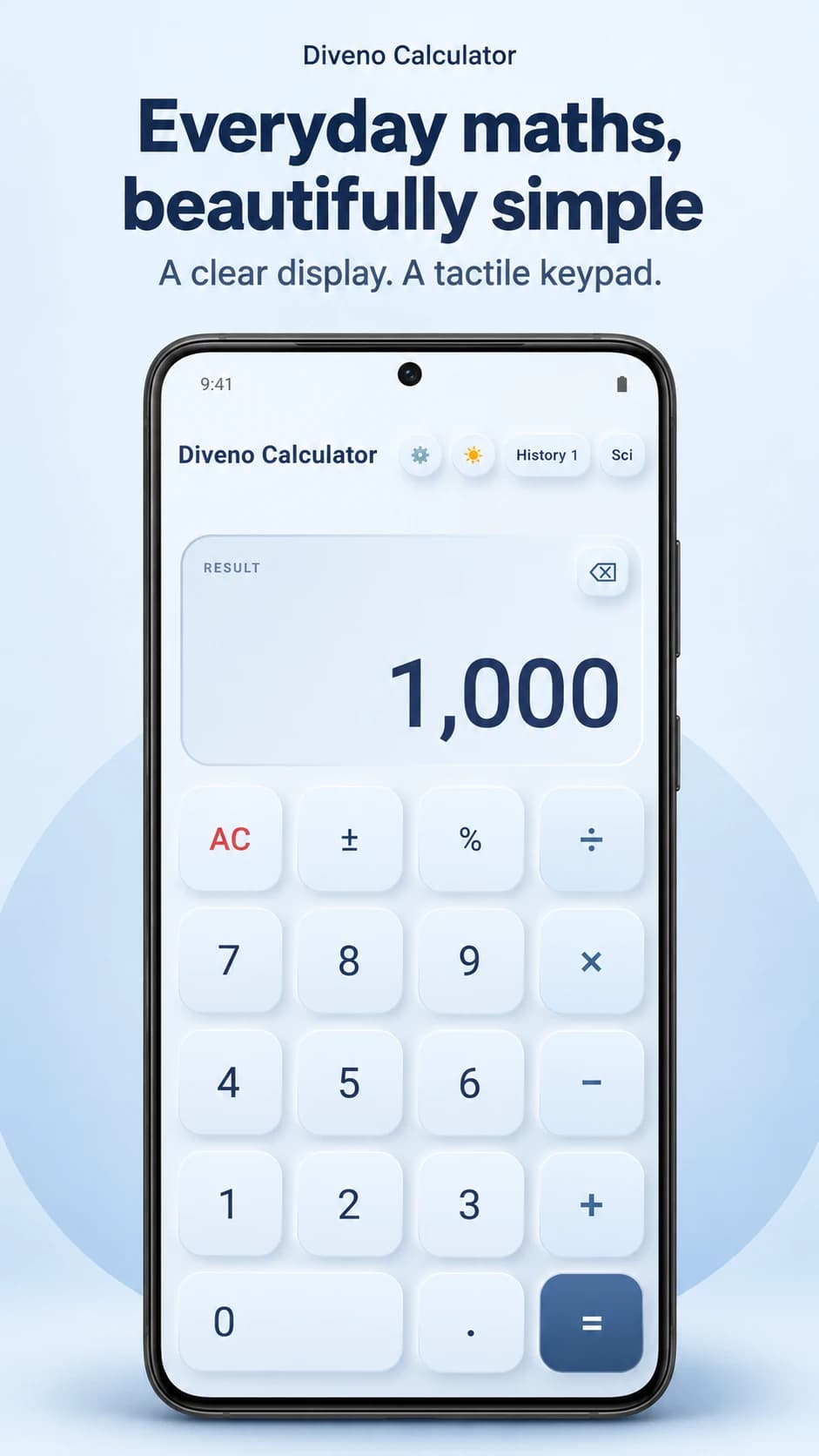
Diveno Calculator Everyday maths poster

Everyday maths

A clear result display and tactile keypad in light mode.

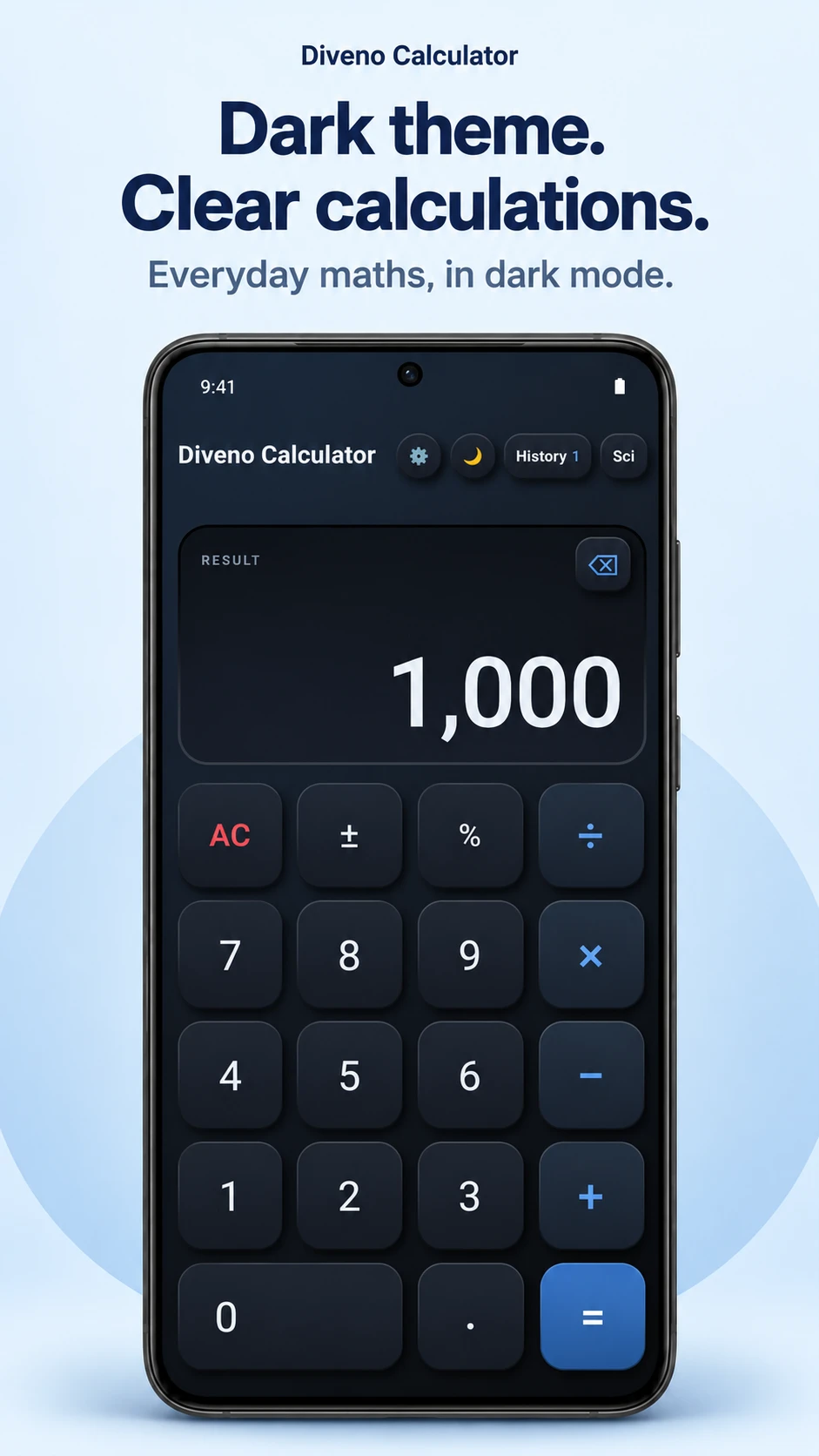
Diveno Calculator Everyday maths in dark mode poster

Everyday maths in dark mode

Charcoal controls and blue operators for a darker look.

Diveno Calculator Scientific power poster

Scientific power

Trigonometry, logs, roots, and more, one mode switch away.

Diveno Calculator Scientific power in dark mode poster

Scientific power in dark mode

The scientific keypad with the same focused dark theme.

Diveno Calculator Choose your light theme poster

Choose your light theme

Manage your theme preference in Settings.

Diveno Calculator Choose your dark theme poster

Choose your dark theme

A remembered theme choice that carries across app launches.

Diveno Calculator Revisit session history poster

Revisit session history

Tap a calculation to restore it, or clear your current session history.

Diveno Calculator Session history in dark mode poster

Session history in dark mode

Previous expressions and results, presented in the dark theme.

Offline maths. Clear privacy.

Calculations run on your device. The app has no accounts, advertisements, integrated analytics, or Internet permission. Session history is temporary; only your theme choice is saved locally.

Android backups may include saved preferences. Google Play and Android diagnostics, clipboard handling, and information you choose to send for support are explained in the privacy policy.

App notes

Version 1.0. Built for everyday maths.

Version 1.0

Basic and scientific calculation modes with light and dark themes, tactile controls, and session history.

On-device maths

Calculations work offline. No account, advertisements, or integrated analytics are required.

Session history

History is held in memory for the current calculator session and may disappear when the session is recreated or the app process ends.

View full Diveno Calculator changelog

FAQ

Plain answers for availability, privacy, and access.

What is Diveno Calculator?

Diveno Calculator is an Android calculator by Diveno Labs with basic and scientific modes, tactile controls, light and dark themes, and temporary session history.

Where can I download the app?

The Google Play link will be added to this page when it is available. For app enquiries, contact care@divenolabs.in.

Does it work offline?

Yes. Calculations are processed on your device, and the app does not request Internet permission.

Is my calculation history saved permanently?

No. History is held in memory for the current calculator session. It may disappear when the session is recreated or the app process ends. History → Clear All removes the current session’s entries.

Does it have ads or require an account?

No. The app has no advertising, account sign-in, integrated analytics SDK, or integrated third-party crash-reporting SDK. Android and Google Play diagnostics are explained in the privacy policy.

How do I copy a result?

Long-press the result display to copy the displayed result to the Android system clipboard. Clearing app history does not clear the system clipboard.

Is my theme preference remembered?

Yes. Your light or dark theme choice is saved in the app’s private storage. Android backup or device transfer may include that preference, depending on your device settings.