Most Android to-do list apps compete by adding more: more integrations, more views, more collaboration, more automation, and more ways to sync every detail of your day.
That can be useful. But if your task list is mostly personal, the better question is smaller:
Which app helps me plan privately, quickly, and consistently?
This guide compares the main kinds of Android task apps so you can choose a privacy-first to-do list app without getting pulled into a tool that is heavier than your actual workflow.
The big-name Android to-do apps
Apps like Todoist, TickTick, Any.do, Microsoft To Do, and Google Tasks are the familiar names in task management. They are strong choices when you want a mature ecosystem, cross-device sync, calendar integrations, collaboration, and a long history of product development.
They also tend to compete around broad keywords like:
- to-do app
- task manager
- daily planner app
- productivity app
- to-do list and calendar
- reminders app
Those apps are not automatically wrong for privacy-minded users. They are simply built around larger cloud-connected ecosystems. If you need team sharing, desktop apps, email integrations, or deep calendar workflows, a larger app may fit you better.
The privacy-first Android task app lane
Privacy-first and offline task apps are different. They usually focus on personal planning instead of team coordination.
Look for signals like:
- Offline task capture
- Local-first storage
- No required account for core planning
- Clear backup controls
- No task-content server operated by the app maker
- Android home-screen widgets
- Simple reminders and daily planning
- Transparent privacy policy
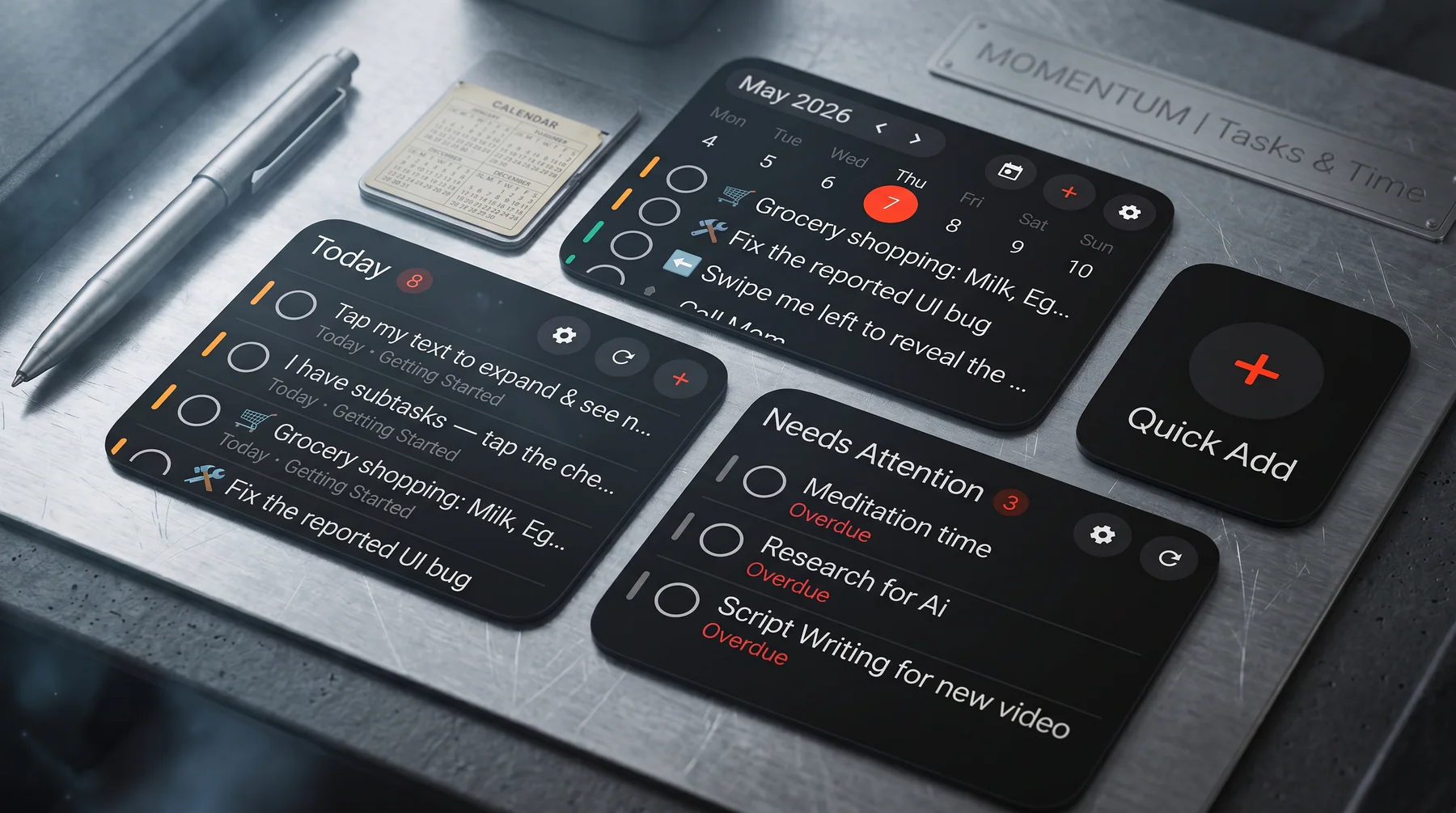
This is where Listro is positioned: a privacy-first offline to-do list app for Android with daily planning, reminders, habits, projects, Google Drive app-data backup, and home-screen widgets.
Competitor comparison
Use this table as a practical starting point. It is not a claim that one app is best for everyone.
| App | Best for | Privacy/offline angle |
|---|---|---|
| Todoist | Cross-platform task management, natural task entry, teams, integrations | Strong ecosystem, but not a local-first Android-only app |
| TickTick | Feature-rich planning with calendar, habits, Pomodoro, and productivity views | Powerful all-in-one system, but can feel heavy for simple private planning |
| Any.do | To-do lists, calendar, daily planner, reminders, family/team use | Strong calendar/planner workflow, more cloud-connected by design |
| Microsoft To Do | Free task lists inside the Microsoft ecosystem | Good default option if you already use Microsoft services |
| Google Tasks | Simple Google-native tasks tied to Gmail and Calendar | Easy for Google users, but limited as a private standalone planner |
| Tasks.org | Open-source Android task lists and reminders | Strong privacy-friendly and open-source option |
| Everdo | Offline-first GTD-style task management | Strong private task manager for users who like GTD structure |
| Listro | Android-first personal productivity, offline planning, widgets, private backup | Local-first task storage, no Diveno Labs task-content server, Android widget workflow |
When Listro is a better fit
Listro is worth considering if you are searching for:
- privacy-first to-do list app for Android
- offline to-do list app for Android
- local-first task manager Android
- simple Android task manager with widgets
- private daily planner app Android
- no account to-do list app Android
- Android to-do app with local backup
The core idea is simple: your personal tasks should not need a heavy project-management workspace.
Listro focuses on the Android user who wants to capture tasks fast, see the day clearly, track habits, keep reminders close, and use widgets without turning a private task list into team software.
When a big competitor is better
Choose Todoist, TickTick, Any.do, Microsoft To Do, or Google Tasks if your main need is:
- Syncing across many operating systems
- Team task sharing
- Workplace integrations
- Email-to-task workflows
- Enterprise or family collaboration
- A free default tool inside Microsoft or Google
- Advanced calendar ecosystems
Those are real advantages. Listro should not pretend otherwise.
What privacy-first means in daily use
A private task manager should feel boring in the right places. You should know where your task data lives, what backup does, and whether the app maker runs a server that stores your private task content.
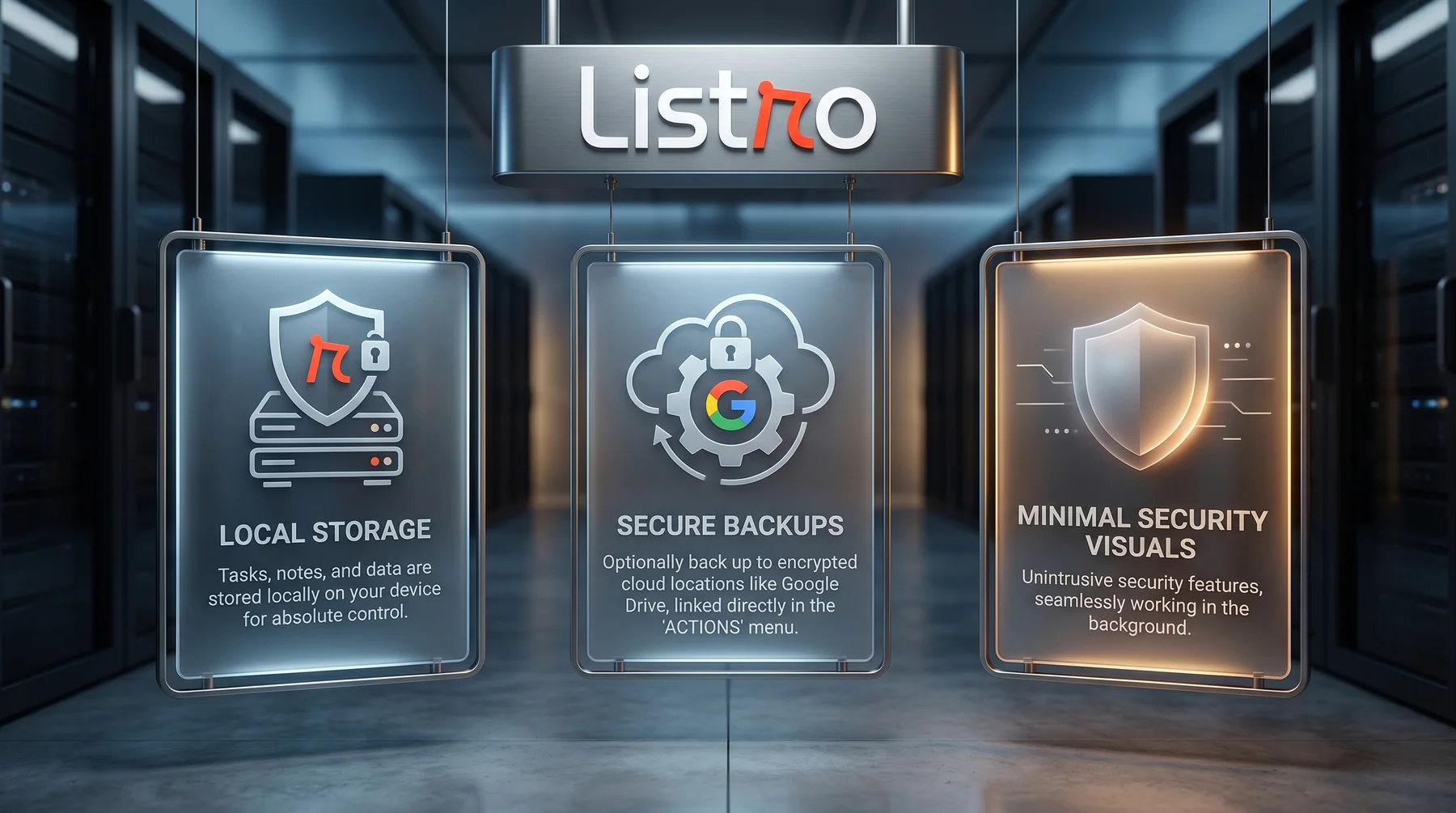
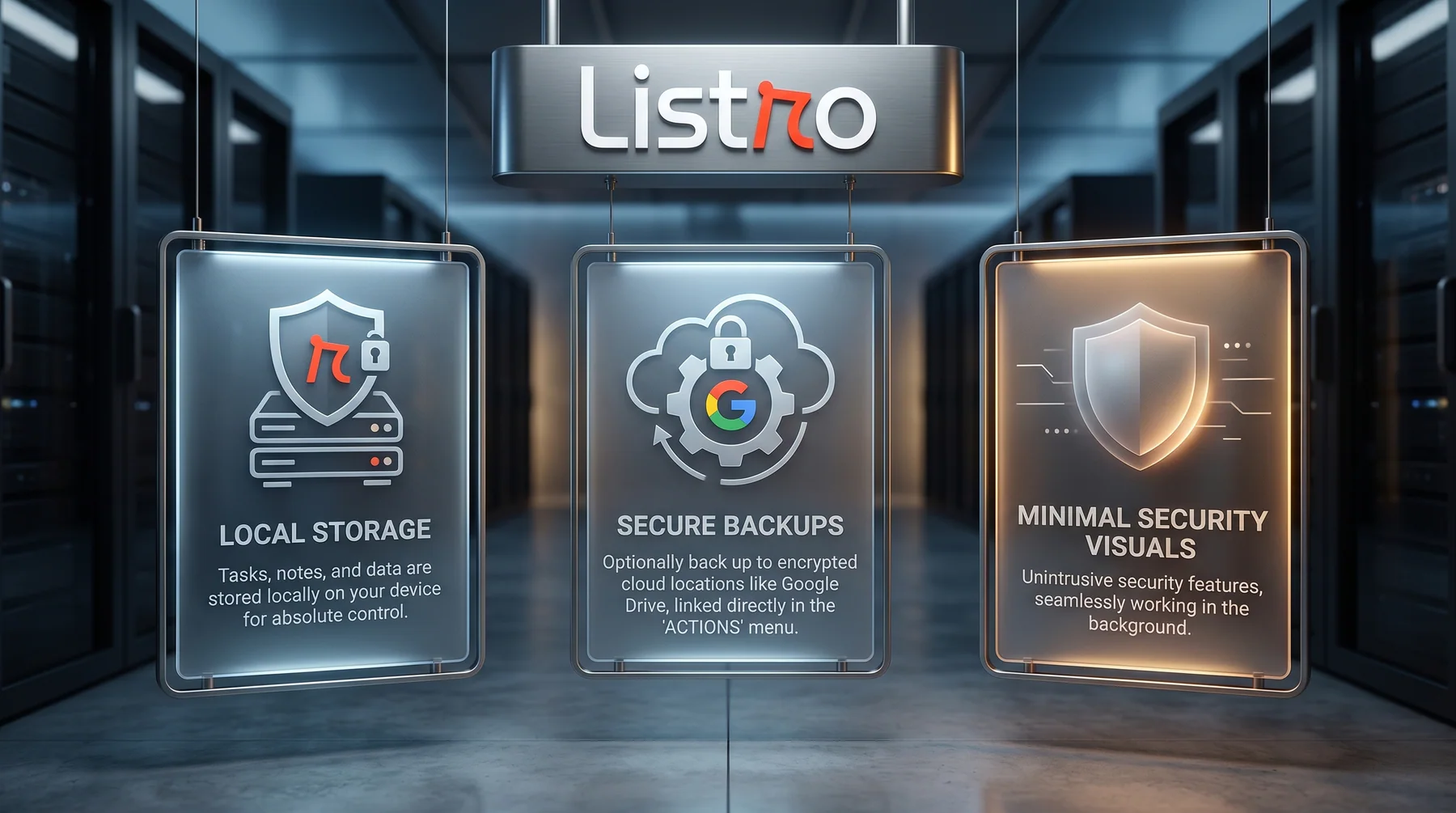
For Listro, the core task workflow is local-first. Tasks, habits, projects, and daily planning data live on your Android device. Optional backup uses your own Google Drive app-data folder, and Diveno Labs does not operate a task-content server for your lists.
The best keyword is also the best product promise
For Listro, the strongest search phrase is not just "to-do app." That is too broad.
The stronger promise is:
A privacy-first offline Android to-do list app with widgets.
That phrase describes the user who is most likely to care about Listro: someone who wants private task planning, offline reliability, Android-first design, and home-screen task visibility without a cluttered productivity system.
Try Listro
If you want a calmer Android task manager, start with the official product page:
For more context, read why offline-first task apps are better for personal productivity and the guide to choosing a simple Android to-do list app.
Frequently asked questions
What is a privacy-first to-do list app?
A privacy-first to-do list app is designed to reduce unnecessary exposure of personal tasks, notes, habits, reminders, and planning data.
Is an offline to-do list app better for privacy?
Offline support can help because task planning does not need to depend on a cloud workspace for everyday use. Privacy still depends on the app's full design, backup model, analytics, and account requirements.
Which Android to-do app should I choose?
Choose a large cross-platform app if you need team collaboration and broad integrations. Choose a privacy-first Android task app like Listro if you want local-first planning, offline task capture, widgets, and a calmer personal workflow.
Try Listro
Plan your day with a cleaner Android task app.
Listro helps you capture tasks, organize priorities, use home screen widgets, and keep your planning private on Android.
Explore Listro for Android