Task ideas do not wait for perfect internet.
They appear while commuting, sitting in a meeting, walking through a store, preparing for sleep, or switching between work and home. A productivity app should be ready in those moments.
That is why offline-first task apps matter.
What offline-first means
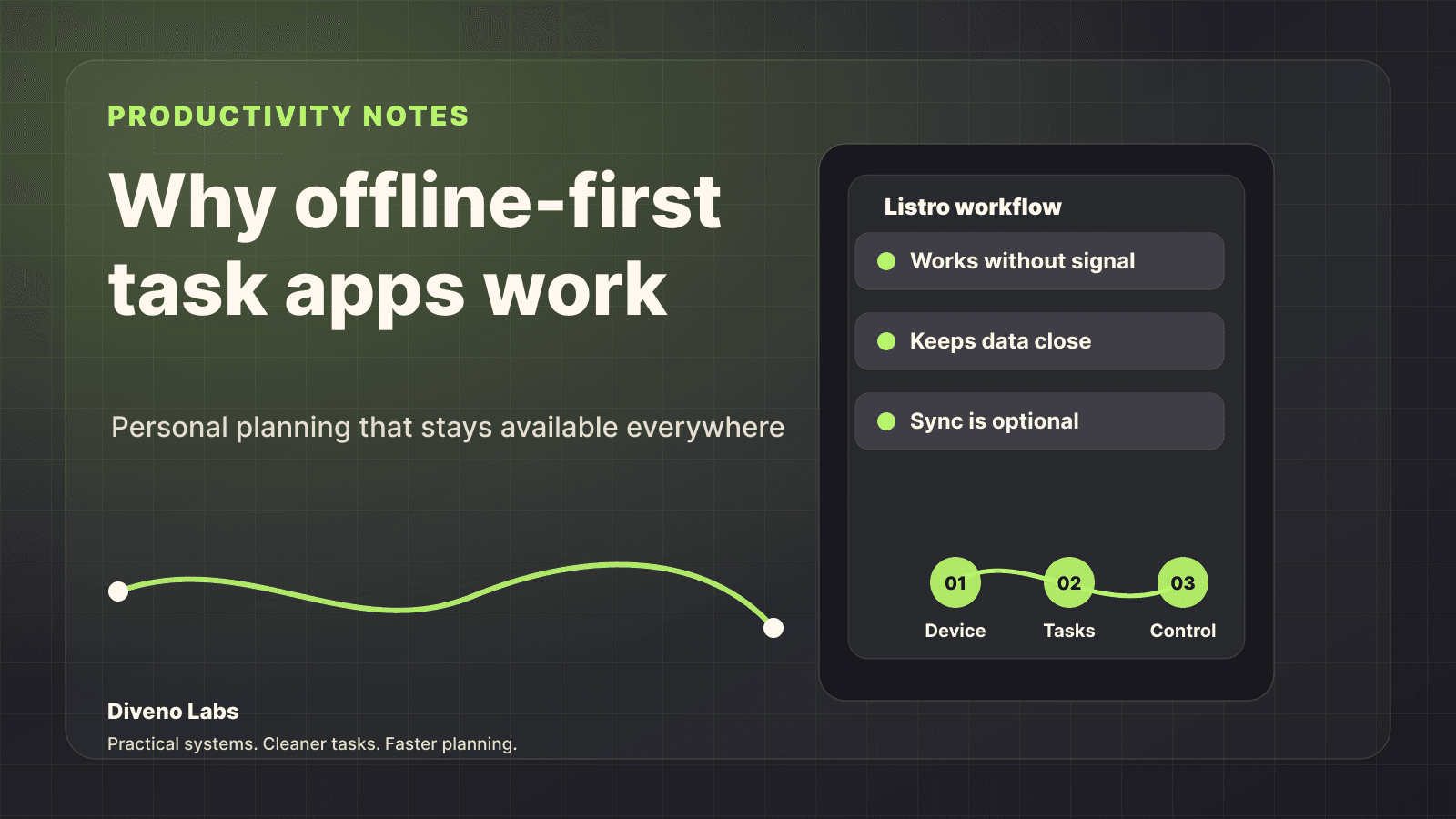
Offline-first means the app is designed so the core experience works even when the network is weak, slow, or unavailable.
For a task app, the core experience is simple:
- Add a task
- Edit a task
- Review what needs attention
- Plan the day
- Mark work complete
If those actions depend on a network request, the app can fail at the worst possible moment.
Why this matters for personal productivity
Personal productivity is built on small moments of capture and review. If an app makes you wait, sign in again, refresh, or handle sync errors before writing down a thought, the moment is already damaged.
Offline-first design protects that moment.
It makes the app feel like a notebook: available when you open it.
Benefits of offline-first task apps
Faster capture
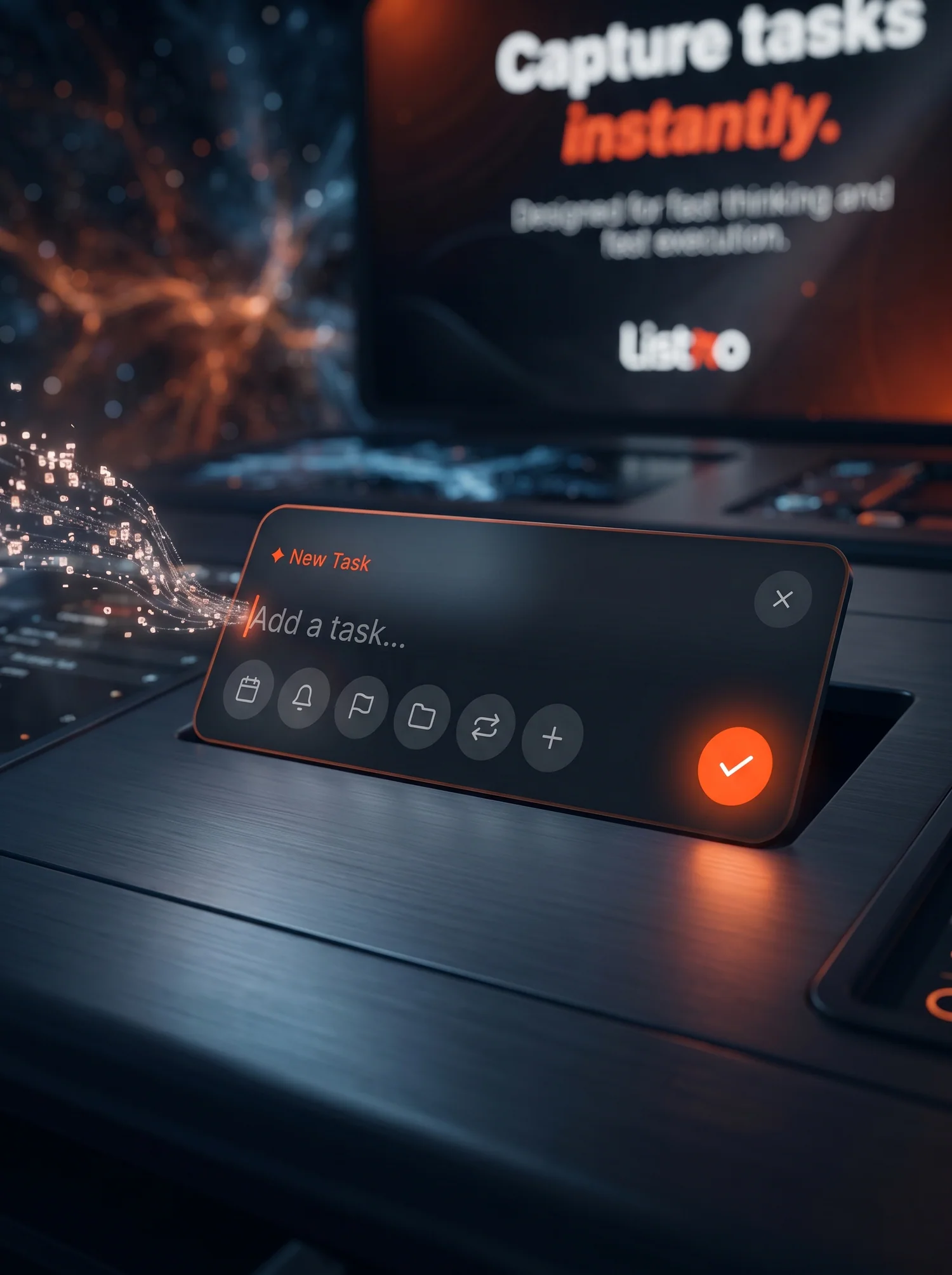
The task should appear as soon as you write it. No spinner, no delay, no feeling that the app needs permission from the network before helping you.
Fast capture matters because many tasks are small and easy to forget.
Better reliability
An offline-first app is useful in trains, basements, low-signal offices, travel situations, and overloaded networks.
That reliability makes the app easier to trust.
More user control
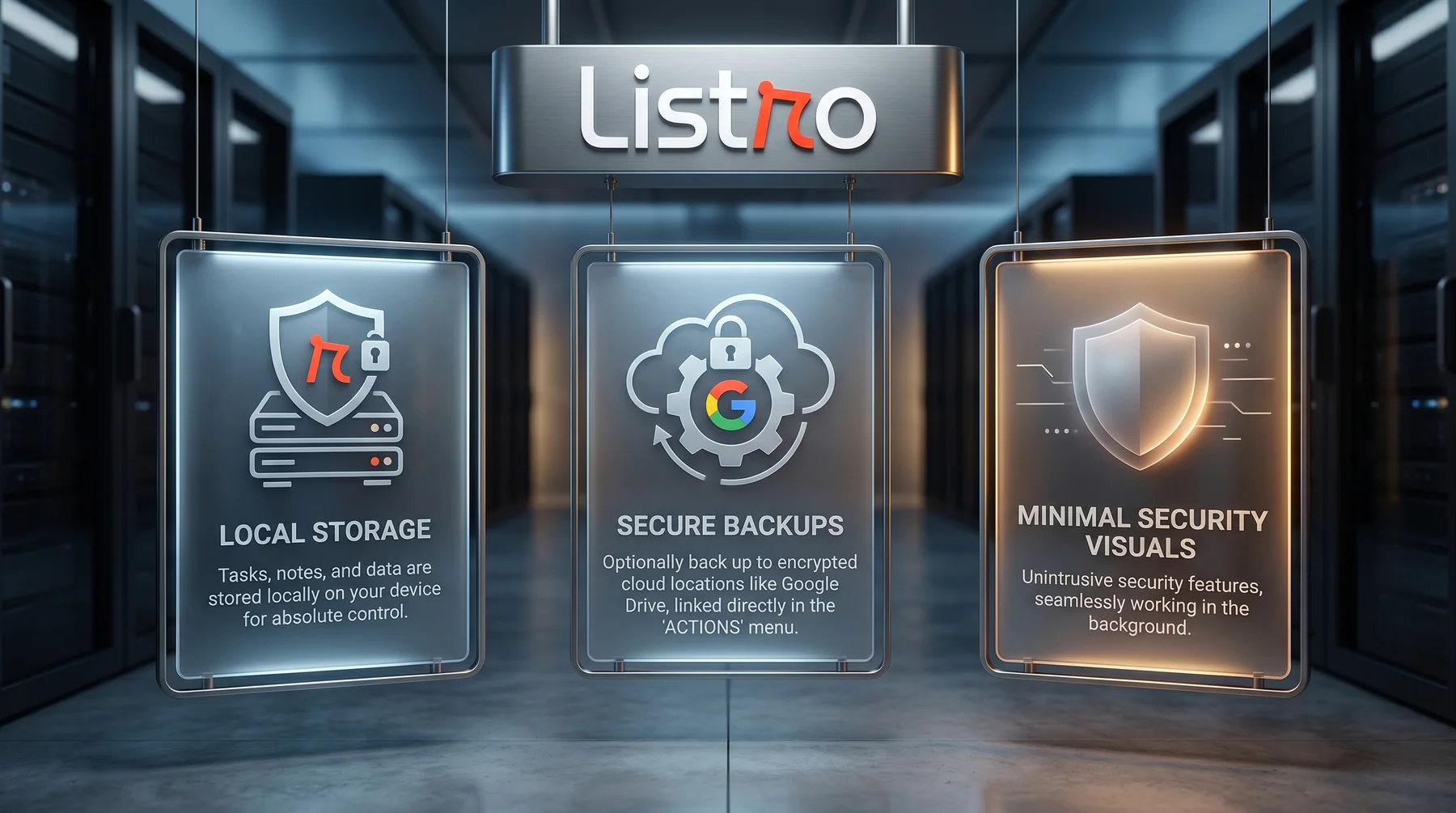
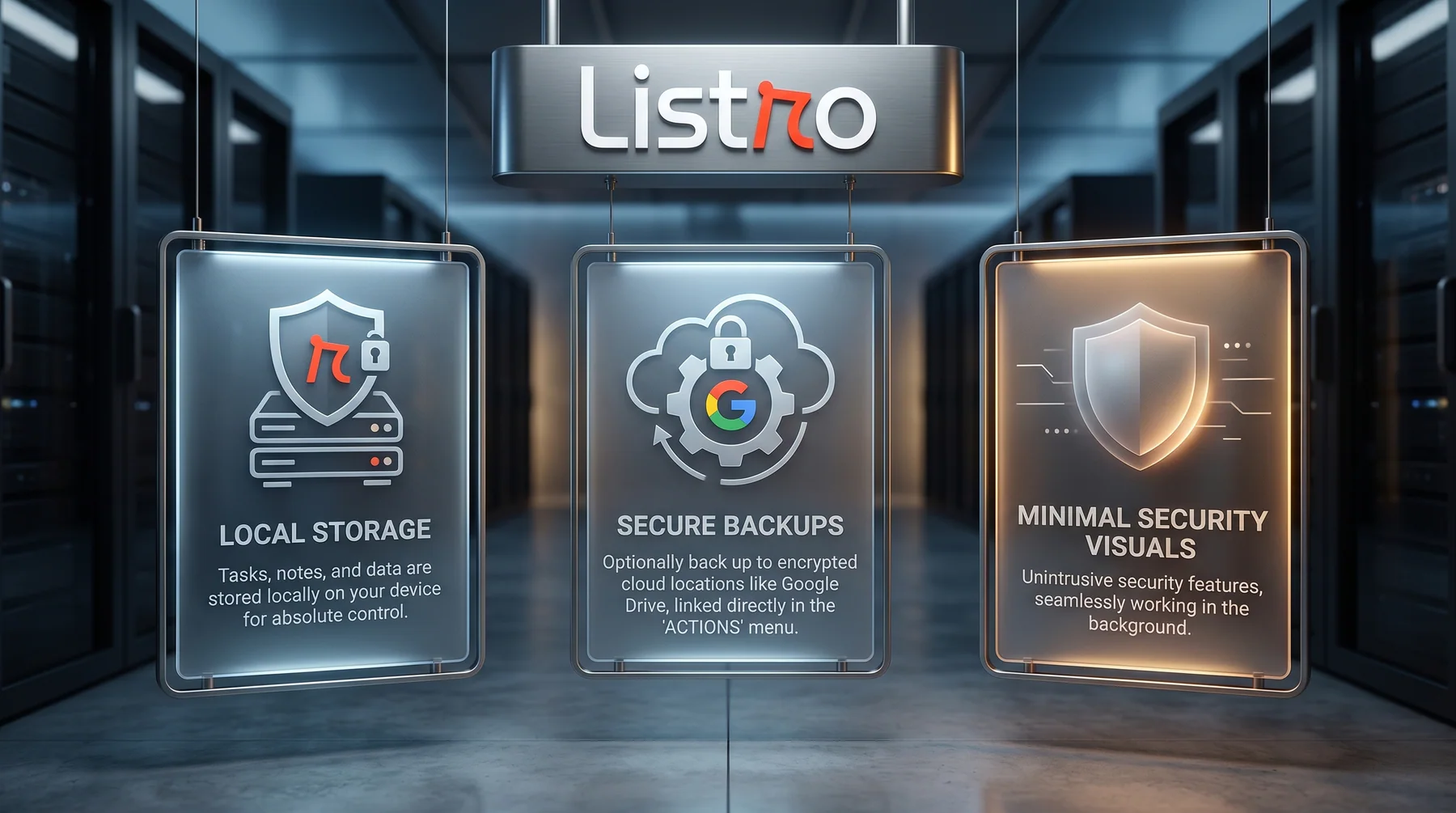
Offline-first design often pairs well with a privacy-first mindset. When the app does not need to send every action somewhere before it works, the user has more control over their planning flow.
That does not mean cloud sync is always bad. It means the basic task workflow should not be helpless without it.
Less mental friction
When a task app works predictably, users stop thinking about the app and start thinking about the work.
That is the point.
Offline-first vs cloud-only task apps
| App style | Strength | Weakness |
|---|---|---|
| Offline-first | Fast, reliable, private-feeling daily capture | Sync features may be more selective |
| Cloud-only | Easier multi-device collaboration | Can feel slow or fragile when connectivity is poor |
| Team project tool | Strong for shared work | Often too heavy for personal planning |
For personal task management, offline-first is often the most comfortable default.
How Listro uses this thinking
Listro for Android is built around a privacy-first, local-first productivity style. The focus is not to make planning look complicated. The focus is to help users capture tasks, organize the day, and keep momentum.
That makes Listro a natural fit for people searching for:
- Offline task app
- Android to-do list app
- Privacy-first productivity app
- Simple daily planner
- Personal task manager
You can also read the main Listro privacy-first Android app guide, the competitor-focused guide to privacy-first Android to-do list apps, or the broader checklist on choosing a simple Android to-do list app.
When offline-first matters most
Offline-first planning is especially useful when:
- You capture ideas throughout the day.
- Your tasks are personal.
- You do not want account systems to slow you down.
- You travel or work in inconsistent network conditions.
- You want a task app that feels dependable.
The value is not dramatic. It is practical.
Try Listro
If you want a cleaner Android task workflow with a privacy-first mindset, start here:
Final thought
The best productivity tools disappear into the routine. Offline-first task apps do that by staying available, fast, and calm when the user needs them.
That is a strong foundation for personal productivity.
Frequently asked questions
What does offline-first mean in a task app?
Offline-first means the core task workflow is designed to remain useful even when the device has weak or no internet access.
Why is offline-first useful for productivity?
It keeps task capture and daily planning available at the exact moment the user needs it, without waiting for network calls or account systems.
Is Listro an offline-first productivity app?
Listro is built with a privacy-first, local-first productivity mindset for Android users who want simple task planning.
Try Listro
Plan your day with a cleaner Android task app.
Listro helps you capture tasks, organize priorities, use home screen widgets, and keep your planning private on Android.
See Listro for Android