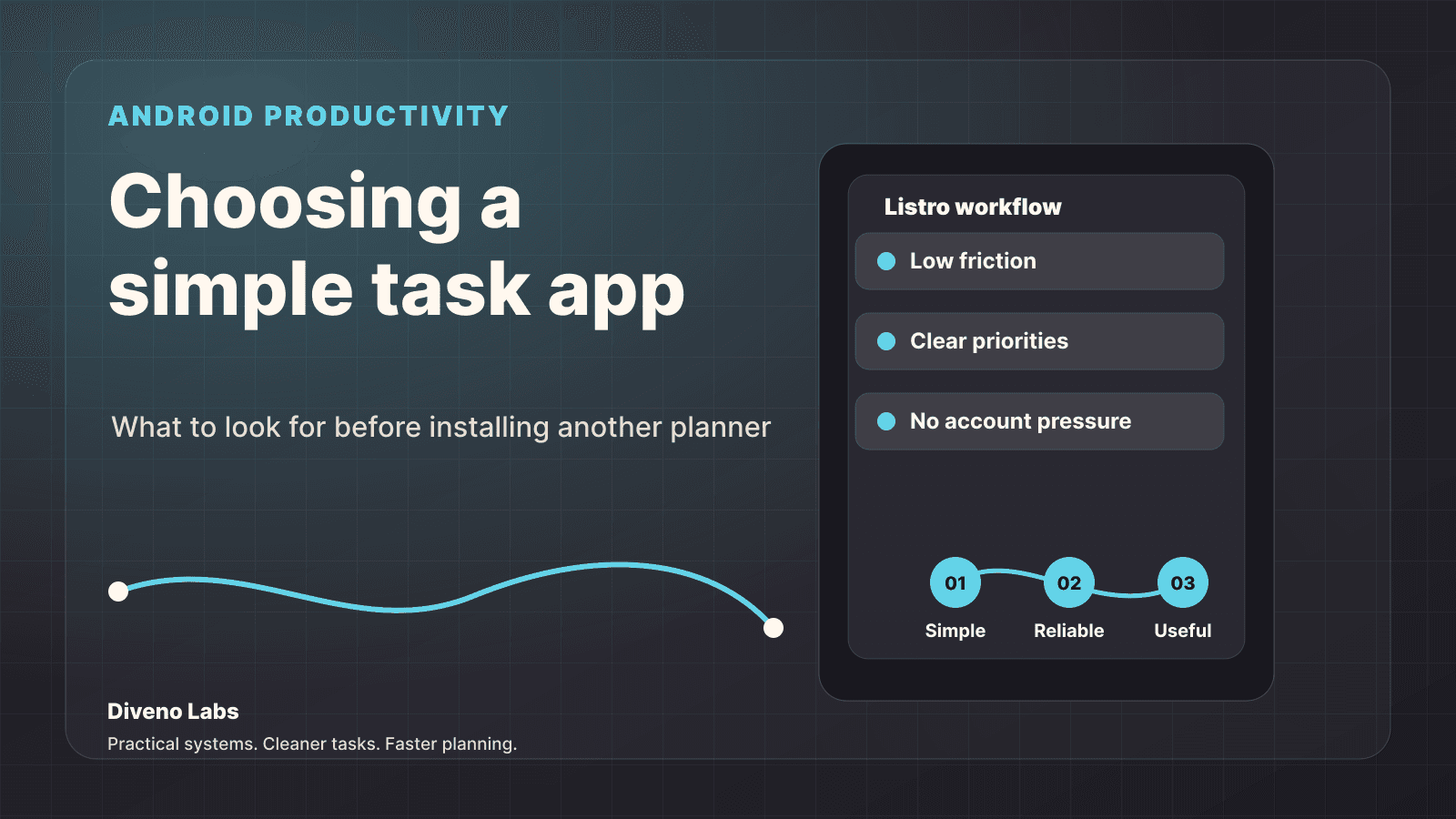
The best Android to-do list app is not always the one with the most features. For many people, the best app is the one that opens quickly, lets them capture a task, and does not turn a small reminder into a system they have to maintain.
If you want a simple task app, the real question is not "Which app has the biggest feature list?" The better question is:
Which app will I still use when the day gets busy?
What makes a good Android to-do list app
A strong to-do list app should help with ordinary planning. That means it needs to feel useful during real life, not only in screenshots.
Look for these basics:
- Fast task capture
- Clear daily planning
- Simple editing
- Useful reminders
- A calm interface
- Privacy-friendly behavior
- Offline reliability
If an app cannot do these well, extra features will not save it.
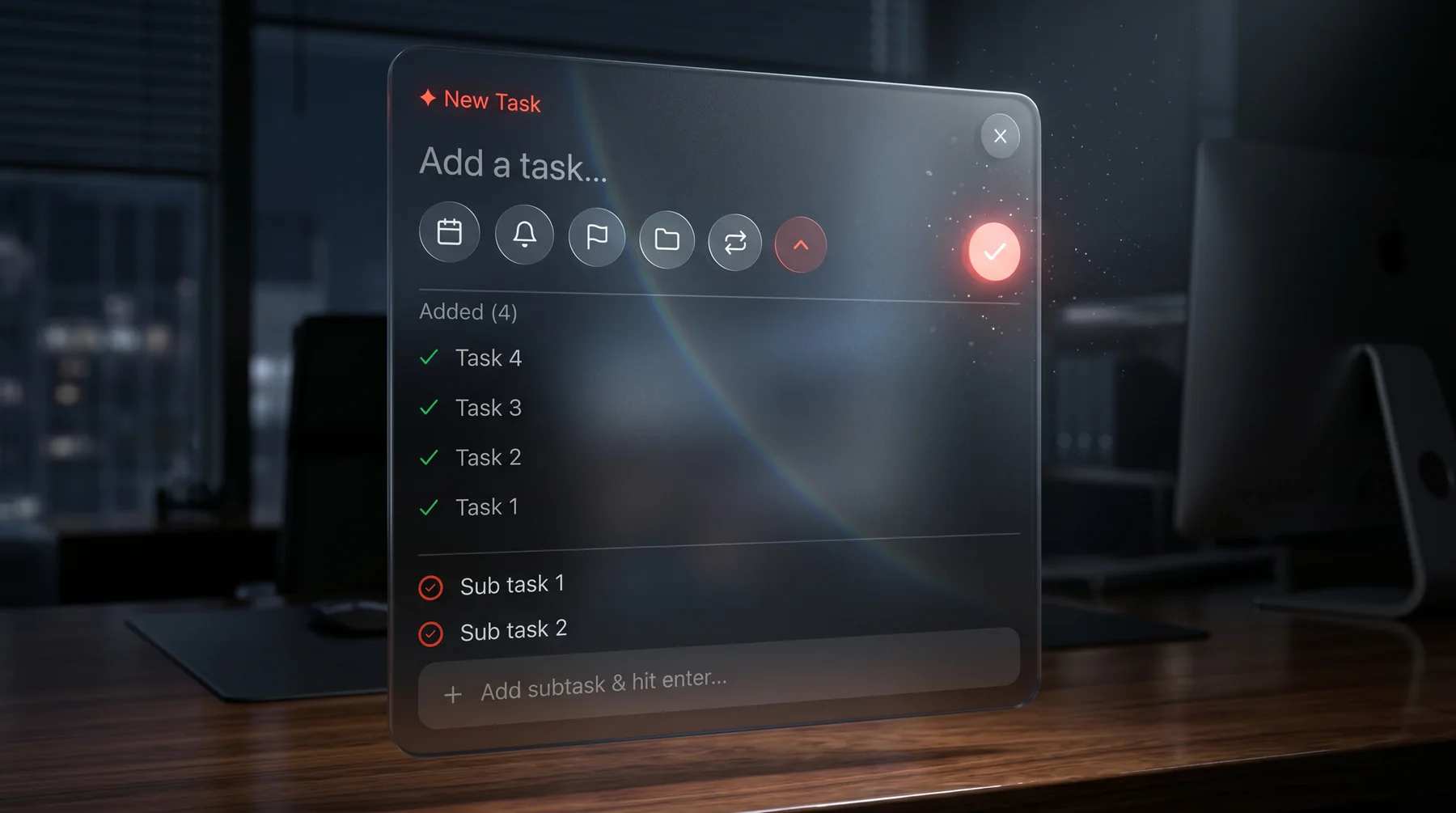
Simplicity matters more than complexity
Many productivity apps fail because they create too many decisions before the user can write down a task.
Should the task be a project, a label, a goal, a focus area, a sprint, a calendar block, or a recurring objective?
Sometimes the answer is simpler:
Write it down. Decide the next action. Finish it.
That is the heart of a good personal task manager.
A simple checklist before choosing an app
Use this checklist before installing another planner.
| Need | Why it matters |
|---|---|
| Quick capture | You should be able to add a task before the thought disappears. |
| Low clutter | The interface should not compete with your actual work. |
| Privacy | Personal tasks should not require unnecessary exposure. |
| Offline use | Planning should still work when the network does not. |
| Clear completion | The app should make progress easy to understand. |
The right app does not need to win every category with a flashy feature. It needs to make daily use feel natural.
Where Listro fits
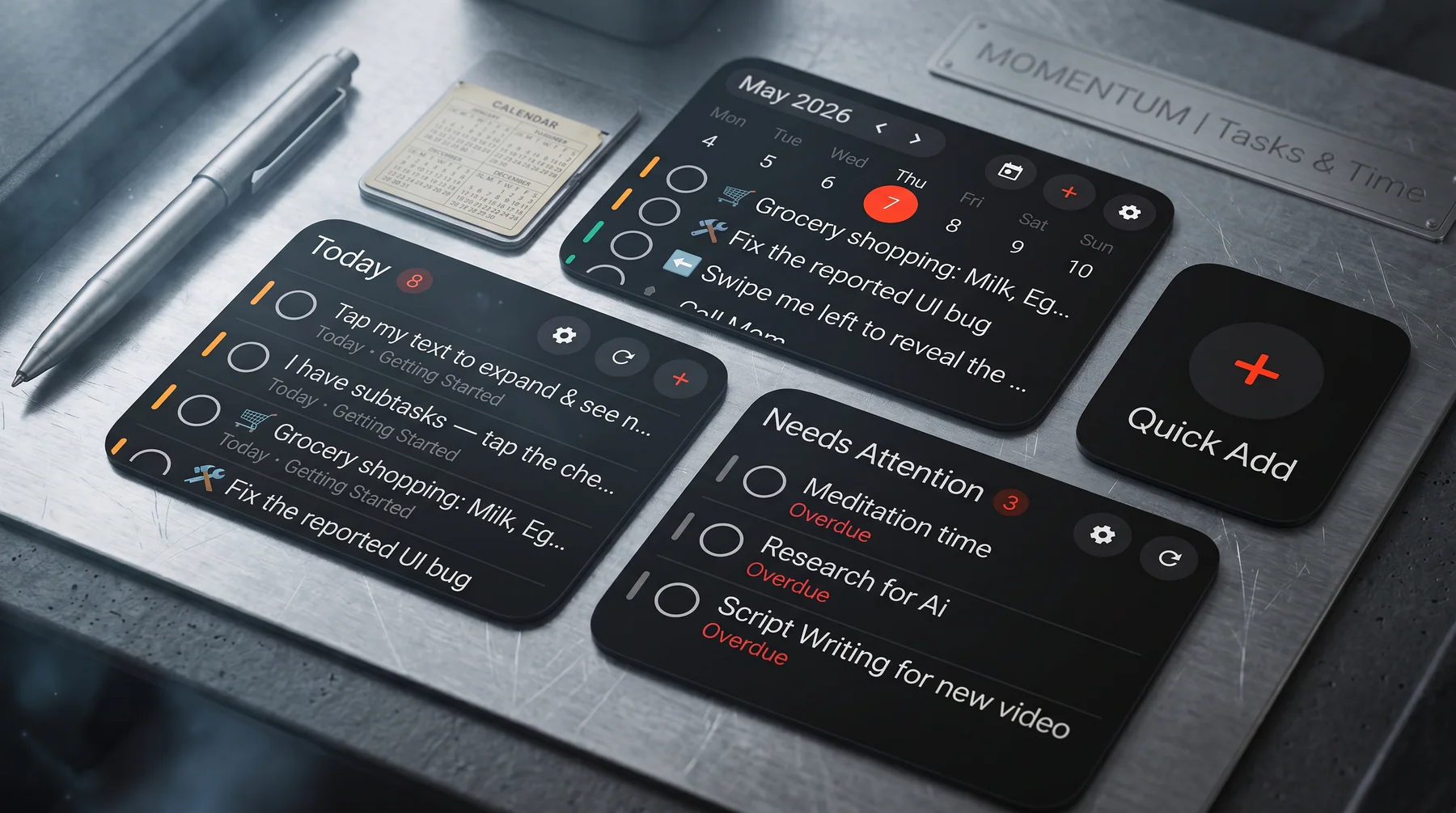
Listro is Diveno Labs' Android to-do list app for people who want a simple, privacy-first productivity tool.
It is designed around a cleaner personal workflow:
- Capture the task.
- Organize what matters.
- Finish the work without extra noise.
That makes it a useful option for users searching for a simple Android to-do list app rather than a heavy team workspace.
For the product-specific overview, read Listro: A Privacy-First To-Do List App for Android. For the competitor and privacy angle, read Best Privacy-First To-Do List Apps for Android. For the reliability angle, read why offline-first task apps are better for personal productivity.
When a lightweight task app is enough
A personal to-do list app is usually enough when your tasks are:
- Mostly personal
- Short-lived
- Easy to review daily
- Not dependent on a large team
- Better handled privately
For example, errands, content ideas, habit notes, daily work items, and reminders usually do not need enterprise project management.
They need a reliable place to live.
When you need something heavier
A larger project management tool can make sense if you need:
- Team assignments
- Client approvals
- Multi-person reporting
- Complex deadlines
- Shared documentation
But for personal productivity, heavier tools often create more work than they remove.
Simple task app comparison checklist
Use this comparison style before choosing an Android task manager. It keeps the decision grounded in the way you actually plan.
| App type | Best for | Watch out for |
|---|---|---|
| Simple to-do list app | Personal tasks, reminders, habits, errands, and daily planning | Too few planning tools if you manage large team projects |
| Offline-first task app | Private planning, travel days, weak networks, and fast capture | Cloud sharing may be less central |
| Team project manager | Shared ownership, reporting, approvals, and multi-person delivery | Can feel heavy for personal productivity |
| Widget-first Android planner | Quick add, today review, and home-screen task visibility | Needs thoughtful notification and widget design |
For many Android users, the best starting point is a simple to-do list app with offline reliability, private storage, clear reminders, and widgets that make the next task visible.
Try a cleaner Android task workflow
If you want a focused Android productivity app, visit the official Listro page:
Final thought
The best to-do list app for Android is the one that helps you move from thought to action with the least friction.
For many users, that means choosing simplicity first.
Frequently asked questions
What should I look for in a simple Android to-do list app?
Look for fast task capture, clear daily planning, reliable reminders, privacy-friendly behavior, and a design that does not make small tasks feel complicated.
Is a simple to-do list app better than a project management app?
For personal productivity, yes. A lightweight to-do list app is often easier to maintain than a team project management system.
Where can I learn more about Listro?
You can learn more on the official Diveno Labs Listro page at /apps/listro.
Try Listro
Plan your day with a cleaner Android task app.
Listro helps you capture tasks, organize priorities, use home screen widgets, and keep your planning private on Android.
Explore Listro for Android