Most to-do list apps try to become the center of your entire life. They add teams, feeds, templates, dashboards, points, dashboards for the dashboards, and then somehow the simple task you wanted to write down becomes a small project.
Listro is built with a quieter idea: a to-do list app should help you capture what matters, plan the next useful action, and get back to the day.
Listro for Android is the Diveno Labs productivity app for people who want a simple task manager with a privacy-first mindset.
Why Listro exists
There are two common problems with personal productivity apps:
- They are too heavy for daily use.
- They ask users to trust too much data to accounts, servers, and syncing systems they may not need.
For many people, a task list is not a company database. It is personal. It contains reminders, errands, habits, ideas, appointments, and the loose thoughts that appear during the day.
That kind of planning tool should feel fast, calm, and respectful.
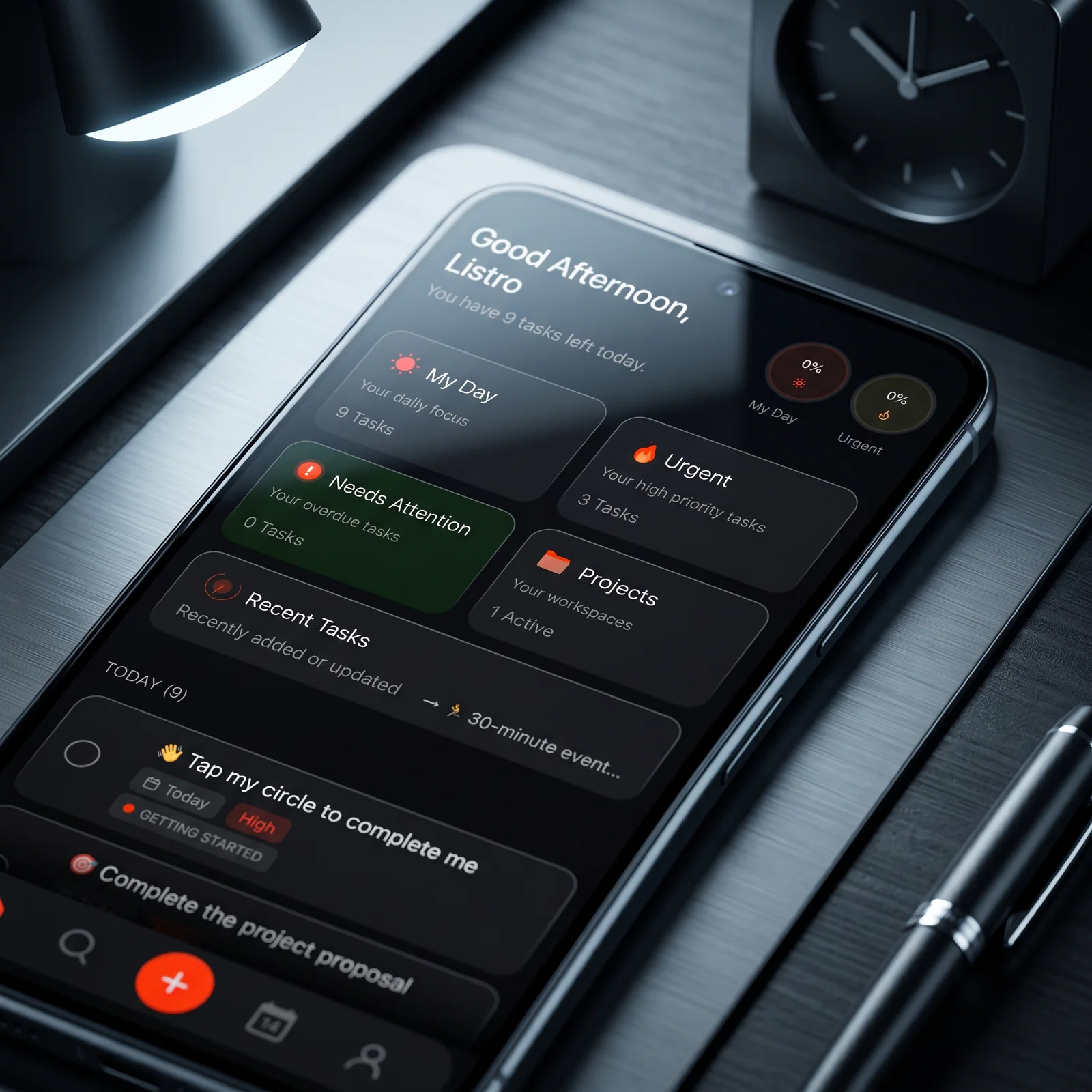
What privacy-first means for a to-do list app
Privacy-first does not mean the app has to be complicated. In a task app, it starts with simple product decisions:
- Keep daily planning focused on the user.
- Avoid unnecessary account pressure.
- Make the core task flow feel useful without extra noise.
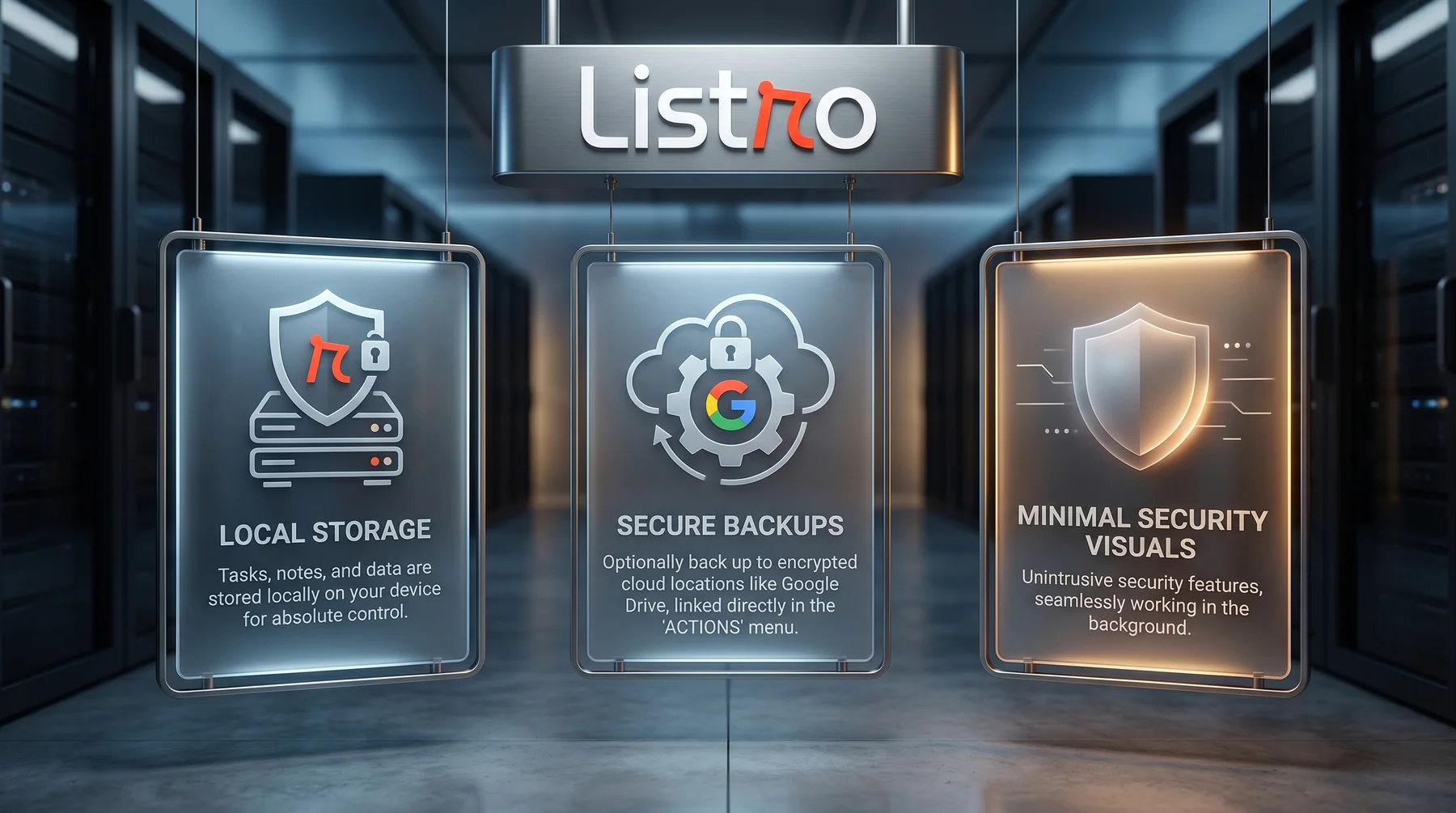
- Treat personal task data as something that should stay close to the user.
The goal is not to make productivity dramatic. The goal is to make task capture and daily planning feel reliable.
Who Listro is for
Listro is a good fit if you want an Android task app for:
- Personal tasks
- Daily planning
- Light project organization
- Habit-style reminders
- Private notes around what needs to get done
- A cleaner alternative to bloated productivity tools
It is especially useful for people who want a task manager that feels modern without becoming a full work management platform.
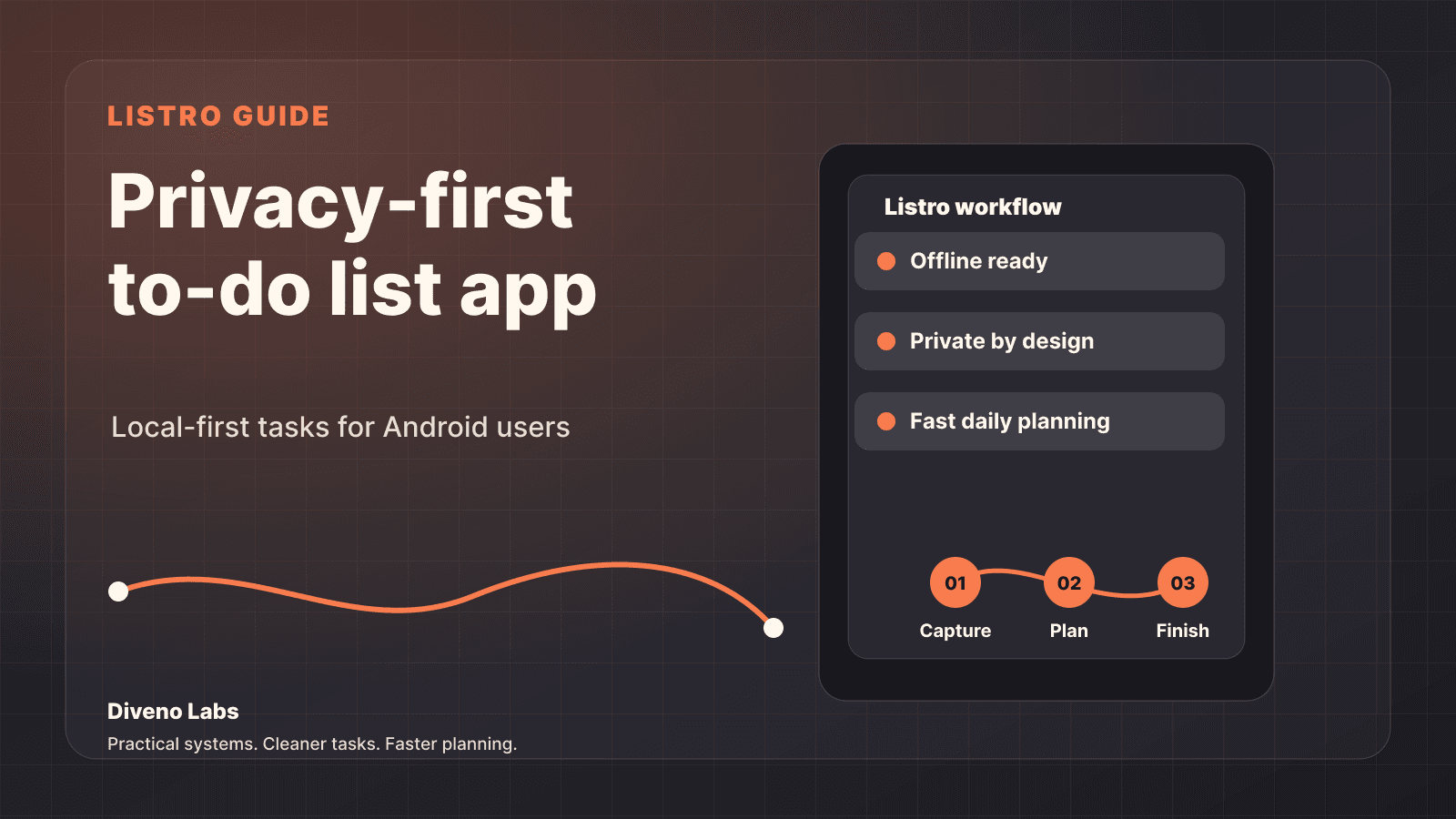
The basic Listro workflow
A useful task app should help with three moments.
Capture
The first job is getting the task out of your head quickly. A good to-do list app should reduce friction at the moment of capture.
If the app makes you think too much before writing the task, it has already slowed you down.
Plan
After capture, the app should help you decide what matters next. That might mean grouping tasks, reviewing priorities, or turning scattered items into a simple plan for the day.
Planning should make the day clearer, not heavier.
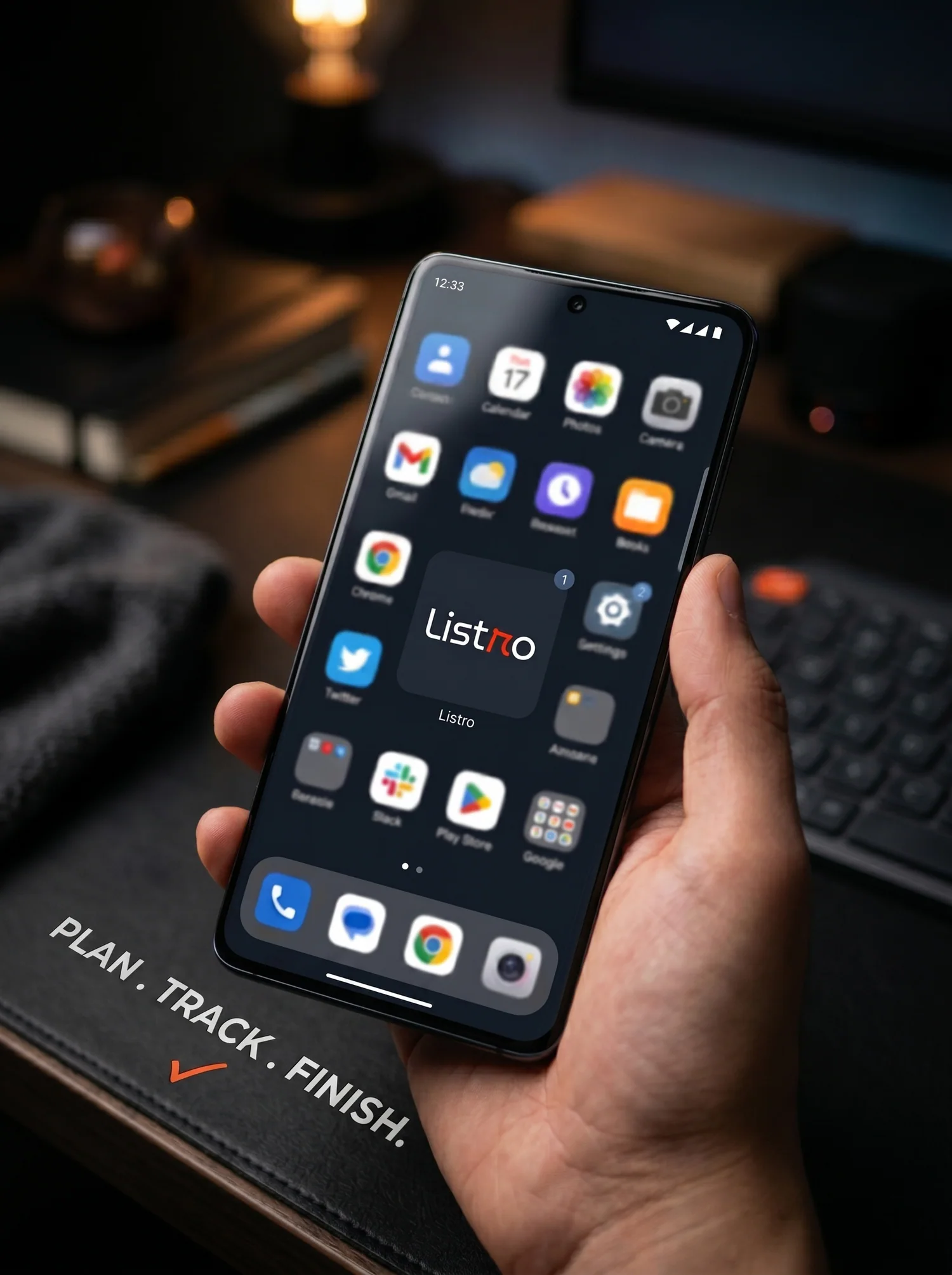
Finish
The final job is completion. A task app should help you see progress and close loops without making the process feel ceremonial.
The best productivity tools make finishing feel natural.
Why Android users may like this approach
Android users often want practical control. They want apps that feel native, responsive, and useful without forcing a rigid system.
Listro is positioned for that kind of user: someone who wants a to-do list app for Android that is simple enough to use every day and thoughtful enough to keep improving.
If you are comparing Todoist, TickTick, Any.do, Microsoft To Do, Google Tasks, and smaller private task managers, read the competitor-focused guide to privacy-first Android to-do list apps.
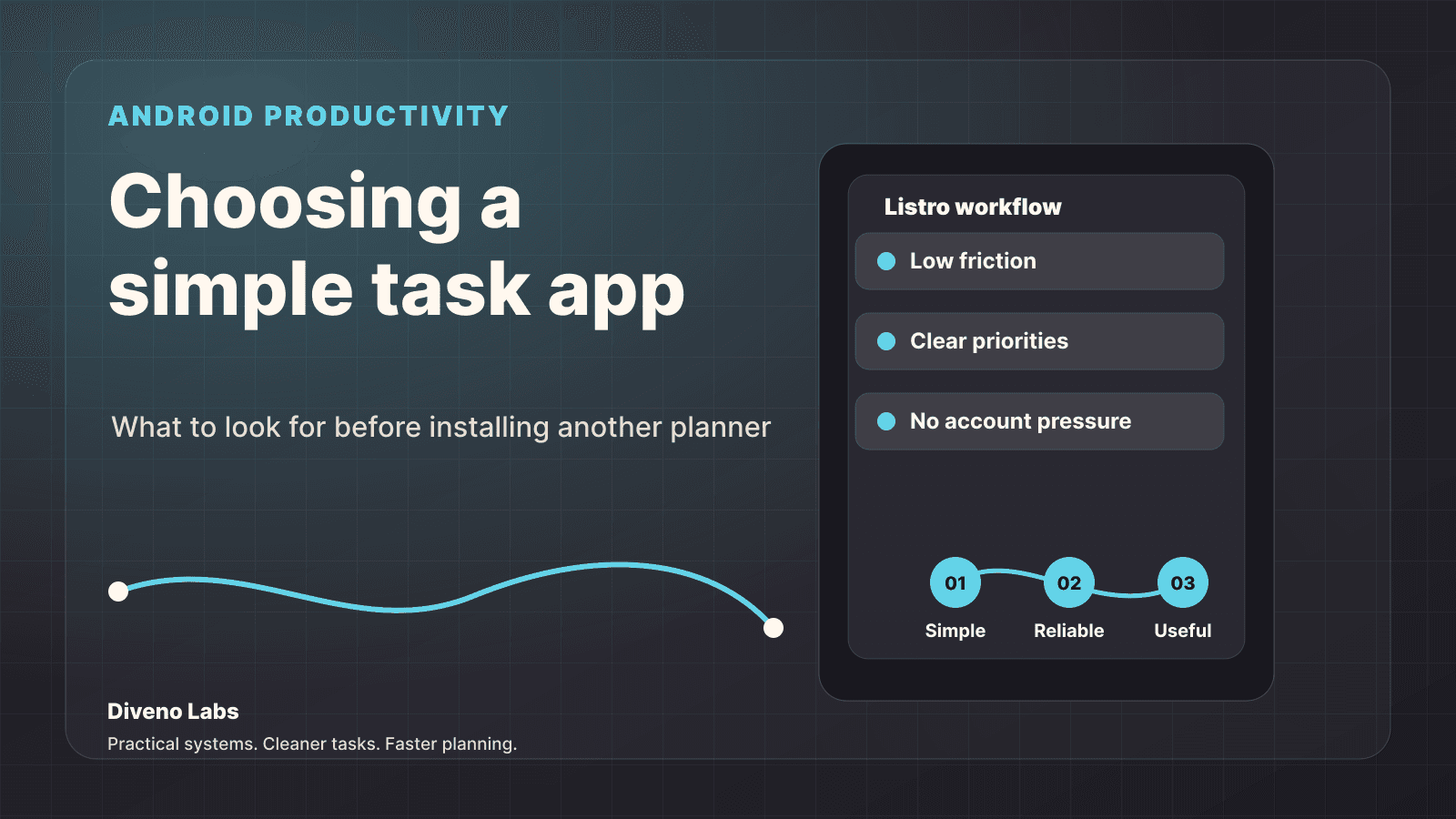
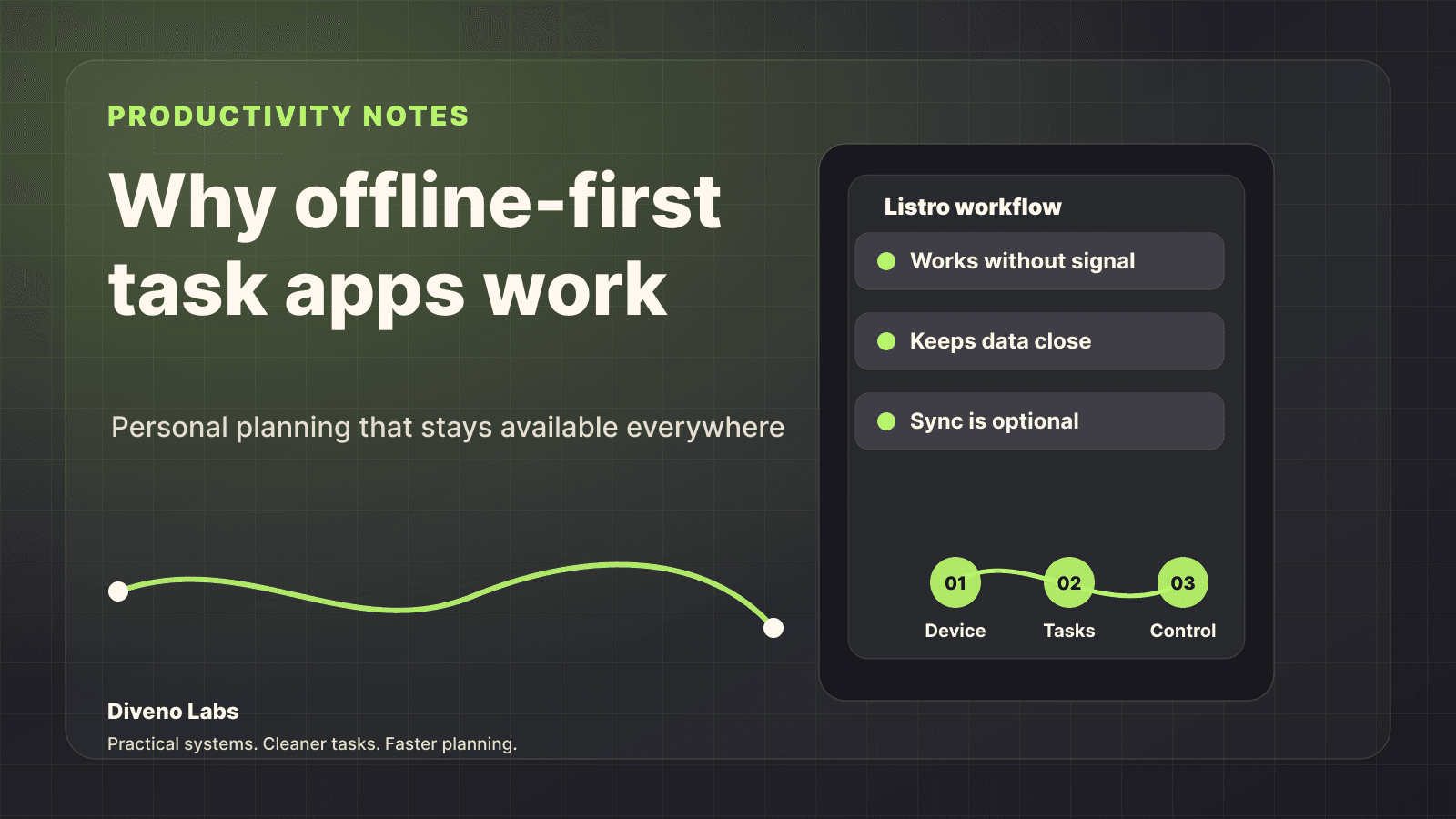
For a wider checklist, read how to choose a simple Android to-do list app. If privacy and reliability matter most, the offline-first task app guide explains why local-first planning is useful.
Try Listro
If you are looking for a privacy-first Android task manager, start with the official Diveno Labs product page:
Final thought
The best to-do list app is not the one with the longest feature list. It is the one you actually keep using.
Listro is built around that simple standard: capture tasks quickly, plan clearly, and keep personal productivity under your control.
Frequently asked questions
What is Listro?
Listro is a privacy-first Android to-do list app from Diveno Labs for capturing tasks, planning the day, and keeping personal productivity simple.
Is Listro available for Android?
Yes. Listro is built for Android users and is linked from the official Diveno Labs Listro product page.
Does Listro focus on privacy?
Yes. Listro is designed around a local-first productivity style so daily task planning can stay simple and private.
Try Listro
Plan your day with a cleaner Android task app.
Listro helps you capture tasks, organize priorities, use home screen widgets, and keep your planning private on Android.
Try Listro for Android