Your apps, within reach
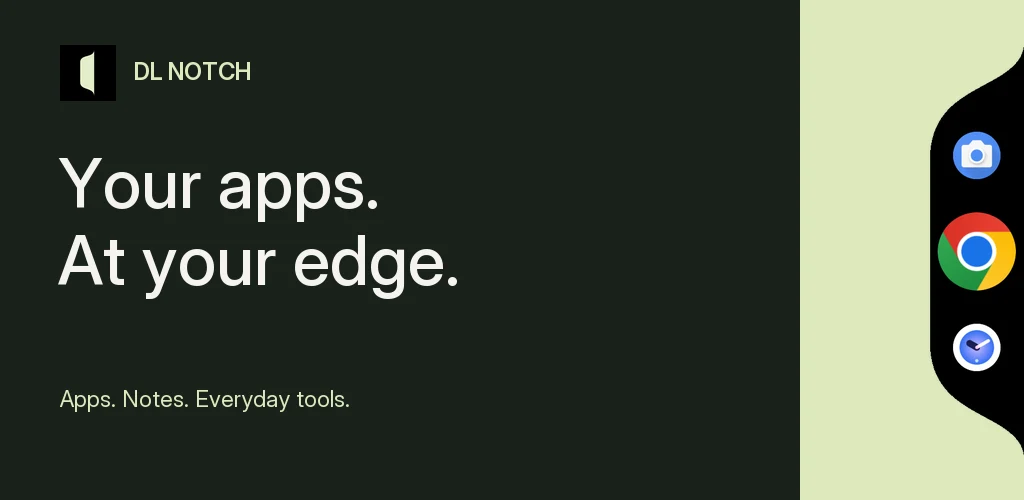
Open the handle, scroll to an app and tap to launch. Keep Favorites, Quick Access and your own folders close by.
 Diveno Labs
Available Soon · Early Access
Keep your favorite apps, saved notes and everyday tools within reach. DL Notch opens from a compact handle at the edge of your screen, with app folders, a Shelf for text and images, Quick Add, a calculator, and Timer and Focus tools.
Early access is coming soon. The download link will appear here when access opens.
A little closer to everything
Open the handle, scroll to an app and tap to launch. Keep Favorites, Quick Access and your own folders close by.
Save notes, replies, links and images. Open a saved item beside the dock, copy text or zoom into an image.
Write a note or tap Paste & Save for copied text. The floating editor moves above the keyboard while you type.
Work with decimal arithmetic, percentages and live results, then copy a result into another app.
Keep a countdown in the compact edge handle. Open its controls to pause, resume or end your session.
Choose either edge, adjust the vertical position and size, and set haptic feedback. The curved black dock opens with native spring animation.
Take a closer look
A preview of the apps, notes and tools inside DL Notch.
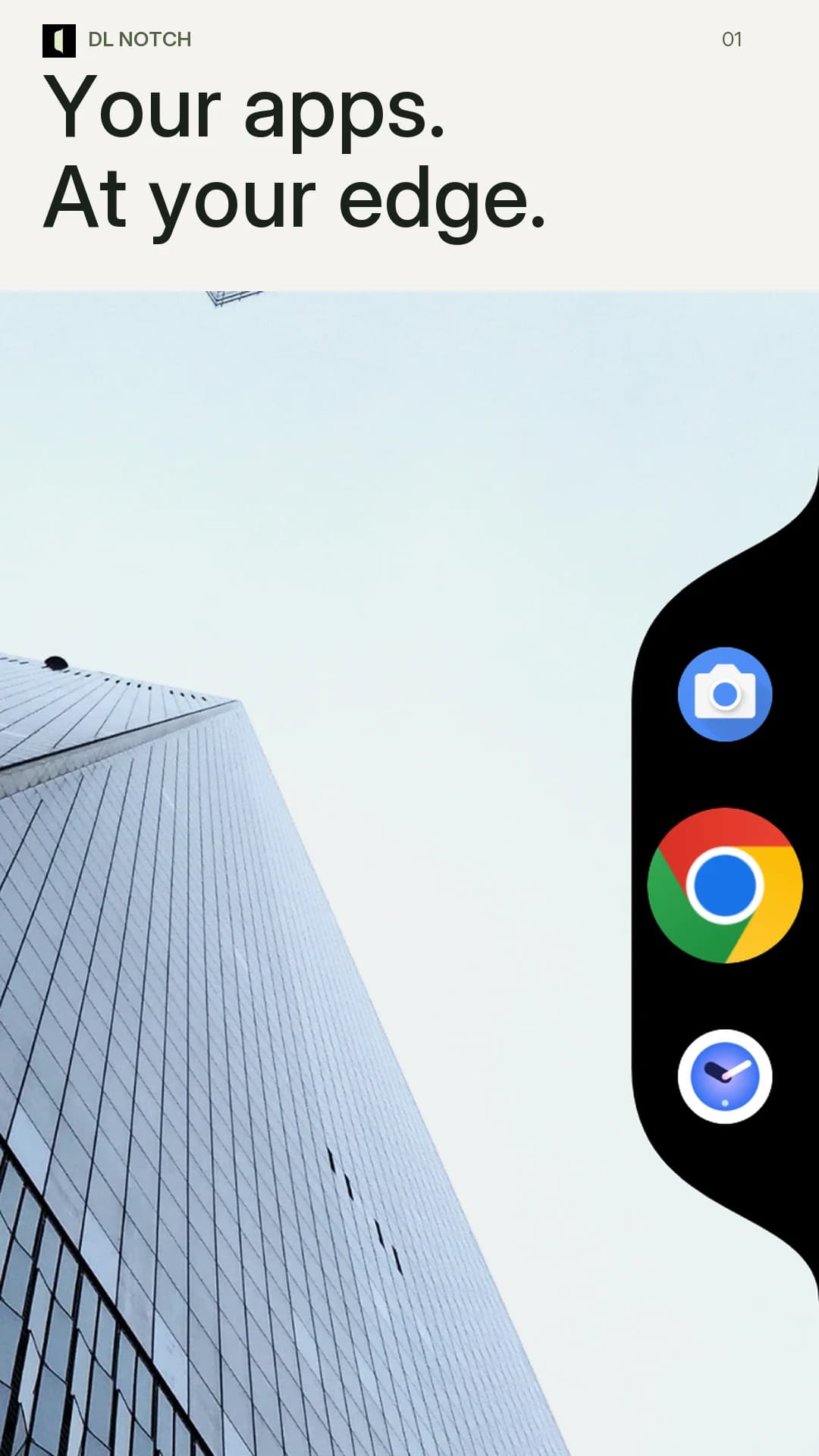
Favorite apps in a compact, curved dock.
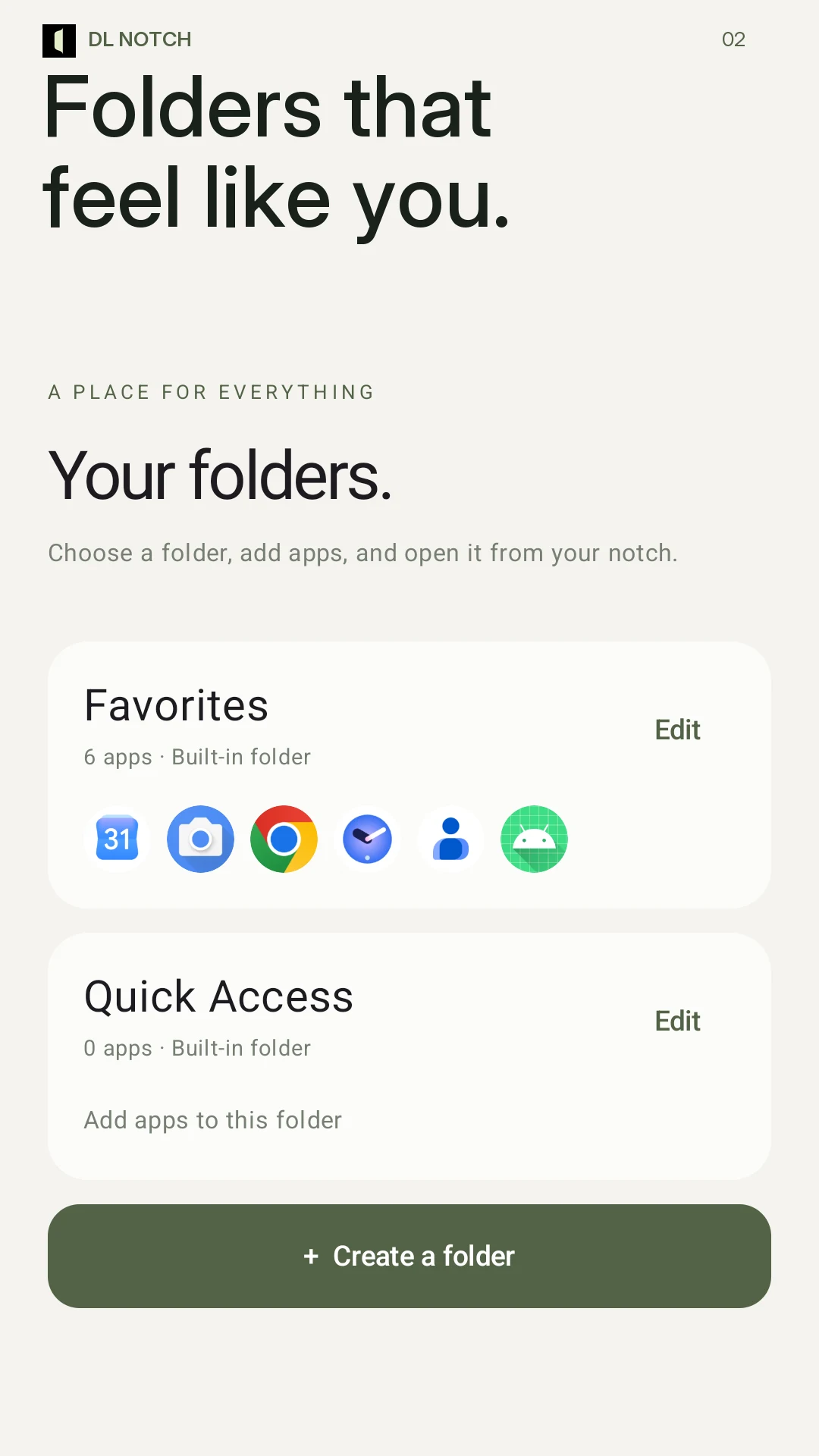
Favorites, Quick Access and custom collections.
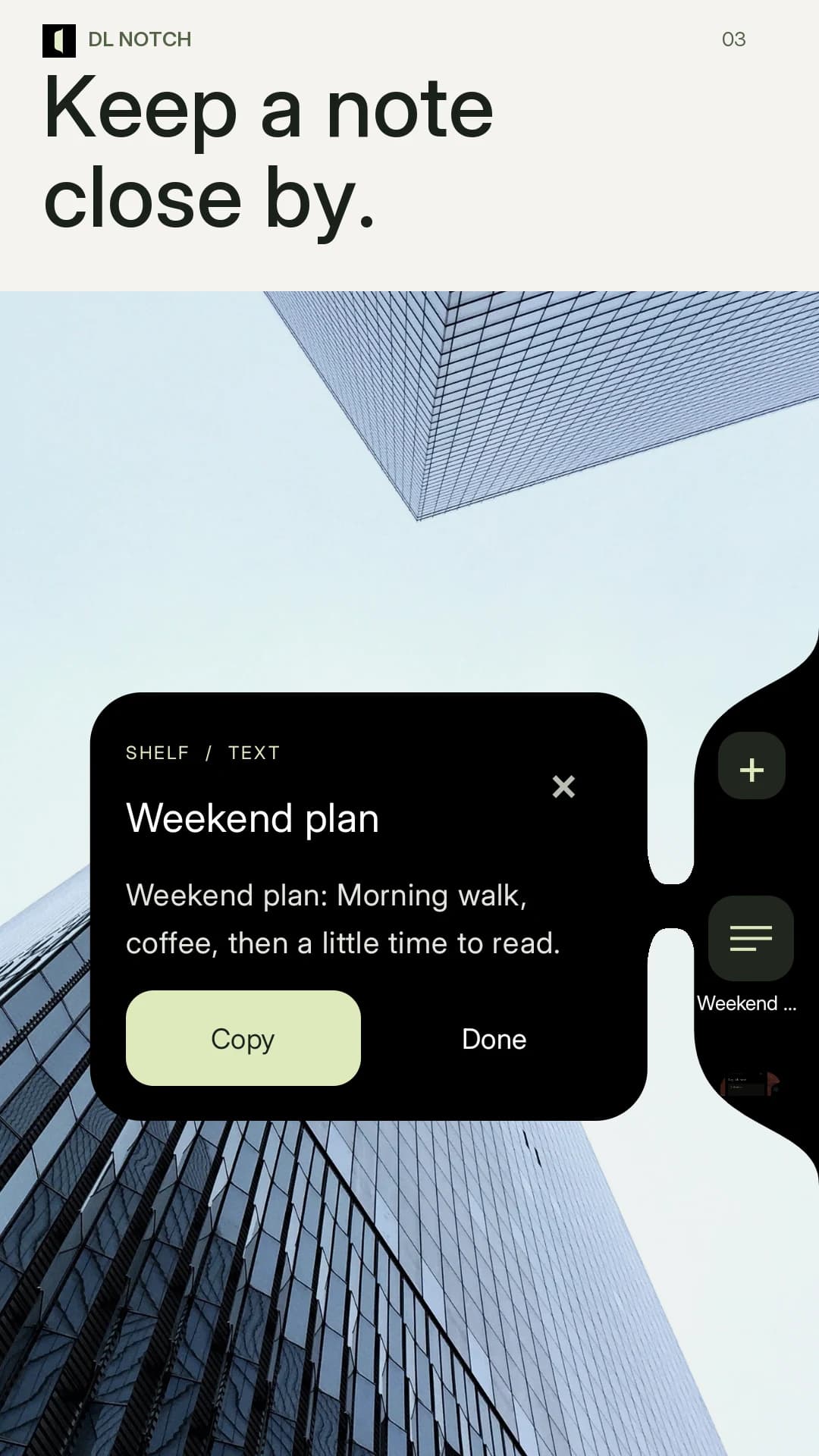
Saved text and images, ready as a reference.
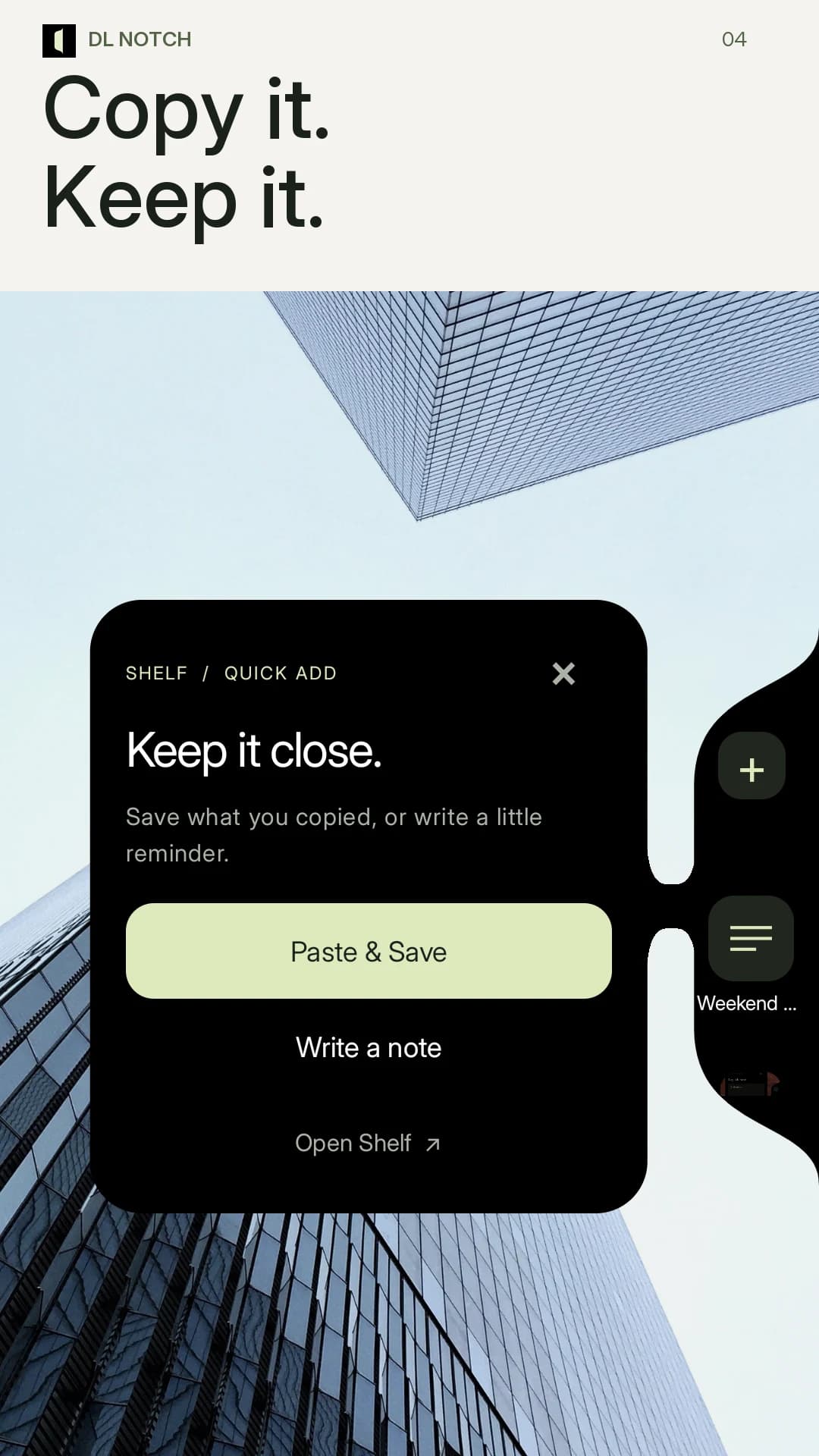
Quick Add for a thought or copied text.
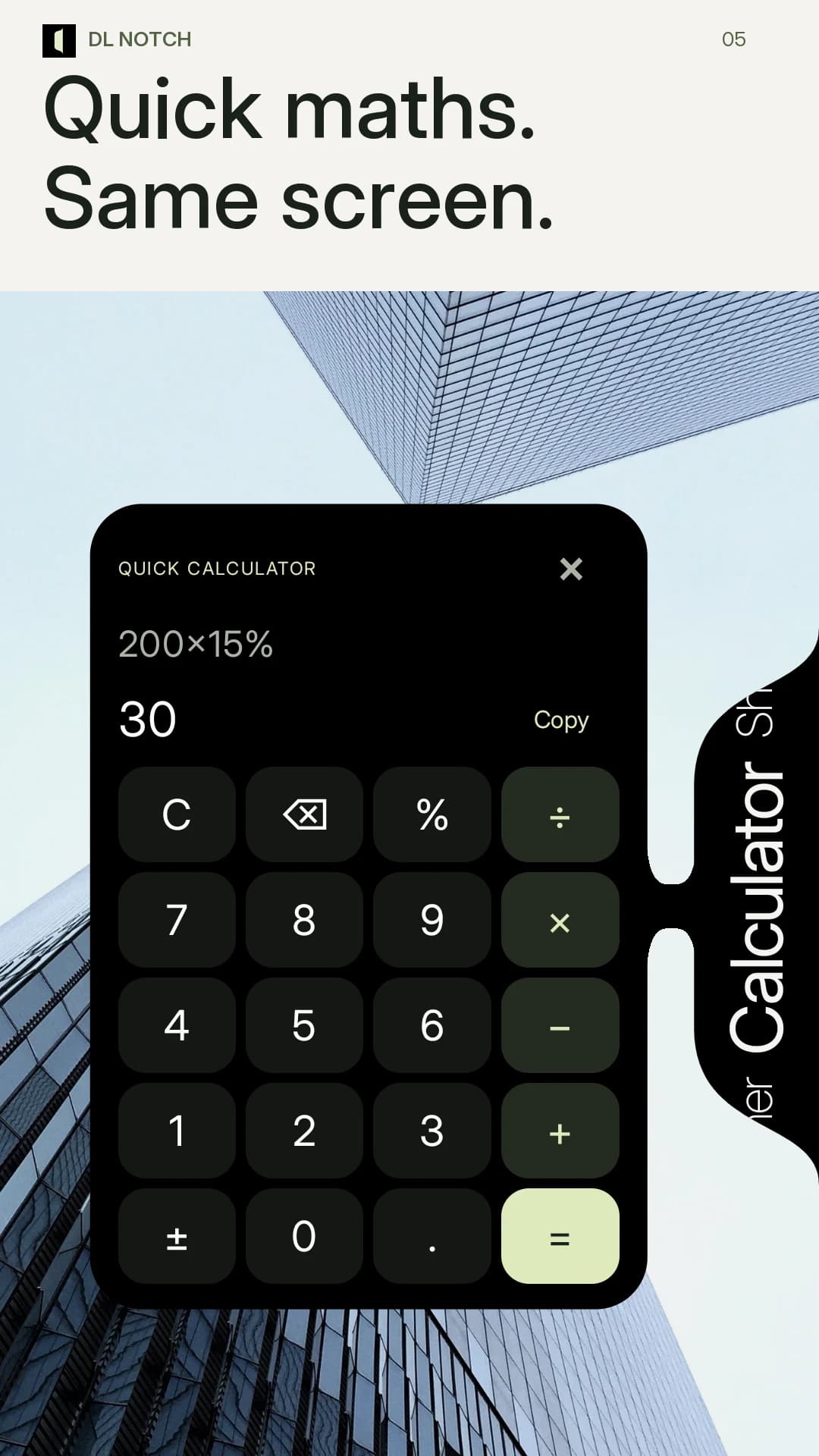
Decimal arithmetic, percentages and copyable results.
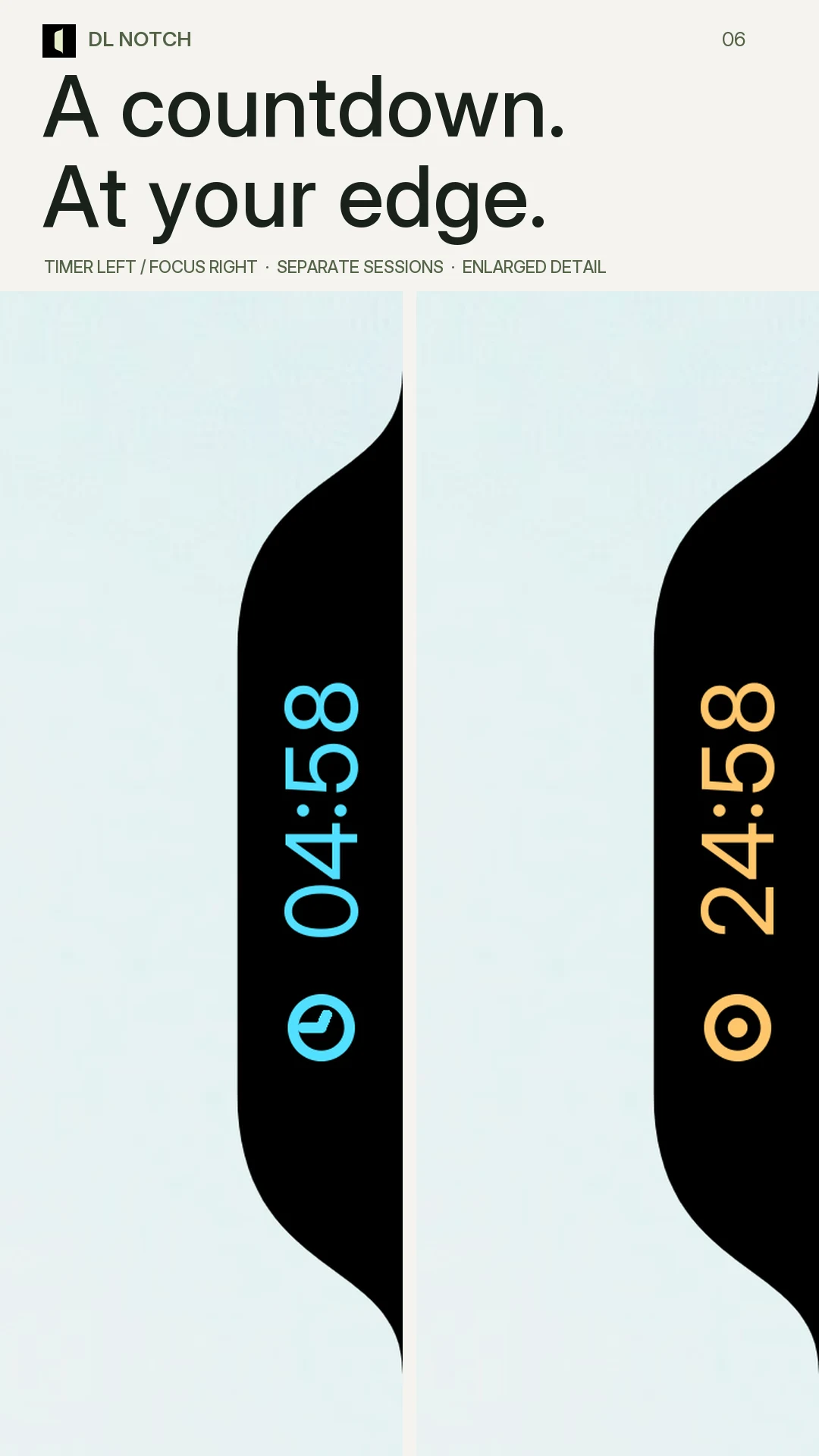
Timer and Focus shown as separate sessions, with enlarged countdown detail.
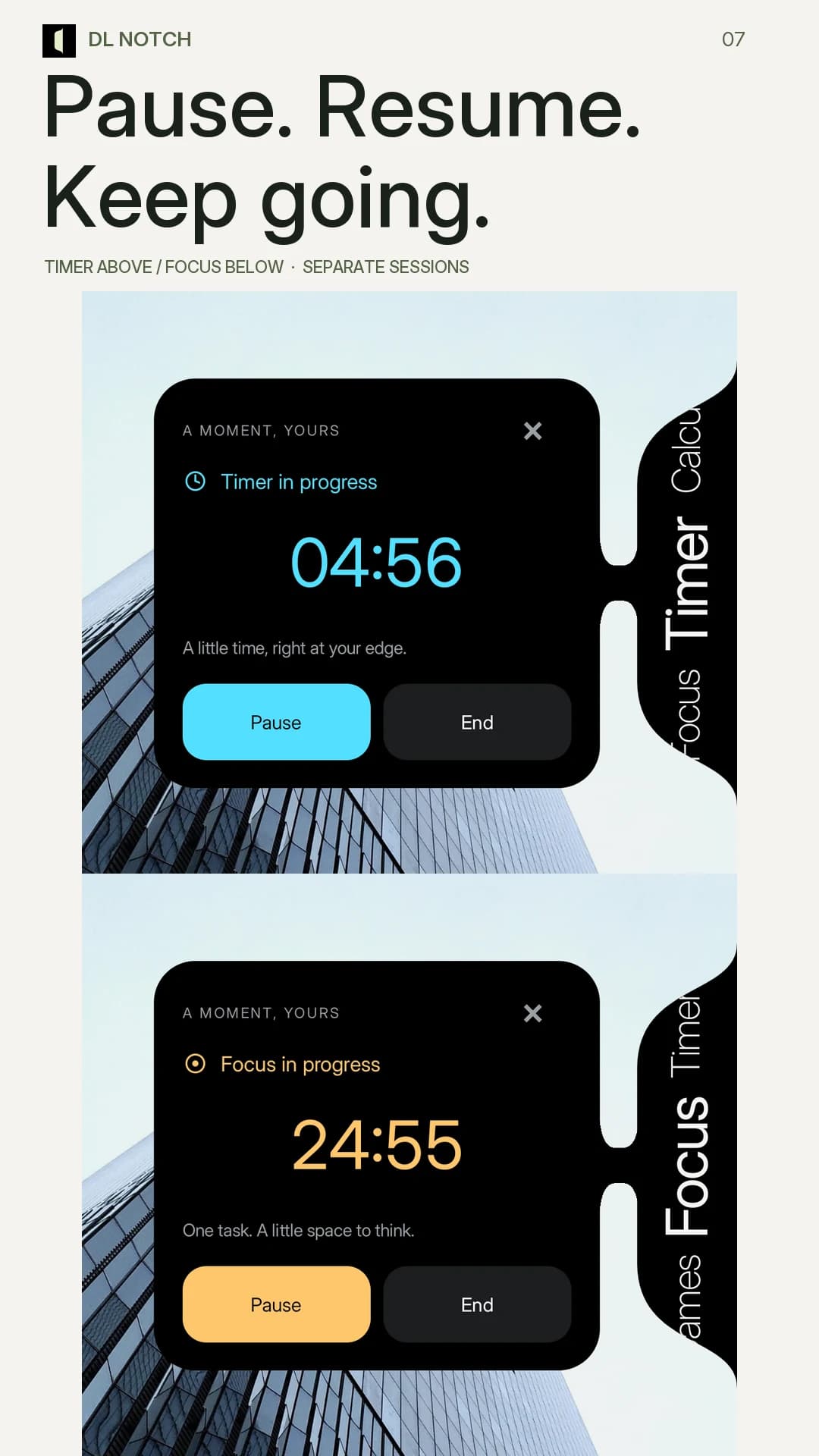
Timer and Focus controls shown in separate sessions.
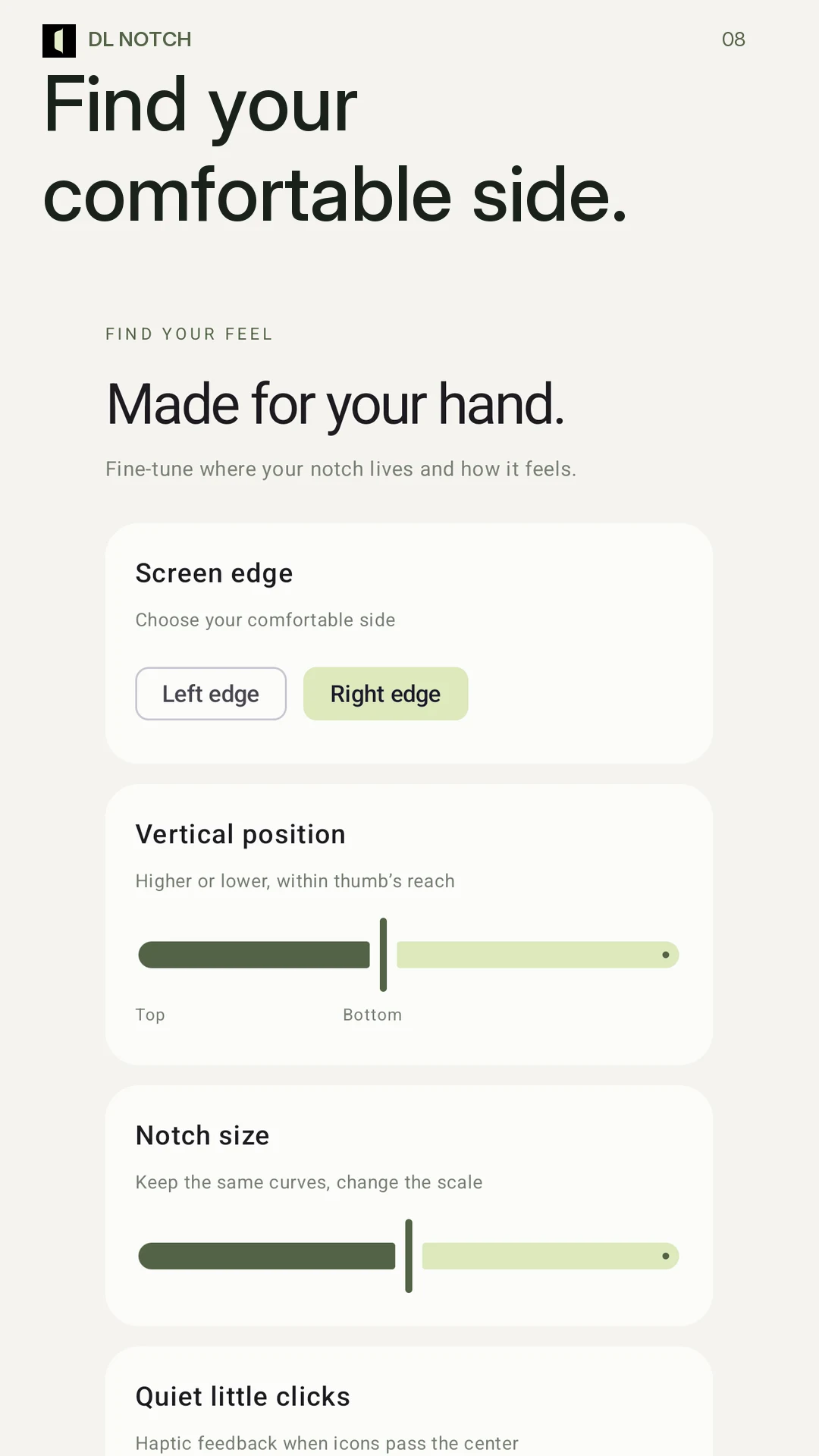
Choose your edge, vertical position, size and feedback.
No account is needed. App folders, Shelf content and timer sessions are stored locally. Clipboard text is read when you choose Paste & Save. Favorite app glow uses optional Android notification access and does not read or save message text.
Allow display over other apps to use the floating dock. Android may hide overlays on protected screens. Focus is a countdown tool and does not block apps or change Do Not Disturb.
Read the DL Notch privacy policyBefore you try it
DL Notch will be available soon for early access. A download link will be added here when access opens; a launch date has not been announced.
DL Notch is built for Android 10 or later. Android may hide the floating dock on protected screens.
Allow display over other apps to use the dock. Notification permission enables completion alerts. Alarms & reminders access is optional for precise completion while the phone sleeps; Android may delay alerts without it. Favorite app glow needs separate, optional notification access.
No account is needed. Folders, Shelf content and session data stay in the app’s local storage. The current app has no Internet permission, advertising or integrated analytics. See the privacy policy for clipboard, optional notification access and device-transfer details.
Available Soon · Early Access
For early access enquiries, get in touch with Diveno Labs.