Apple's WWDC 2026 news is not only for developers. It is one of those technology updates that can change how millions of normal people use their phone every day.
The biggest story is Siri AI. Apple says it is introducing an entirely new version of Siri that is more intelligent, more personal, and more useful across iPhone, iPad, Mac, Apple Watch, and Apple Vision Pro. The company also announced the next generation of Apple Intelligence, new parental controls, Screen Time improvements, Photos and Safari upgrades, and broader software updates across iOS 27, iPadOS 27, macOS 27, watchOS 27, visionOS 27, and tvOS 27.
That sounds like a lot of Apple event language. The normal-person version is simpler:
Your iPhone is becoming less like a collection of separate apps and more like a personal assistant that can understand what you are trying to do across messages, photos, emails, calendar events, webpages, and everyday tasks.
For Diveno Labs readers, this matters because AI is moving from a separate chatbot window into the devices people already use. This is not only a Silicon Valley race. It affects how people search, shop, plan travel, manage family screen time, edit photos, protect passwords, and decide which phone to buy next.
The short version
Apple used WWDC 2026 to say that Siri is finally getting the kind of AI upgrade people expected when AI assistants became mainstream.
According to Apple's newsroom announcement, Siri AI can use personal context to search across messages, emails, photos, and other information. Apple also says Siri AI can answer questions about what is on your screen, use web information when needed, and take more actions across apps.
That does not mean your phone is suddenly perfect. Hands-on reporting and event coverage around WWDC framed the new Siri AI as promising and more useful, while also noting that Apple still has to prove the experience works reliably outside polished demos.
The useful takeaway is this:
- Siri is becoming more conversational and context-aware.
- Apple Intelligence is spreading across everyday apps.
- Privacy remains a major part of Apple's pitch.
- Family safety and parental controls are getting more attention.
- Some features may depend on newer iPhones, supported regions, and final release timing.
If you use an iPhone casually, you do not need to understand model architecture. You need to know whether the phone will help you faster, protect your data better, and avoid making daily life more confusing.
What is Siri AI?
Siri AI is Apple's new version of Siri for the iOS 27 generation.
The old Siri was mostly a voice-command tool. You could ask it to set alarms, call someone, send a short message, or answer basic questions. It was useful sometimes, but many people stopped trusting it because it often misunderstood context or failed at anything slightly complex.
Apple's new pitch is different. Siri AI is meant to understand more of your situation.
Apple says Siri AI can draw on personal context, including messages, emails, photos, and more. That means the assistant may be able to help with questions like:
- "When is my train?"
- "Find the photos from last weekend."
- "What was the restaurant my friend sent me?"
- "Summarize this webpage."
- "Create a reminder from this message."
- "Help me reply to this email."
The important shift is that Siri is not only listening to a command. It is trying to understand the information around the command.
That is what normal users have wanted for years. People do not want to speak in robotic phrases. They want to say what they mean, and they want the phone to understand the messy context of real life.
Why this matters for daily routines
The most useful AI features are usually not the most dramatic ones. They are the small features that save two minutes again and again.
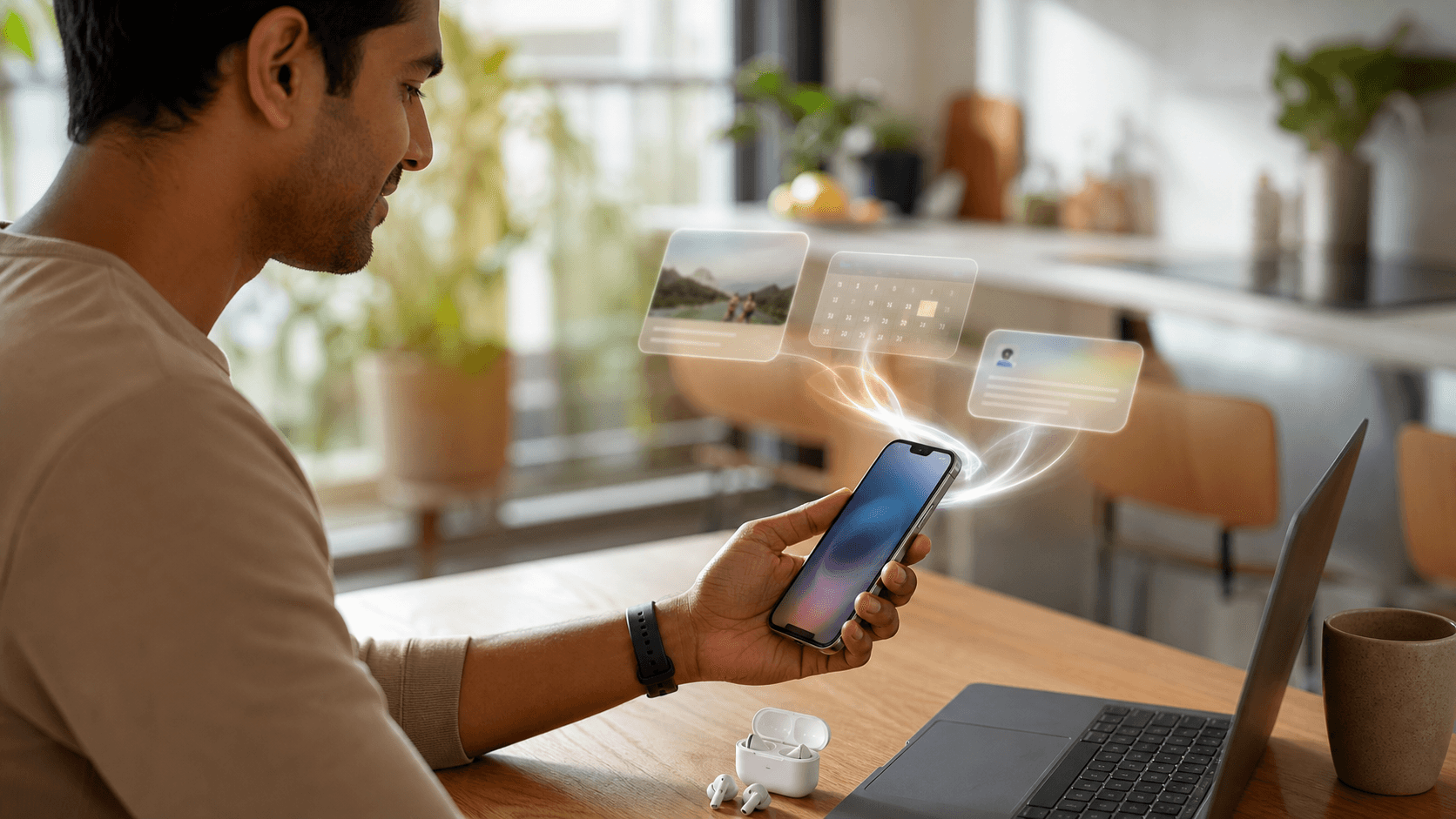
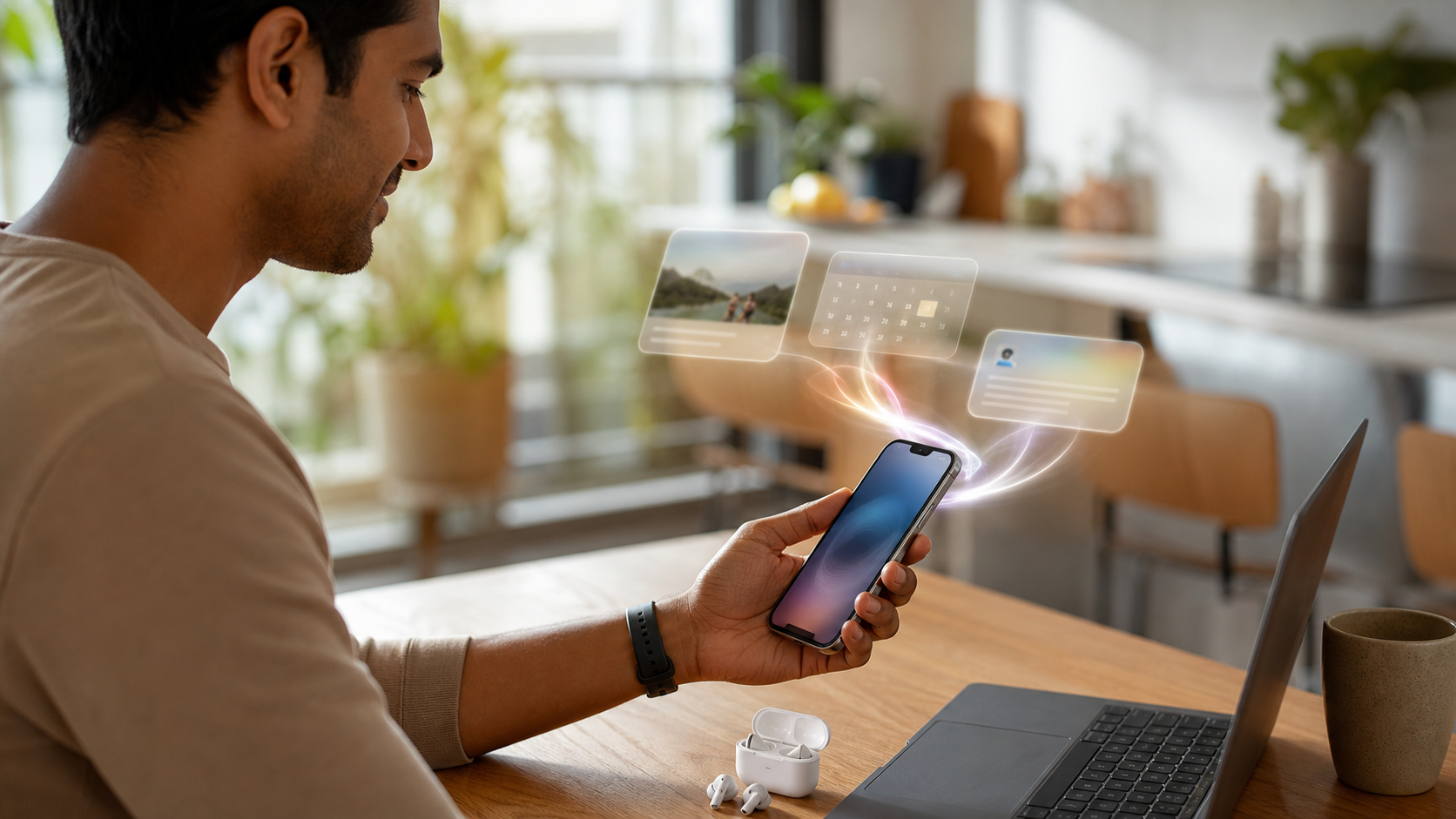
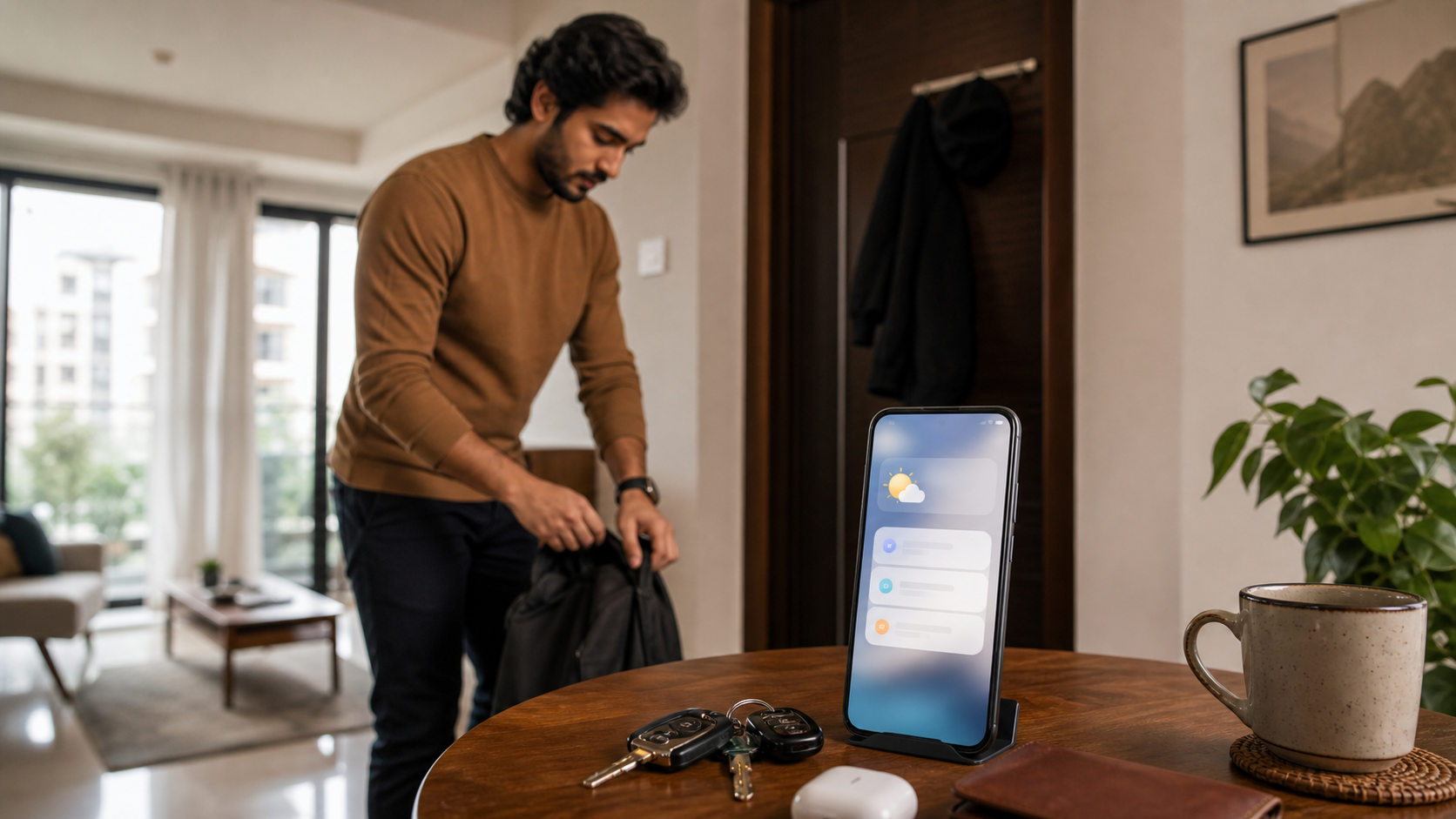
For example, imagine you are getting ready to leave home. Your phone can already show calendar alerts, weather, and messages, but those things live in different places. A smarter assistant could connect them:
- your meeting starts at 10
- traffic is slower than usual
- the location is in an email
- a friend sent a parking note
- the weather means you should carry an umbrella
The best version of Siri AI would not need you to open five apps. It would help you prepare in one interaction.
That is why Apple's WWDC 2026 story is bigger than "Siri can talk better." The real story is that Apple wants AI to work inside daily phone habits.
This matters for normal people because most phone frustration comes from app switching. You search in messages, then open calendar, then open maps, then check photos, then go back to email. If AI can reduce that switching without exposing too much personal information, it can be genuinely useful.
Photos may become easier to search
One of the most relatable Apple Intelligence ideas is better photo search.
People have thousands of photos, but finding one specific moment is still annoying. You may remember the event, the person, the food, the place, or the month, but not the file name. Nobody organizes phone photos perfectly.
Apple says its next Apple Intelligence features can help users with everyday apps including Photos. Event coverage also highlighted photo retrieval as one of the easier ways normal users may notice the new assistant experience.
That kind of feature is easy for normal users to understand.
Instead of scrolling endlessly, you may be able to ask:
- "Show me the photos from our Goa trip."
- "Find the picture where Dad is holding the cake."
- "Which photo did I take near the museum?"
- "Find the screenshot of my booking."
This is where AI feels less like a gimmick. It solves a real phone problem.

For app makers and product teams, this is also a signal. Users are getting trained to expect natural search. They will increasingly expect every good app to understand plain language: tasks, notes, products, documents, receipts, bookings, photos, and support conversations.
Privacy is the part users should watch closely
Apple's AI pitch depends heavily on privacy.
That makes sense. Siri AI becomes useful by understanding personal context, but personal context is sensitive. Messages, emails, photos, calendar events, locations, family settings, health information, and browsing activity are not small things.
Apple says the new Apple Intelligence architecture is designed to protect privacy. Apple has also promoted Private Cloud Compute as part of its broader AI approach, where some larger AI requests can be handled in a privacy-focused cloud environment instead of simply sending personal data to a normal server.
Normal users should not treat this as magic. Privacy still depends on settings, permissions, device support, regional rules, and how features are actually implemented.
But Apple's privacy-first positioning does create a clear difference in how the company wants users to think about AI:
- AI should help without making people feel watched.
- Personal data should not be casually exposed to random apps.
- Sensitive features should be controlled through permissions.
- Users should understand when a feature needs access to personal context.
That is the correct direction. The more personal AI gets, the more trust matters.

If you try Siri AI or any similar phone assistant, pay attention to permissions. Ask yourself: does this feature need access to photos, email, messages, calendar, or location? If yes, is the benefit worth it?
Good AI should make this tradeoff clear. Bad AI hides it.
Family controls are becoming more important
One of Apple's most normal-reader-friendly announcements is stronger parental controls and Screen Time improvements.
This matters because families do not need more abstract AI promises. They need tools that help children use devices safely.
Apple says WWDC 2026 includes powerful and intuitive new features to help parents create safe digital experiences for kids. That sits alongside the broader iOS 27 and Apple Intelligence story.
For parents, this is practical:
- better control over screen time
- safer device experiences for children
- clearer family settings
- more confidence when kids use shared devices
- fewer confusing setup steps
The family-safety angle is important because AI can make phones more capable, but also more complicated. Children may interact with assistants, image tools, search features, messages, and app suggestions. Parents need settings that are easy to understand, not hidden behind technical menus.
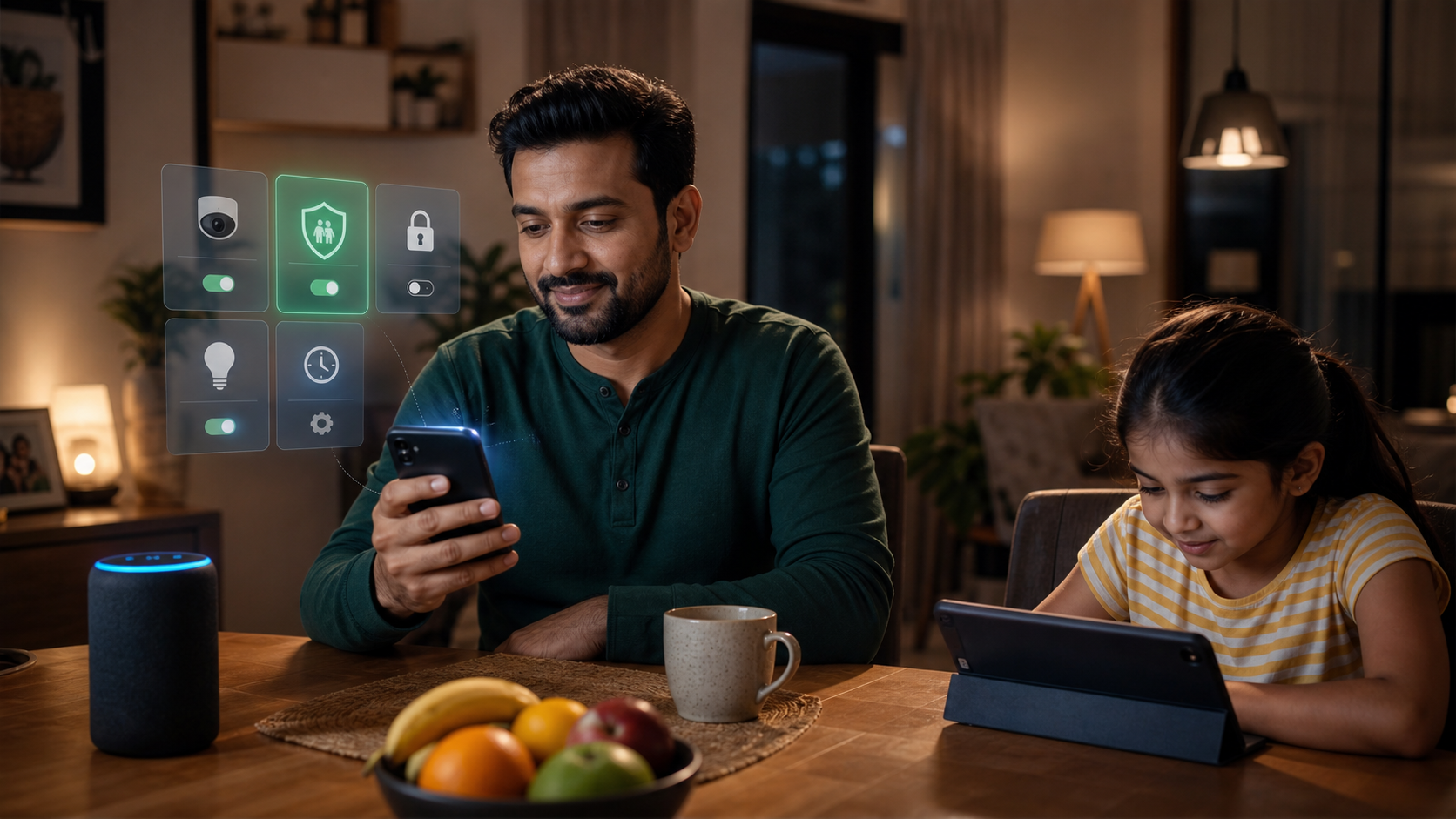
This is also a product lesson. Any company building AI features for consumers should think about family controls early. If a tool can generate, summarize, search, or act on behalf of a user, it should have clear boundaries.
What about Safari, Messages, and everyday apps?
Apple's AI story is not limited to Siri.
Apple's own announcement says Apple Intelligence will bring helpful features to apps people rely on every day, including Photos, Safari, Messages, Mail, and creative tools. That is the part most users should watch, because small app-level changes are often more useful than one big assistant demo.
That matters because most users will not open a separate "AI app" every day. They will feel AI when it appears inside the apps they already use.
Possible everyday benefits include:
- better email drafting
- helpful message replies
- smarter web browsing
- easier tab organization
- image editing help
- calendar event creation from normal language
- safer password suggestions
- better search across personal content
The key is whether these features stay useful and quiet. AI inside a phone should not constantly interrupt. It should appear when it can reduce effort.
Should you upgrade immediately?
Not necessarily.
Most people should wait for the public release, compatibility details, and early user feedback before making a buying decision only for Siri AI.
Here is a simple approach:
- If your current iPhone works well, wait and see.
- If you already plan to buy a new iPhone, check which Apple Intelligence features are supported.
- If privacy matters strongly to you, read the permission screens carefully.
- If you use your phone for work, wait until key apps are stable.
- If you manage a child's device, pay close attention to Screen Time and family control updates.
AI features are not worth buying a new phone for unless they solve a real problem for you.
That problem could be accessibility, work productivity, photo search, family controls, travel planning, or daily organization. But if your phone use is simple, the value may be gradual rather than immediate.
What Android users should notice
Even if you do not use an iPhone, Apple's WWDC 2026 matters.
When Apple changes the default phone experience, the rest of the market reacts. Android phone makers, app developers, browser companies, and productivity tools will all respond to the expectation that AI should understand context and work across apps.
For Android users, the question is not "is Apple better?" The question is: which platform makes AI useful without making it creepy, confusing, or unreliable?
Google, Samsung, OpenAI, Microsoft, and Apple are all pushing AI into daily software. The winner for normal users will be the company that makes AI feel helpful and safe, not the company with the loudest demo.
What app developers and businesses should learn
For product teams, Apple's direction is clear: natural language is becoming a normal interface.
People will increasingly expect apps to support:
- plain-language search
- contextual suggestions
- helpful summaries
- privacy-aware personalization
- cross-app workflows
- safer defaults for families
If your business has an app, website, customer portal, or internal tool, this is the right time to rethink search and assistance. Users may not want another chatbot pasted into the corner. They may want the product itself to become easier to ask, search, and complete tasks inside.
That is a different design challenge. It requires clean data, thoughtful permissions, useful defaults, and honest privacy language.
The Diveno Labs take
Apple's WWDC 2026 update is important because it makes AI feel more normal.
This is not about a robot replacing your phone. It is about your phone understanding more of what you already do: messages, photos, calendars, browsing, reminders, family settings, and everyday questions.
The strongest version of Siri AI would help people do normal tasks faster while keeping personal data under control. The weak version would be another assistant that looks impressive in demos but fails when life gets messy.
For now, the practical advice is balanced:
- Be interested, but do not believe every demo.
- Watch privacy and compatibility details.
- Use AI where it saves real effort.
- Keep family and child settings updated.
- Do not buy new hardware only because of a feature name.
Apple is trying to make Siri useful again. If it succeeds, the biggest change may not be that people talk to their phone more. It may be that people stop thinking so much about which app to open first.
Source notes
Sources checked on June 21, 2026:
- Apple Newsroom: WWDC26 Apple unveils next generation of Apple Intelligence, Siri AI, and more
- Apple Developer: Announcing Apple's next big step for Siri and iPhone
- TechCrunch: WWDC 2026: Everything announced on Siri AI, iOS 27, Apple Intelligence, and more
- TechCrunch: Apple plays catch-up at WWDC
- Google News Technology feed for India
Image notes:
- All images in this post were generated with the GPT image generation model for Diveno Labs and saved under
/public/blog-images. - Images were reviewed for topic fit, contrast, cropping, mobile readability, authenticity, and absence of readable fake UI text or third-party logos.
Frequently asked questions
What is Siri AI in iOS 27?
Siri AI is Apple's new version of Siri announced at WWDC 2026. Apple says it can understand personal context, work across apps, answer questions about what is on screen, and use Apple Intelligence features while protecting privacy.
Will every iPhone get the new Siri AI?
Apple has positioned the new Siri AI as part of its upcoming software releases, but the most advanced Apple Intelligence features usually depend on newer devices and regional availability. Users should check Apple's final compatibility list before upgrading or buying a phone for these features.
Should normal users care about WWDC 2026?
Yes, because WWDC sets the software direction for iPhones, iPads, Macs, Watches, and Apple TV. The 2026 updates are less about flashy design and more about practical AI, family safety, privacy, Photos, Safari, Messages, and daily phone use.
Build with Diveno Labs
Turn this idea into a working system.
Share the workflow, product, or content bottleneck you want to improve. We will help shape it into a practical build.
Build a smarter digital product