Browser updates are easy to ignore. Most people close the reminder, keep working, and think, "I will update later."
The Chrome 149 update is a good reason not to do that.
Google's official Chrome Releases blog says the Chrome 149 stable desktop update includes 429 security fixes. SecurityWeek described it as a record for a single Chrome refresh, and PCWorld called it the most security flaws ever fixed in one Chrome update.
That sounds technical, but the everyday meaning is simple:
If you use Chrome for banking, shopping, email, school, social media, business dashboards, or reading news, your browser is one of the most important security tools on your device. Keeping it updated protects the place where much of your digital life happens.
This post explains the Chrome 149 update in normal language. No scare tactics. No hacker movie drama. Just what changed, why it matters, and what you should do today.
The short version
Chrome 149 fixed a very large number of security issues.
Google's official post says the update includes 429 security fixes. SecurityWeek and PCWorld both treated the release as unusually large and important for normal users because Chrome is the browser many people rely on for banking, shopping, email, work, and school.
Normal users do not need to memorize CVE numbers. The practical advice is:
- Update Chrome now.
- Restart the browser after updating.
- Update other Chromium-based browsers too.
- Review extensions you do not use.
- Keep password manager and saved-password settings clean.
- Update browsers on family devices, not only your own laptop.
The fix is easy. The habit matters.
Why browser security matters to normal people
A browser is not just an app for opening websites anymore.
It is where people:
- check bank accounts
- pay bills
- shop online
- manage work email
- join meetings
- read documents
- upload ID proofs
- access school portals
- manage cloud files
- use AI tools
- save passwords
That means browser security is personal security.
If your browser is outdated, a malicious page, unsafe advertisement, compromised website, fake download, or suspicious extension may have a better chance of causing trouble. Modern browsers have many protections, but those protections only work well when updates are installed.
Chrome usually updates automatically, but there is a catch. Many people leave the browser open for days. Some devices are rarely restarted. Some work laptops have delayed updates. Some family tablets run old browser versions. Some people use Chrome, Edge, Brave, Opera, and another browser without checking each one.
That is why a big update like Chrome 149 is a useful reminder: do not assume everything is already handled.
What does 429 security fixes actually mean?
The number sounds alarming, but it should be understood carefully.
It does not mean 429 criminals were attacking your laptop yesterday. It means Google fixed 429 security-related issues in that release. Some may be more serious than others. Some details stay restricted until most users are protected. Some issues were found by internal Google work, outside researchers, fuzzing tools, or automated testing.
SecurityWeek reported that the Chrome 149 release included many use-after-free and insufficient validation issues. Those are technical categories of software bugs. For normal people, the plain version is:
Chrome handles huge amounts of complicated web content. Sometimes, a bug in how the browser reads, draws, checks, or stores that content can create a security weakness. Updates close those weaknesses.
The important thing is not to panic over the number. The important thing is to update before attackers can take advantage of known weaknesses.
How to update Chrome
Here is the simple update path:
- Open Chrome.
- Click the three-dot menu in the top-right corner.
- Go to Help.
- Select About Google Chrome.
- Let Chrome check for updates.
- Restart Chrome when prompted.
You can also type this into the address bar:
chrome://settings/help
After the update, reopen Chrome and check that it says the browser is up to date.
If you are on a work laptop, your company may control the update schedule. In that case, restart Chrome first. If it still does not update, ask your IT team. That is a normal request, especially after a large security update.
Why restarting matters
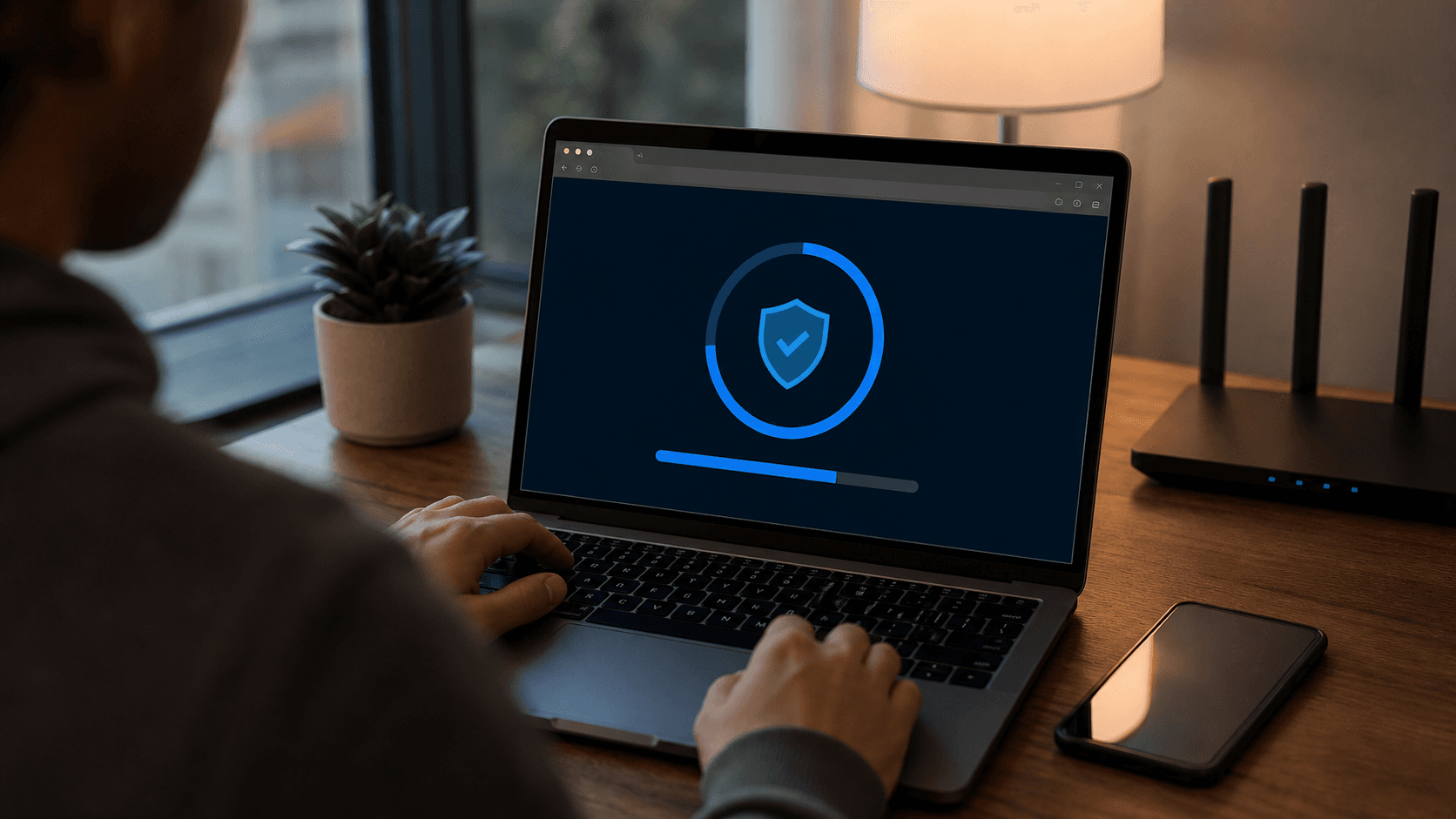
Many people think an update is done when it downloads. For browsers, the restart is often the step that completes protection.
If Chrome downloads a security update but you keep the browser open for days, you may still be running the old version. That is why browsers show messages like "relaunch to update."
The fix is simple: save your work, close Chrome, and reopen it.
If you are someone who keeps 60 tabs open, use bookmarks or tab groups before restarting. A browser restart is much less painful than dealing with a compromised account.
Online shopping and banking are the biggest reason to care
For many people, the browser is where money moves.
You may use Chrome to:
- pay electricity bills
- order groceries
- book travel
- sign in to internet banking
- manage UPI-linked services
- buy software subscriptions
- access business payment dashboards
That makes browser security practical, not abstract.
Security updates help reduce the chance that a malicious website or unsafe web content can exploit a browser weakness. They do not replace common sense. You still need to avoid phishing links, check website addresses, use strong passwords, and enable two-factor authentication where possible.
But an updated browser gives you a stronger base.
Think of it like locking the main door before worrying about the window. It is not the only safety step, but it is one of the easiest ones.
Check your extensions too
Browser extensions are useful, but they can also become a weak point.
Many people install extensions once and forget about them. Coupon tools, download helpers, PDF tools, screenshot tools, grammar tools, shopping add-ons, meeting helpers, and old productivity widgets may keep running in the background long after you stop using them.
After a major browser security update, it is a good time to review extensions.
Open Chrome's extension page:
chrome://extensions
Then ask:
- Do I still use this extension?
- Do I know who made it?
- Does it ask for access to all websites?
- Could I remove it without losing anything important?
- Is there a safer built-in browser feature now?
If you do not recognize an extension, remove it. If you have not used it in months, remove it. If it asks for broad access but does not need it, remove it.
This is one of the easiest ways normal users can reduce browser risk.
Password safety after a browser update
Browser updates and password safety go together.
Chrome and other browsers can help save passwords, warn about compromised passwords, and suggest stronger passwords. That can be useful, but only if your device is protected and your accounts are not using weak or repeated passwords.
After updating Chrome, take ten minutes to clean up your password habits:
- do not reuse the same password everywhere
- turn on two-factor authentication for important accounts
- remove saved passwords for accounts you no longer use
- use a trusted password manager if you handle many accounts
- check Chrome's password safety warnings
- keep your phone lock screen secure
The average person does not get hacked because of one dramatic event. Many account problems start with small habits: repeated passwords, old saved logins, reused email-password pairs, outdated browsers, and clicking links too quickly.
Updating Chrome is one habit. Password cleanup is another.
What about Edge, Brave, Opera, and other browsers?
This part is important.
Chrome is based on the Chromium browser project. Several other browsers are also Chromium-based, including Microsoft Edge, Brave, Opera, Vivaldi, and others.
That does not mean a Chrome update automatically updates every browser on your device.
If you use another Chromium-based browser, open that browser's About page and check for updates separately. The update path is usually similar:
- open the browser menu
- go to Help or Settings
- open About
- install update
- restart
If you use multiple browsers, update all of them. Attackers do not care which icon you clicked.
Do phones and tablets need attention?
Yes.
Many people update the browser on their laptop but forget phones and tablets. That is a mistake because mobile browsers are used for sensitive things too: banking, shopping, school links, QR payments, email, document uploads, and social media.
On Android, update Chrome through Google Play. On iPhone and iPad, update Chrome through the App Store if you use Chrome there. Also keep the operating system itself updated.
For family devices, check:
- parents' phones
- children's tablets
- shared home laptops
- old phones used for banking OTPs
- work-from-home computers
- devices used by elderly family members
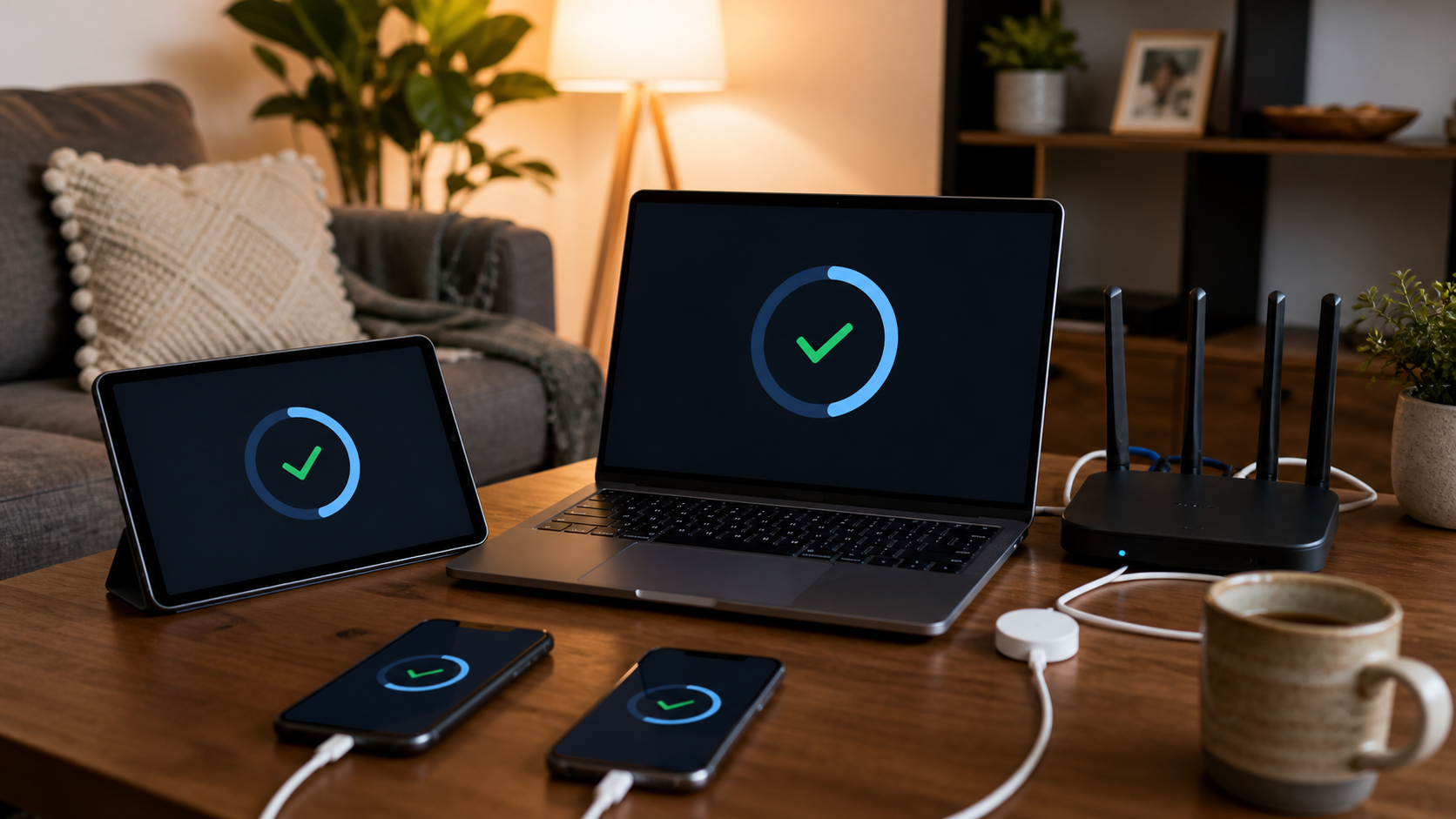
The device most likely to be forgotten is often the one that needs the most help.
Why this became a trending technology story
Chrome security updates happen often, but this one stood out because the number was unusually large.
Google's Chrome Releases blog confirmed 429 security fixes. SecurityWeek called it a record for a single Chrome refresh. PCWorld highlighted the same record and noted that critical flaws were included.
That is why this became a normal Google News technology story, not only a cybersecurity-industry story.
When a browser used by billions gets a record-size security update, it becomes consumer technology news. It affects office workers, students, parents, shop owners, creators, freelancers, and anyone who lives inside browser tabs.
What not to do
Do not download a "Chrome update" from a random pop-up.
Fake update messages are a common trick. If a website says your browser is outdated and asks you to download a file, be careful. The safest update paths are:
- Chrome's built-in update page
- Google Play for Android
- Apple's App Store for iPhone and iPad
- your organization's official software management tool
Do not install browser update files from unknown websites, random ads, WhatsApp forwards, Telegram groups, or email attachments.
The real update is boring. That is a good thing.
What businesses should do
For small businesses, agencies, stores, and teams, browser updates are part of basic operations.
If your staff uses browser-based tools for billing, customer data, admin dashboards, website CMS, social media, or cloud storage, outdated browsers create unnecessary risk.
A simple business checklist:
- make sure all work devices auto-update browsers
- remind staff to restart browsers weekly
- remove unused browser extensions
- use password managers for shared business accounts
- enable two-factor authentication
- avoid sharing one browser profile across multiple people
- keep admin dashboards limited to trusted devices
This is not expensive cybersecurity. It is basic hygiene.
For website owners, the Chrome 149 story is also a reminder that trust is not only about your own site. Your customers arrive through browsers, payment flows, password managers, and devices. A safe digital experience depends on the whole chain.
The Diveno Labs take
The Chrome 149 update is a normal-person technology story because the browser is where normal life happens online.
You do not need to understand every vulnerability category. You only need to understand that browser updates close security gaps, and this update closed an unusually large number of them.
So do the simple things:
- update Chrome
- restart the browser
- update other browsers
- remove unused extensions
- clean up passwords
- check family devices
- never download fake updates from pop-ups
Most good security habits are not dramatic. They are small, repeated actions that make your digital life harder to attack.
Updating your browser is one of the easiest wins.
Source notes
Sources checked on June 21, 2026:
- Google Chrome Releases: Stable Channel Update for Desktop
- SecurityWeek: Chrome 149 Patches 429 Vulnerabilities
- SecurityWeek: Chrome 149 Update Patches 28 Vulnerabilities
- PCWorld: Chrome 149 fixes 429 security flaws, the most ever in one update
- Google News Technology feed for India
Image notes:
- All images in this post were generated with the GPT image generation model for Diveno Labs and saved under
/public/blog-images. - Images were reviewed for topic fit, contrast, cropping, mobile readability, authenticity, and absence of readable fake UI text or third-party logos.
Frequently asked questions
Why is the Chrome 149 update important?
Google's Chrome 149 release included 429 security fixes, according to the official Chrome Releases blog. SecurityWeek and PCWorld described it as a record-size browser security update, with many serious flaws addressed.
How do I update Chrome?
Open Chrome, select the three-dot menu, go to Help, choose About Google Chrome, let the update download, and restart the browser. You can also type chrome://settings/help into the address bar.
Should Edge, Brave, Opera, and other Chromium browser users also update?
Yes. Many popular browsers are built on Chromium, so users should check updates for their specific browser too. Do not assume Chrome updating automatically means every other browser on the device is also updated.
Build with Diveno Labs
Turn this idea into a working system.
Share the workflow, product, or content bottleneck you want to improve. We will help shape it into a practical build.
Improve your website security