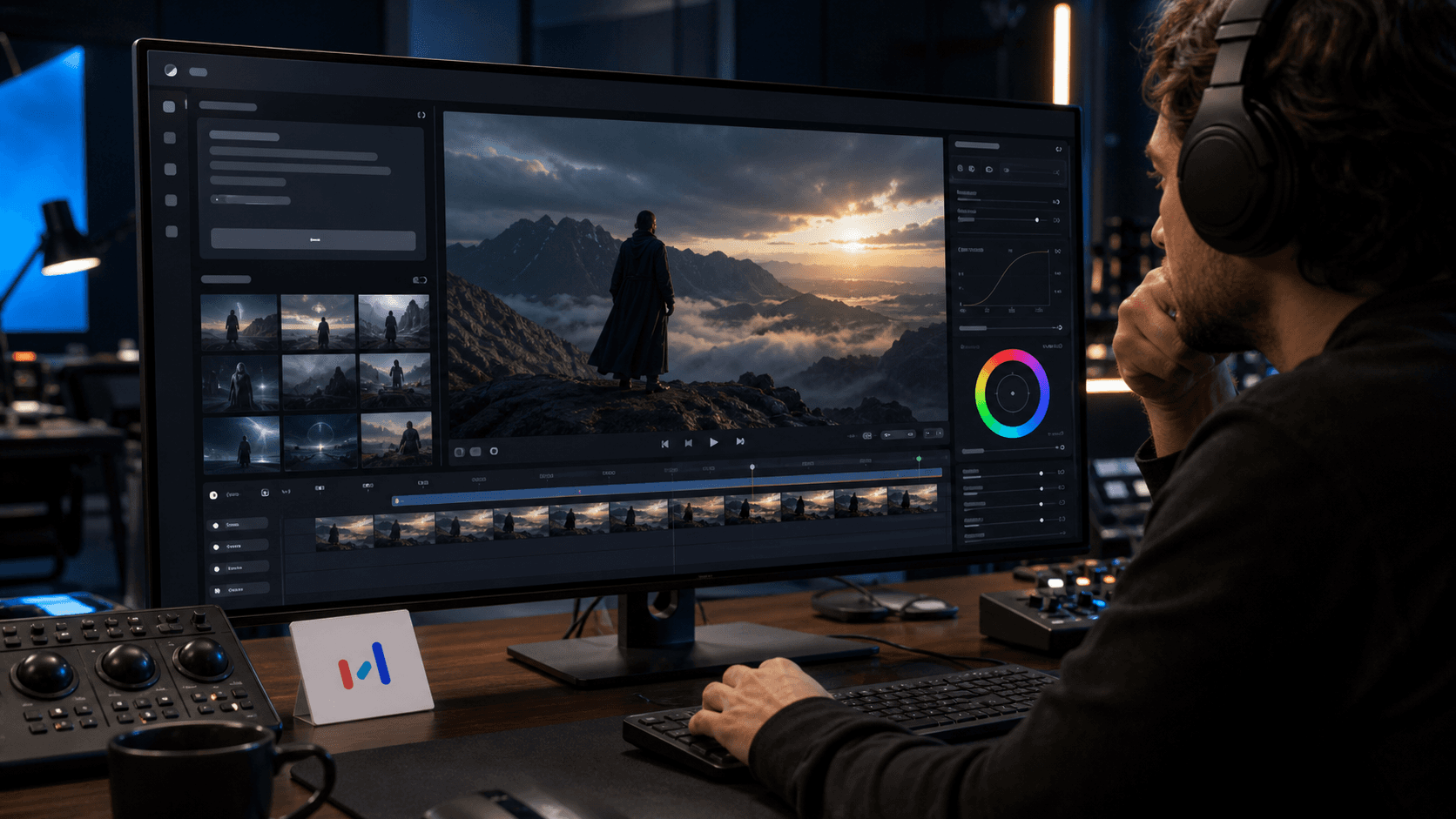
Seedance is having one of the most important AI video moments of 2026.
ByteDance's official Seedance 2.0 page describes a model focused on immersive audio-visual experience, motion stability, audio-video joint generation, and director-level control over performance, lighting, shadow, and camera movement. That alone would make it relevant for creators, marketers, and product teams.
But the current news cycle is really about the Seedance line moving into a more ambitious 4K phase. The Next Web reported on June 23, 2026 that ByteDance unveiled Seedance 2.5, a native 30-second 4K AI video model that can accept up to 50 multimodal reference inputs. TechTimes reported similar details on June 24, describing Seedance 2.5 as a 30-second native AI video milestone and noting the importance of removing the stitching step that often limits longer AI video production.
So the cleanest way to understand the story is this:
Seedance 2.0 established the creative control and multimodal video direction. Seedance 2.5 is the newer reported step toward native 4K, longer clips, and heavier reference-driven production.
That distinction matters because AI video news often gets compressed into hype. For Diveno Labs readers, the useful question is not "is this stunning?" It is "what changes for real creative and product workflows if AI video becomes higher resolution, longer, and more controllable?"
The short version
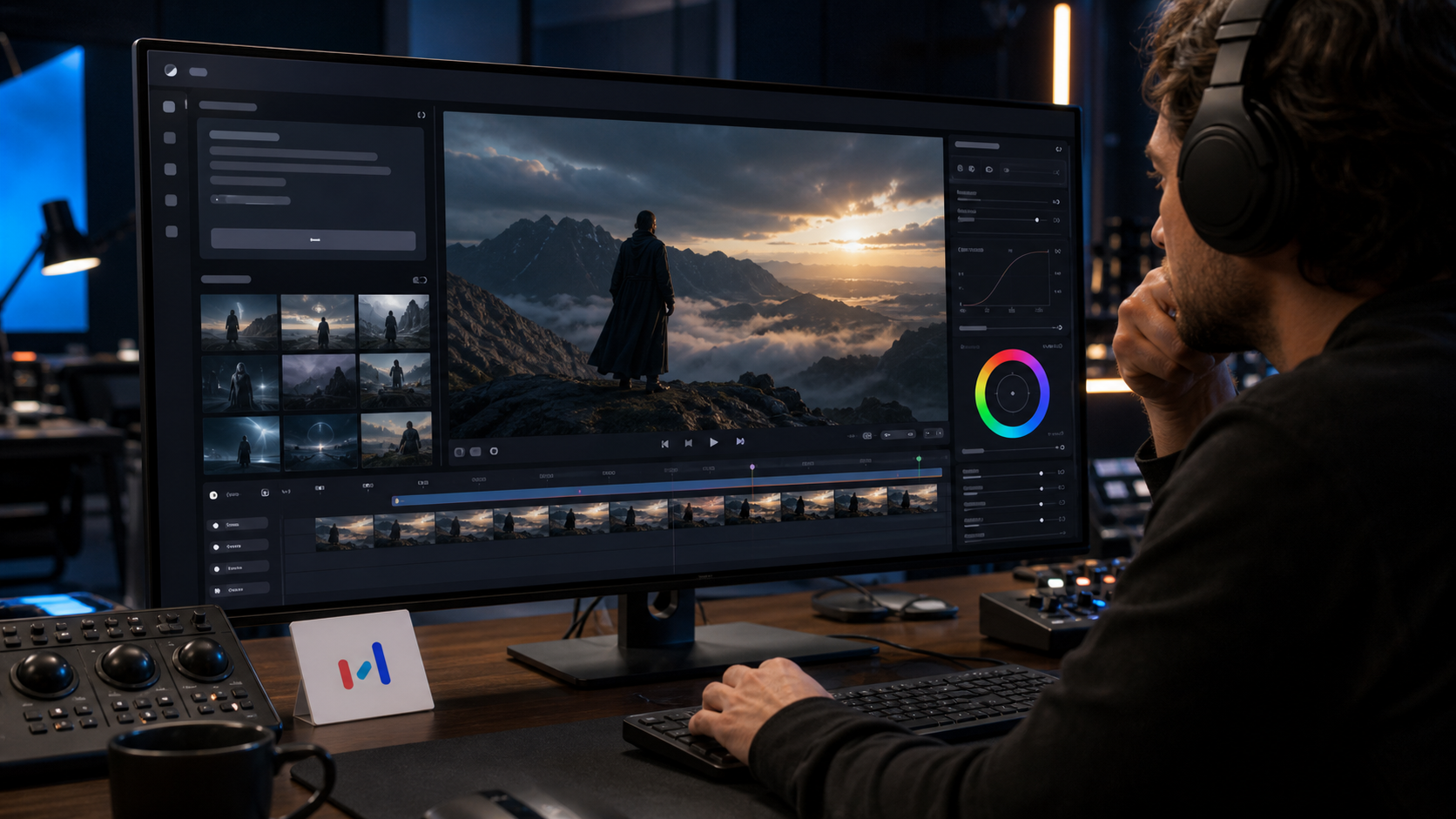
Seedance is moving AI video closer to practical production.
The current facts from the sources checked today are:
- ByteDance's official Seedance 2.0 page says the model supports images, audio, and videos as references.
- The same official page emphasizes motion stability, audio-video joint generation, and control over performance, lighting, shadow, and camera movement.
- The Next Web reported on June 23 that ByteDance unveiled Seedance 2.5 with native 30-second 4K video generation and up to 50 multimodal reference inputs.
- TechTimes reported on June 24 that Seedance 2.5 is in global enterprise beta, with public launch targeted for early July 2026, though pricing and exact public access details are not confirmed.
- Earlier Seedance 2.0 coverage and industry reaction also raised serious copyright and IP concerns, especially around unauthorized likenesses and protected entertainment characters.
The practical takeaway: AI video is getting more useful, but it is also getting more operationally serious. Better output means teams need better review, licensing, approval, and brand-safety workflows.
Why 4K matters
Resolution is not everything. A bad idea in 4K is still a bad idea.
But 4K matters because it changes where AI video can be used.
Low-resolution AI clips are useful for brainstorming, rough storyboards, memes, and internal concept testing. High-resolution clips are more plausible for:
- landing page hero videos
- product launch teasers
- social media ads
- event visuals
- pitch decks
- internal training material
- app store promotional footage
- explainer videos
- creative previsualization
The difference is not only sharpness. Higher-resolution output gives editors more room to crop, stabilize, reframe, color grade, and adapt footage across channels. A 4K source can become a web hero, a vertical crop, a short ad, or a presentation asset. That flexibility matters to small teams that need more creative output without building a full production department.
The other important shift is duration. Native 30-second clips, if they hold together in real testing, would reduce the need to stitch together many short clips. Stitching is where AI video often starts to break: characters drift, lighting changes, camera logic gets strange, and scenes lose continuity.
Longer native generation is not automatically production-ready. But it attacks one of the real workflow bottlenecks.
The version wrinkle: Seedance 2.0 versus Seedance 2.5
The user-facing topic is Seedance 2.0 delivering stunning 4K AI videos. The current public-source picture is slightly more nuanced.
ByteDance's official Seed page for Seedance 2.0 describes the model's multimodal reference support and director-level creative control. It does not present the same headline as the June 23 Seedance 2.5 reports about native 30-second 4K generation and up to 50 reference inputs.
The newest reports identify Seedance 2.5 as the major 4K announcement. The Next Web says ByteDance unveiled Seedance 2.5 with native 30-second 4K video and 50 multimodal reference inputs. TechTimes frames Seedance 2.5 as the 30-second native 4K milestone and says it is in global enterprise beta with public launch targeted for early July.
So this article treats the story as the Seedance product line's 4K moment, not as a claim that every Seedance 2.0 user already has every Seedance 2.5 capability.
That is important for accuracy. Builders should not plan production workflows around features they cannot access yet. They should track the model version, platform access, commercial terms, and API availability before committing timelines.
What makes Seedance strategically interesting
Most AI video tools can generate impressive short clips under the right prompt. The strategic question is whether they can become controllable enough for repeatable production.
Seedance is interesting because the direction is not only text-to-video. ByteDance's official Seedance 2.0 page emphasizes references across images, audio, and videos. The newer Seedance 2.5 reporting goes further, saying the model can accept up to 50 multimodal references.
References are critical because serious creative work is rarely created from one sentence.
A brand video might need:
- a product reference
- a color palette
- a previous campaign style
- a founder photo
- a location mood board
- sample camera movement
- sound or music direction
- a target format
- a sequence of story beats
The more reference material the model can use, the closer the workflow gets to creative direction rather than prompt guessing.
That is the difference between "make a cool video" and "make a video that fits this brand, this product, this campaign, this pacing, this audience, and this channel."
What this means for startups
Startups should pay attention because video has become one of the most expensive parts of modern product marketing.
A young company often needs:
- website hero visuals
- product explainers
- short paid-social creatives
- founder updates
- investor demo clips
- app launch teasers
- onboarding videos
- customer education
Traditional video production can absolutely be worth it, especially when real people, real products, trust, and brand story matter. But it is costly and slow. AI video tools may let startups produce more variations faster, especially for early testing.
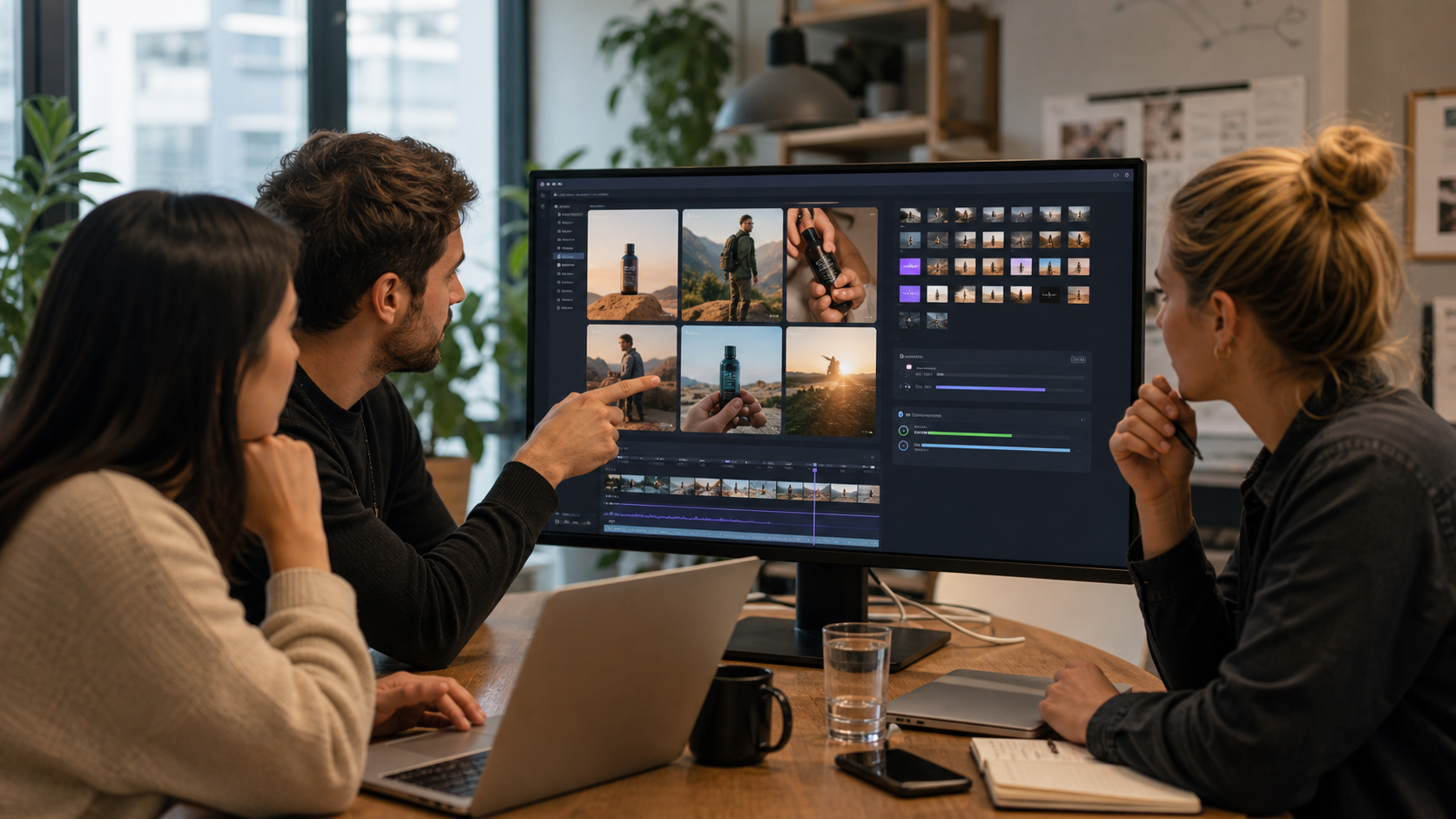
For example, a startup could generate three visual directions for a landing page hero before hiring a crew. A mobile app team could test different app-store promo concepts. A B2B SaaS team could create short scenario clips to explain a workflow. A consumer brand could prototype ad angles before spending on a full campaign.
The key word is prototype.
AI video should not remove creative direction. It should make early creative exploration cheaper and faster.
The practical production workflow
If a team wants to use AI video seriously, the workflow should look less like random prompting and more like production.
Start with a brief:
- objective
- audience
- platform
- duration
- aspect ratio
- visual references
- brand constraints
- do-not-use list
- legal constraints
- approval owner
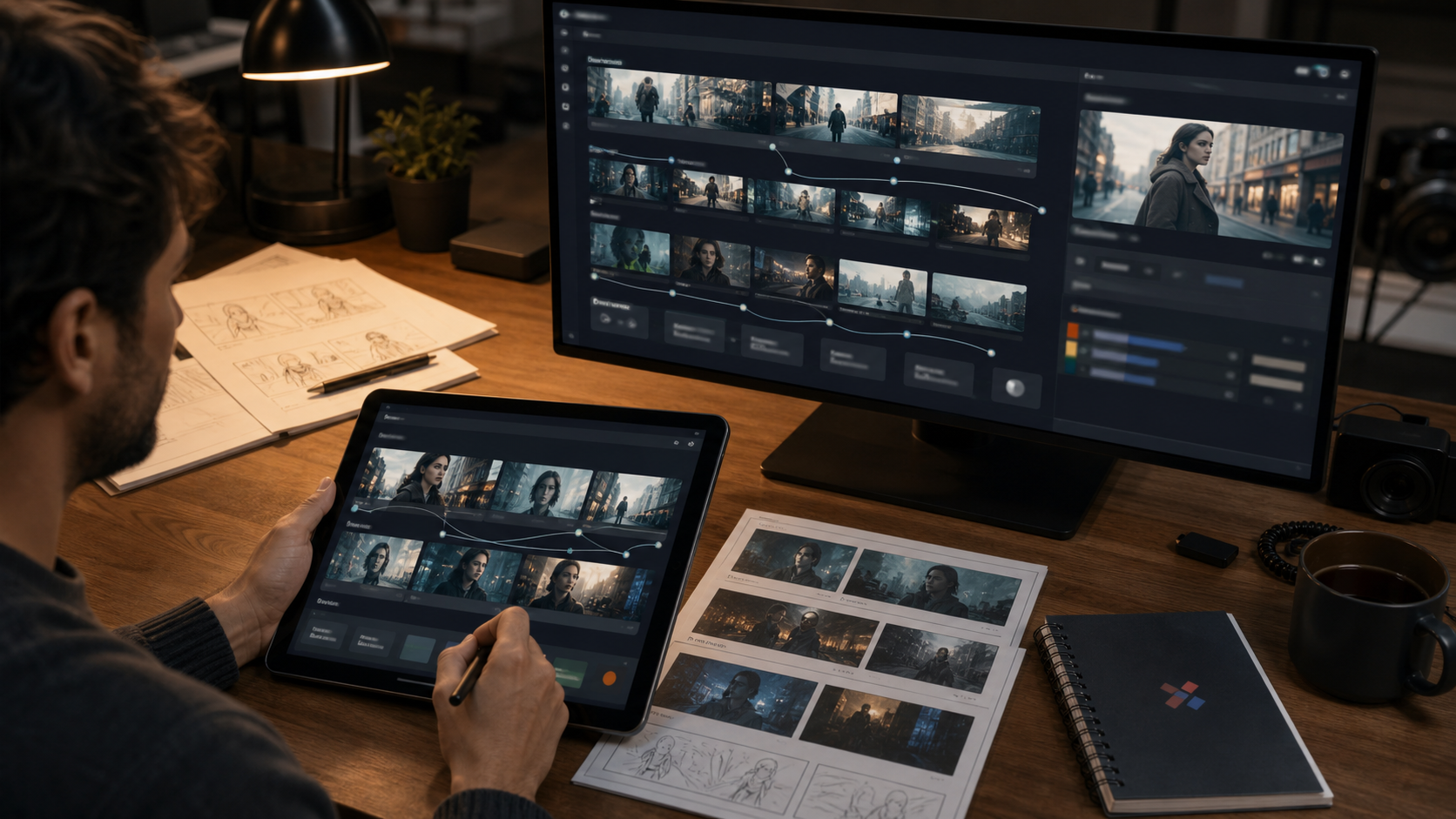
Then create a shot plan. Even if the model can generate a longer clip, teams should still think in shots. What is the opening image? What changes? What should the viewer understand after five seconds? Where should the camera move? What is the emotional tone?
Then generate rough options. Do not chase the first impressive output. Compare multiple directions and judge them against the brief.
Then review for:
- visual consistency
- brand fit
- artifacts
- likeness issues
- copyright risk
- misleading realism
- accessibility
- output format
- device readability
Then edit. AI generation is not the end of the video process. Color correction, sound design, captions, pacing, cropping, and export settings still matter.
The teams that win with AI video will not be the ones that generate the most clips. They will be the ones that build the best creative review loop.
Why quality review becomes more important as output improves
A strange thing happens when AI video gets better: risk becomes less obvious.
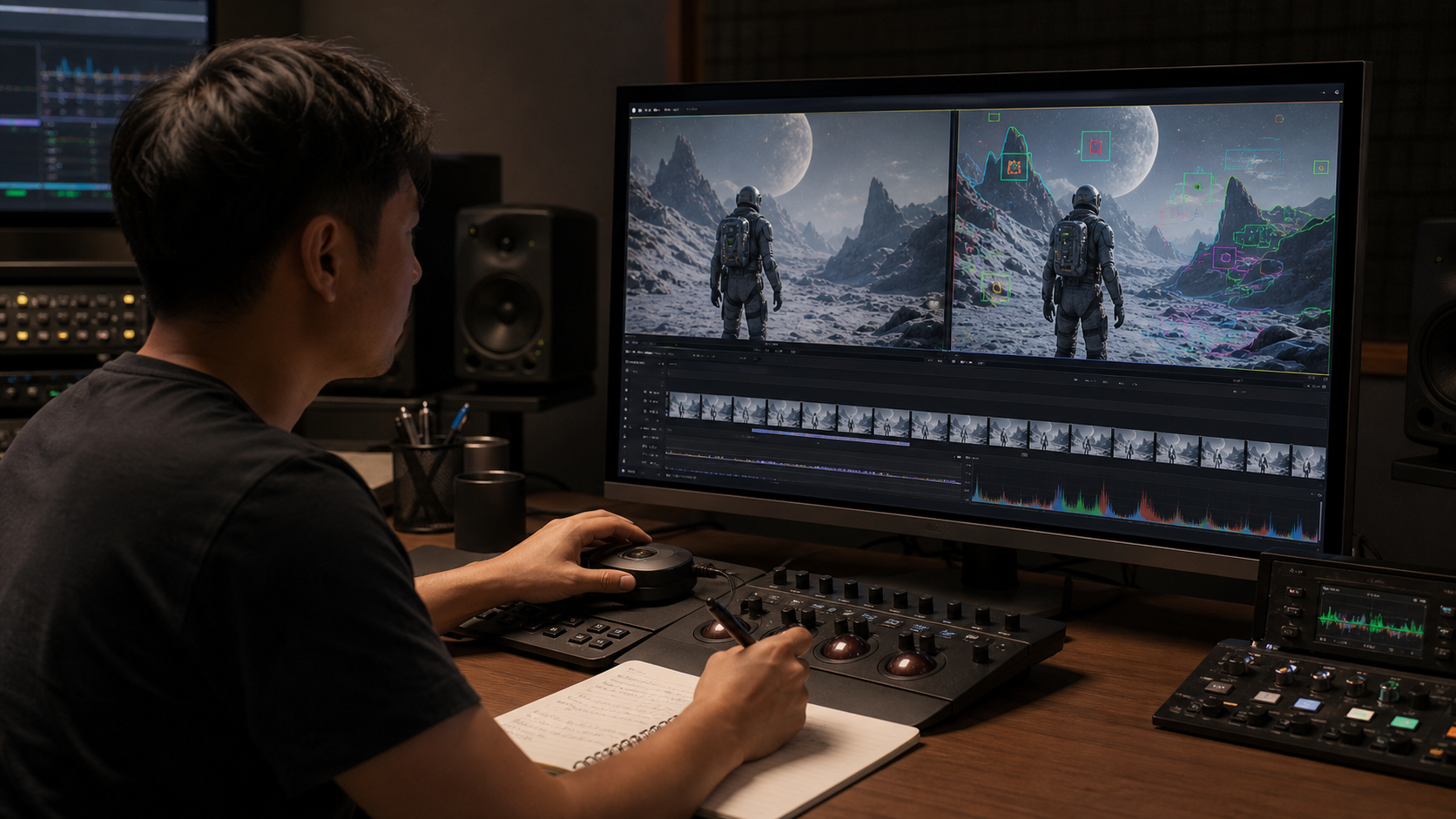
Low-quality AI video announces itself. The artifacts are easy to see. The viewer knows not to trust it too much. High-quality AI video can feel more real, more authoritative, and more persuasive. That makes review more important, not less.
Teams should watch for:
- inconsistent hands, faces, shadows, and reflections
- logos or marks that resemble real brands
- accidental celebrity likenesses
- copyrighted character similarity
- unsafe claims implied by the imagery
- product behavior that is not real
- interfaces that look like actual software but are fabricated
- text-like shapes that might be read as claims
This matters for product teams in particular. If an AI-generated app demo shows a feature that does not exist, the marketing asset becomes misleading. If a generated hardware shot implies a finish, size, or accessory that the product does not offer, the asset creates customer confusion.
The better the video looks, the more disciplined the review must be.
The copyright and IP issue cannot be hand-waved
Seedance 2.0 attracted controversy earlier in 2026 because of AI-generated videos involving recognizable entertainment IP and public figures. Current search results and reporting include references to Hollywood studios objecting to unauthorized character and likeness generation.
For builders, this is not a side issue. It is part of the product risk.
If a model can generate extremely convincing footage, a brand must define what it will not generate:
- no copyrighted characters
- no celebrity likenesses without rights
- no imitation of living artists' identifiable style where that creates legal or ethical risk
- no fake endorsements
- no scenes implying real events that did not happen
- no competitor logos or product claims
- no misleading UI or product behavior
This is especially important for agencies. A client may ask for something that looks "like a famous movie" or "like this celebrity ad." The correct response is not to make the output and hope nobody notices. The correct response is to redirect toward licensed, original, brand-owned creative direction.
High-quality AI video makes creative boundaries more valuable.
What product teams can actually do with it
The strongest near-term use cases are not full replacement of professional production. They are places where AI video helps teams think, test, and communicate faster.
1. Concept exploration
Teams can generate visual territories before committing budget. This is useful for campaigns, hero videos, launch teasers, and explainer styles.
2. Storyboarding
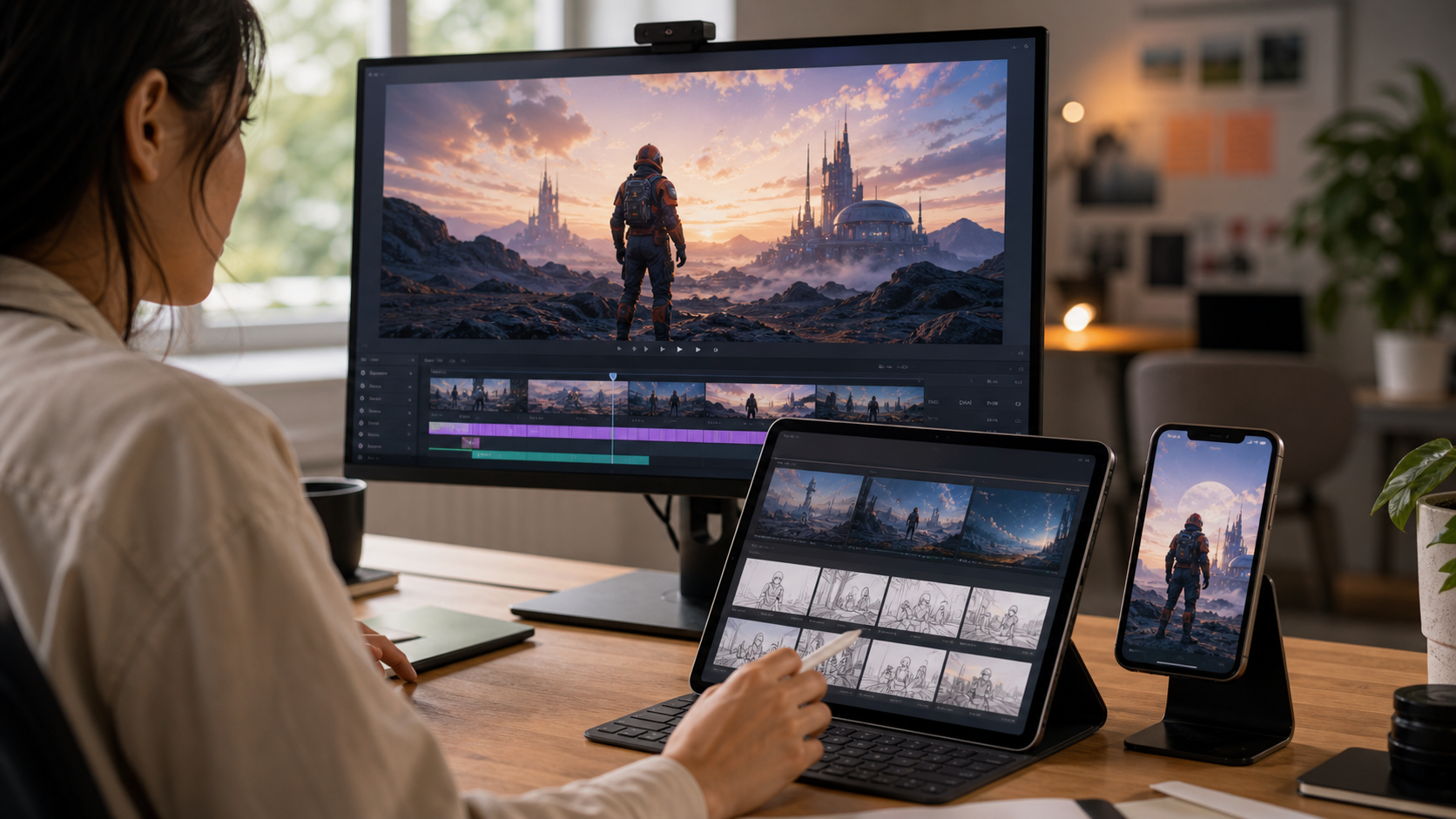
AI video can turn a rough idea into moving references. That helps product, marketing, and leadership teams align before hiring production teams or building final assets.
3. Product scenario videos
For apps and services, AI-generated lifestyle scenes can explain a use case: a founder reviewing analytics, a user planning a task, a team collaborating, or a small business managing operations.
4. Social creative testing
Short-form campaigns need many variations. AI video can help teams test hooks, pacing, visual moods, and aspect ratios.
5. Internal communication
Teams can use AI video to explain roadmap ideas, prototype future experiences, or visualize customer journeys.
6. Placeholder-to-final pipeline
AI-generated footage can fill gaps during early builds, then be replaced or polished with original production assets where needed.
What developers should watch
AI video is not only a creator-tool story. It is also becoming an API and workflow story.
If models like Seedance become available through enterprise APIs or third-party platforms, product teams may build video generation directly into applications:
- ad creative tools
- ecommerce content generators
- social media schedulers
- app-store asset builders
- learning platforms
- real estate video tools
- fashion catalog systems
- creator dashboards
That introduces engineering questions:
- How are prompts stored?
- How are reference assets uploaded?
- How are rights and approvals tracked?
- How are generation costs controlled?
- How are failed generations handled?
- How are outputs moderated?
- How are users prevented from generating infringing content?
- How are videos versioned?
- How are exports optimized for platforms?
The video model is only one part of the product. The surrounding system is where trust, cost, and usability live.
For a serious product, teams will need queues, previews, asset libraries, moderation, review states, billing, retries, and human approval. AI video generation without workflow design becomes expensive chaos very quickly.
The cloud and cost angle
4K video generation is not lightweight.
Even when pricing is not public, teams should assume that higher-resolution, longer-duration generation will cost more than short low-resolution clips. It will also create storage, bandwidth, and processing requirements after generation.
A production workflow may need:
- temporary render storage
- output compression
- CDN delivery
- thumbnail extraction
- format conversion
- aspect-ratio variants
- moderation scans
- audit logs
- cleanup policies
Startups should build with cost controls from day one. Put limits around generation length, resolution, reference count, retries, and concurrent jobs. Give users previews before expensive renders. Archive or delete unused outputs. Track cost per accepted asset, not only cost per generation.
The real metric is not how many videos the model can produce. It is how many usable, approved, on-brand videos the team can produce per dollar and per hour.
What brands should do before using Seedance-like tools
Before using AI video publicly, brands should create a policy that covers:
- allowed use cases
- prohibited prompts
- rights for input assets
- review and approval owners
- disclosure rules
- likeness restrictions
- competitor and third-party brand restrictions
- storage and retention
- platform-specific export rules
- fallback plan for human production
This does not need to be a massive legal document. It needs to be clear enough that marketers, designers, developers, and freelancers know the boundaries.
For example, a small company could define:
"We use AI video for original product scenarios, abstract brand visuals, internal concepting, and social creative tests. We do not generate celebrity likenesses, copyrighted characters, fake endorsements, competitor logos, or product behavior we cannot deliver."
That simple rule prevents many problems.
Why this matters for India and small-business builders
Diveno Labs readers include founders, app builders, small-business teams, and creators who need practical leverage.
AI video can be especially useful where production budgets are tight but visual communication matters. A clothing wholesaler may need product campaign concepts. A mobile app may need launch videos. A local business may need short promotional visuals. A SaaS founder may need investor-demo storytelling. An agency may need to show creative directions before the client commits to production.
The opportunity is not to replace taste, strategy, or real customer understanding. The opportunity is to reduce the cost of trying ideas.
When a tool can generate polished 4K-style video, small teams can explore more directions. But the final work still needs product truth. If the video promises too much, copies protected work, or looks generic, it damages trust.
Good AI video should feel specific to the product, not like a random cinematic montage.
The Diveno Labs take
Seedance's 4K moment is a sign that AI video is moving from novelty toward workflow.
The most exciting part is not that the clips look beautiful. The more important part is that the model direction points toward longer generation, higher resolution, multimodal references, stronger camera control, and more practical production use.
That can help startups, creators, and product teams move faster. It can make campaign exploration cheaper. It can help teams produce more visual ideas before investing in final production. It can give small companies creative options that were previously out of reach.
But the risks scale with the quality.
If AI video becomes more realistic, teams need stronger review. If references become more powerful, teams need rights discipline. If generation becomes longer and higher resolution, teams need cost controls. If the outputs become persuasive, teams need honesty about what is real, what is simulated, and what the product actually does.
The winning teams will treat Seedance-like tools as part of a creative operating system: brief, generate, review, edit, approve, publish, measure, and learn.
That is where AI video becomes genuinely useful.
Source notes
Sources checked on June 26, 2026:
- ByteDance Seed: Seedance 2.0
- The Next Web: ByteDance unveils Seedance 2.5, a 30-second native 4K AI video model
- TechTimes: ByteDance Seedance 2.5 native 30-second AI video
- ByteDance Seed: Seedance 1.0
- fal.ai: Seedance 2.0 API
Image notes:
- All images in this post were generated with the GPT image generation model for Diveno Labs and saved under
/public/blog-images. - Images were reviewed for AI video context fit, realistic production environments, cropping, contrast, mobile readability, authenticity, and avoidance of readable fake UI text or third-party copyrighted film frames.
Frequently asked questions
Is Seedance 2.0 the same as Seedance 2.5?
No. ByteDance's official Seed page describes Seedance 2.0, while June 2026 reporting says ByteDance announced Seedance 2.5 with native 30-second 4K generation and up to 50 reference inputs.
What is the biggest Seedance 4K update?
The practical breakthrough is the move toward higher-resolution, more controllable AI video generation, with current reports highlighting 4K output, longer native clips, multimodal references, and stronger production control.
Should brands use AI video tools like Seedance immediately?
Brands should test them, but with review workflows, copyright safeguards, disclosure policies, and human creative direction. High-quality output does not remove legal, brand, or accuracy risk.
Build with Diveno Labs
Turn this idea into a working system.
Share the workflow, product, or content bottleneck you want to improve. We will help shape it into a practical build.
Plan an AI video workflow