
Google's Android developer verification plan moved from broad policy debate into a more practical rollout phase this week. The important update is not simply that Google still wants verified developer identities for Android app distribution. The important update is that the timeline, early markets, participating stores, API direction, and power-user exceptions are now clearer.
For Diveno Labs readers, this matters because Android distribution is part of product strategy. If you build Android apps, ship APKs directly, support enterprise installs, publish through third-party stores, or serve users who care about open mobile ecosystems, this change can affect more than compliance. It can affect onboarding, support, trust, launch planning, and how users understand the safety of installing your app.
Google's latest Android Developers Blog update says app registration becomes required for participating stores in Brazil, Indonesia, Singapore, and Thailand on September 30, 2026. After that initial phase, Google plans to expand verification protections globally in 2027. Google also says a new system service is rolling out in June 2026 and will later be used to verify developer registration.
That is the headline. The deeper story is more nuanced: Google is trying to reduce scam and malware distribution, while open-source and alternative-store advocates worry that a Google-controlled identity layer weakens Android's historic openness.

The short version
Android app distribution is becoming more identity-aware.
Starting in the first enforcement markets, apps installed on certified Android devices through participating stores will need to be registered to a verified developer. Google says unregistered apps can still be installed with Android Debug Bridge or an advanced flow for power users. Google also says sideloading remains fundamental to Android.
For app teams, the practical takeaway is simple:
- Treat developer identity as part of release engineering.
- Treat package-name registration as part of CI/CD hygiene.
- Treat sideloading support as a documented user journey, not a hidden edge case.
- Treat alternative distribution as a real channel with operational requirements.
- Treat open ecosystem concerns seriously, because user trust is not only a malware problem.
This is not a reason to panic. It is a reason to get organized.
What Google announced in the June update
Google's June Android Developers Blog post, "Android developer verification: Building a safer ecosystem together," gives the clearest current schedule.
The first enforcement phase starts on September 30, 2026. In that phase, app registration becomes required for participating stores in Brazil, Indonesia, Singapore, and Thailand. Google lists Google Play, Honor App Market, OPPO App Market, Samsung Galaxy Store, Transsion Palm Store, vivo V-Appstore, and Xiaomi GetApps as participating stores in the initial phase.
Google also says the rollout will expand globally for all apps on certified Android devices in 2027 after feedback from partners, users, and developers.
There are also developer workflow changes:
- A new system service starts rolling out in June 2026 and will be used later to verify developer registration.
- The Android Developer ID Status API is planned for July 2026.
- Early access for the Android Developer Console API also starts in July 2026.
- Limited distribution accounts are planned for students, hobbyists, and learners.
- An advanced flow for installing apps from unverified developers is planned for August 2026.
- Google says the new APIs will support OAuth delegation so app stores and third-party platforms can manage parts of registration on behalf of developers.
This is the part product teams should not miss. The policy is turning into infrastructure.
If your app distribution depends on direct APK downloads, custom stores, private device fleets, regional storefronts, or partner-led installs, you now need to understand where verification sits inside your release process.

What is actually changing
Today, Android's openness allows many distribution paths. A user can install from Google Play, a manufacturer store, an enterprise system, an alternative app store, or a direct APK file if the device settings allow it.
Developer verification adds a new identity layer to certified Android devices.
Instead of asking only "is this APK allowed to install from this source?", Android will increasingly ask "is this app registered to a developer whose identity has been verified?"
Google frames the idea as similar to checking whether the developer behind the app is who they claim to be. In its support material, Google says the purpose is to protect users and developers from bad actors, not to limit choice. The company also says verified developers can still distribute apps directly or use any app store they prefer.
The difference is that identity verification becomes a gate for normal installation in covered cases.
That matters because malware distribution often exploits anonymity. A bad actor can publish outside mainstream stores, get blocked, change identity, and return. Google wants to make that cycle harder. Security teams will understand the logic quickly: verified identity does not guarantee safe software, but it raises the cost of repeated abuse.
The concern from critics is also easy to understand. If every normal install path on certified Android devices depends on developer registration through Google's system, then Google's role in Android distribution expands beyond Play Store moderation. Even if Google does not review sideloaded app content, it still becomes a required identity broker for much of the Android ecosystem.
Both points can be true at once.
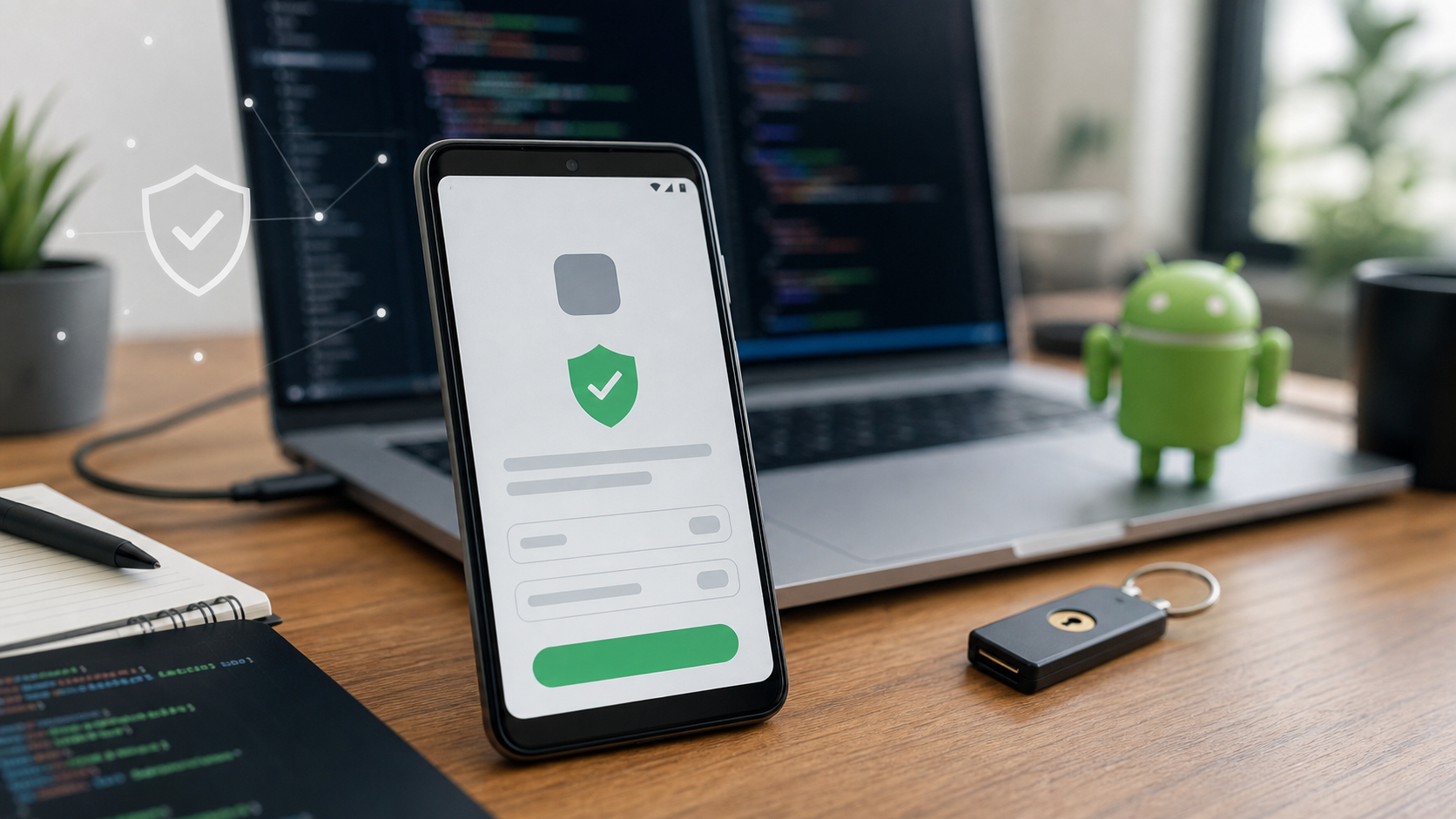
The user-facing moment matters here. A verified install flow should reduce anxiety, not create a new kind of confusion. If users cannot tell whether they downloaded the right app, whether a warning is normal, or whether an advanced install step is expected, the security layer becomes a support burden. Product teams should design the install path with the same care they bring to onboarding screens.
Why this is not just a Play Store policy
If this were only a Play Store policy, most users and many developers would not notice. Play Store developer verification has existed in different forms for years. The bigger shift is that the verification requirement reaches outside Play distribution.
That changes the product implications.
A small developer distributing an APK from their own website may need a verified Android Developer Console account. A third-party app store may need to integrate registration checks into its workflow. A startup shipping a beta to early users may need to document which install path is supported. A privacy-focused app may need to explain how verification affects users who intentionally avoid mainstream stores.
For consumer apps, this becomes a trust message. If users install the app from outside Play, the install experience may now mention developer verification, unverified risk, or advanced-flow steps. That can either reassure users or confuse them, depending on how the product team prepares.
For enterprise apps, the story is different. Google's support page says apps distributed through an organization's store on managed devices do not need to complete the verification requirements because the IT admin has vetted them. Still, Google recommends that developers register and claim those apps if they may be distributed outside a managed store or to non-managed devices.
That means enterprise teams should not ignore the change. They should map install channels carefully.
The advanced flow is the pressure valve
Google's support page says advanced users will be able to install an app from an unverified developer after acknowledging risks and completing a one-time setup. It also says developers and power users can still use ADB to build, test, and install modified or unverified apps.
This matters because it is Google's main answer to "is sideloading dead?"
Google says no. Sideloading is not going away.
But there is a meaningful difference between "possible" and "normal." An advanced flow can preserve a technical path while making it less accessible to mainstream users. That may be the intended security outcome. It may also create friction for legitimate small developers, open-source tools, researchers, hobbyists, and niche communities.
Product teams should think about this in user-experience terms:
- If the app is for mainstream users, avoid depending on advanced-flow installs.
- If the app is for technical users, document the flow clearly and honestly.
- If the app is distributed outside Play, make developer verification part of your trust story.
- If users may install from multiple sources, explain which source is recommended and why.
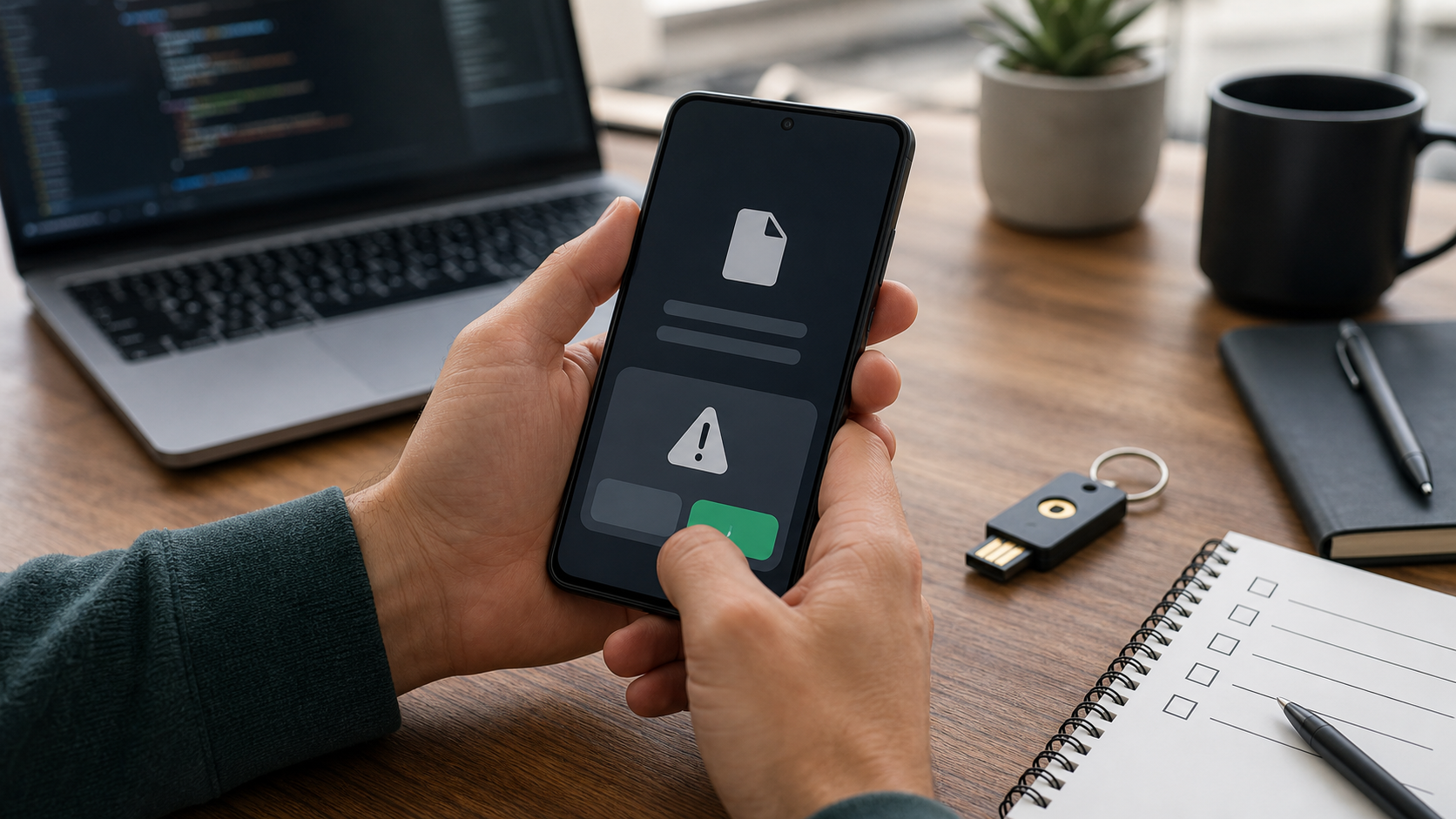
The worst version of this change is not the policy itself. It is users hitting an unfamiliar install warning with no product-level explanation.
Why open-source advocates are worried
F-Droid and other open Android advocates have been sharply critical of the program. In its February open letter, F-Droid argued that requiring developers to sign up with Google, accept Google's terms, pay a fee, upload government identification, and register every application would disadvantage future app store competitors.
That criticism is not just emotional attachment to the old Android model. It is about platform power.
Android has historically been valuable because it allowed more distribution paths than iOS. Users could choose stores, developers could publish directly, and communities could maintain software outside a single commercial store. If those paths require Google-mediated identity, the ecosystem remains more open than a single-store model but less independent than before.
There is also a developer-safety angle. Some developers work in sensitive categories or political contexts. For them, identity requirements can create real risk, even if the stated security goal is legitimate.
Google's limited distribution accounts may help students, hobbyists, and learners share apps with a small number of devices without government-issued ID or a fee. That is useful, but it does not resolve every concern for open-source maintainers, privacy tools, activist software, or community repositories.
The practical Diveno Labs position is this: do not reduce this debate to "security versus freedom." The real product problem is how to improve install safety without making all legitimate software distribution depend on one company's identity and policy system.
What developers should do before September 30
If you maintain an Android app, start with a calm release-readiness checklist.
1. Identify every distribution channel
List all places users can currently get your app:
- Google Play
- OEM app stores
- your website
- GitHub releases
- private beta links
- partner app stores
- enterprise device management
- direct APK sharing
- test builds sent to customers
Do not rely on memory. Distribution channels have a habit of multiplying quietly over time.
2. Verify account and app registration status
If your app is distributed through Play, check whether your existing Play Console identity verification and app registration status covers what you need. If your app is distributed outside Play, review the Android Developer Console path.
The question is not just "are we verified?" It is "are all package names that users can install registered under the right verified developer?"
3. Review signing keys
App registration and developer identity become much more meaningful when signing-key hygiene is clean. Review who controls signing keys, how release builds are produced, and whether old side builds are still floating around.
Poor signing discipline creates support problems. Verification will not fix that for you.

4. Prepare support scripts for install errors
Users will not describe the policy accurately. They will say "the app won't install" or "Android blocked it."
Prepare support material that explains:
- which Android versions and regions are affected
- which distribution channels are supported
- whether the app is registered to a verified developer
- what to do if the user downloaded from an unofficial mirror
- when advanced flow or ADB is appropriate
Good support copy can prevent a policy change from becoming a trust problem.
5. Update beta and test distribution
If you share APKs directly with customers, testers, students, or partners, decide whether that process should move to a more managed channel. That could mean Play testing tracks, internal app sharing, enterprise distribution, a registered external channel, or a documented advanced-user flow.
The right answer depends on the audience.
6. Watch the APIs
Google says it is launching APIs for checking whether a package name has already been registered and for managing package registration directly from development environments. If your company manages many apps, white-label builds, region-specific packages, or partner apps, those APIs may matter.
This is especially relevant for agencies, app factories, SaaS products with branded Android clients, and companies that maintain multiple package names.
What startups should understand
Startups often treat mobile distribution as an afterthought until launch week. That is a mistake.
If your go-to-market plan depends on users installing an APK outside Play, verification can affect conversion. If your app is privacy-sensitive, verification can affect how users perceive independence. If your app is B2B, distribution requirements can affect sales conversations with IT teams.
The best startup response is not to avoid alternative distribution. It is to choose it deliberately.
Use Play Store when you need mainstream trust, reviews, updates, and low-friction installs. Use enterprise distribution when the app belongs inside a managed work environment. Use direct distribution when you have a clear reason, a technical audience, and support capacity. Use third-party stores when they match your audience or market. But do not let the install path be accidental.
This is also a branding moment. A verified developer identity can reassure users if your product communicates it clearly. A confusing install path can make even a good app feel suspicious.
What this means for cybersecurity
From a security perspective, developer verification is a form of accountability. It does not prove the app is safe. It does make it harder for repeat attackers to hide behind disposable identities.
That is valuable, but it has limits.
Malicious developers can still pass identity checks. Legitimate developers can still ship vulnerable apps. Supply-chain compromise can still happen. Users can still be tricked into granting permissions. Verification is one layer, not the whole defense.
Security teams should treat this as part of a broader mobile risk model:
- source reputation
- developer identity
- signing-key integrity
- runtime permissions
- update behavior
- network behavior
- vulnerability management
- user education
The most dangerous misunderstanding would be assuming "verified" means "safe." It means accountable, not automatically trustworthy.
What this means for product design
Install flows are product flows.
That sounds obvious, but many teams only design the app after installation. The moment before installation is also part of user trust. If a user sees a warning, a verification step, or a source selection prompt, the product has already started.
Teams should design the surrounding journey:
- Tell users the official download source.
- Explain why that source is safest.
- Avoid sending users through file-sharing workarounds.
- Keep release notes and version numbers consistent.
- Do not publish multiple confusing APK variants unless necessary.
- Use clear language around beta, experimental, and production builds.
For Android-first products such as productivity apps, wallpapers, creative tools, and service apps, the best outcome is boring: users know where to get the app, Android recognizes the developer, updates work cleanly, and support knows what changed.
The mistakes teams should avoid
The easiest mistake is assuming this only affects unusual apps. A team may think, "We are on Play, so this is not our problem." That may be mostly true for the primary production build, but many companies also share direct APKs for pilots, early-access users, sales demos, investor previews, white-label partners, or regional resellers. Those side channels are exactly where confusion can appear.
The second mistake is treating verification as a one-time admin task. Developer identity, package ownership, signing keys, release channels, and support language all connect. If one of those pieces is messy, the user experience can still fail even if the developer account is verified.
The third mistake is hiding the install path from users. A download button that silently serves an APK may have worked before. Under a stricter verified-install world, that may not be enough. Users should understand why the download is official, why the developer identity matters, and where to go if Android shows a warning.
The fourth mistake is leaving old APKs online. Old public builds, abandoned beta links, and mirrored files can keep creating support problems long after the official app has moved forward. Verification makes provenance more visible, but it does not clean up your distribution history.
The fifth mistake is ignoring regional sequencing. The first rollout markets are Brazil, Indonesia, Singapore, and Thailand. If your product has meaningful users, testers, partners, or contractors there, you should not wait for the global phase. Check those flows early.
How agencies and app studios should respond
Agencies, app studios, and software consultancies have a special version of this problem because they often manage apps for multiple clients.
The hard questions are operational:
- Which verified developer account should own each package name?
- Does the client or the agency control release signing?
- Who can register app identities?
- What happens when a client leaves?
- How are white-label variants named, signed, and distributed?
- Are test builds tied to a clean internal process or scattered across chat links?
These questions can feel administrative, but they affect client trust. A client should never discover during a launch that a package name, signing key, or developer identity is unclear.
For studios, the best practice is to make Android distribution ownership part of the project handoff checklist. Define account ownership, signing-key custody, store access, backup contacts, package registration, and source-of-truth download pages before launch week.
That also creates a better sales story. Instead of saying "we build Android apps," a studio can say "we build and ship Android apps with clean release infrastructure." In 2026, that difference matters.
How to explain this to nontechnical stakeholders
Product managers, founders, and clients do not need every implementation detail. They need a clear mental model.
Use this explanation:
"Android is adding stronger identity checks around who is allowed to distribute apps on certified devices. It does not mean users can only install from Google Play, but it does mean developers and apps need to be registered so Android can reduce anonymous abuse. We need to make sure our developer identity, package names, signing keys, and download instructions are clean before the rollout reaches our users."
That framing avoids two common extremes. It does not create panic by saying sideloading is dead. It also does not dismiss the change as irrelevant paperwork.
The business impact is simple: cleaner distribution reduces failed installs, support tickets, and user doubt. Messy distribution makes a good app look risky.
The Diveno Labs take
Android developer verification is a meaningful shift because it moves Android distribution closer to identity-based trust.
That has security value. It can make scam and malware campaigns harder to repeat. It can reduce anonymous abuse. It can give users more confidence that the app they are installing is tied to a real developer.
It also has ecosystem cost. Alternative distribution becomes more dependent on a Google-run registration layer. Open-source and privacy communities are right to question how this affects software freedom, developer anonymity, and future app-store competition.
For builders, the practical move is to separate ideology from readiness.
You can disagree with parts of the policy and still prepare your app correctly. You can support Android openness and still improve signing hygiene. You can distribute outside Play and still give users a safer, clearer install path.
The teams that handle this well will treat verification as release infrastructure, not paperwork.
A practical 30-day plan
Use the next 30 days to get ahead of the rollout.
Week 1: Map distribution
List every app package, signing key, store, download page, beta channel, and enterprise install path.
Week 2: Check verification readiness
Confirm the right developer identities and package registrations. Identify gaps for non-Play distribution.
Week 3: Clean release operations
Review signing, CI/CD, release notes, support docs, version naming, and who is allowed to publish builds.
Week 4: Update user messaging
Write clear install guidance for users and support teams. Explain official sources, verification status, and what to do if an install is blocked.
This is not glamorous work. It is the work that prevents platform changes from turning into customer confusion.
Source notes
Sources checked on June 20, 2026:
- Android Developers Blog: Android developer verification: Building a safer ecosystem together
- Android Developers: Android developer verification
- Android Developer Console Help: Understanding Android developer verification
- Android Developer Console Help: Android developer verification timeline
- F-Droid: An Open Letter Opposing Android Developer Verification
- Help Net Security: Google sets timeline for Android developer verification enforcement
Image notes:
- All images in this post were generated with the GPT image generation model for Diveno Labs and saved under
/public/blog-images. - Images were reviewed for topic fit, cropping, contrast, lack of readable fake text, and suitability for mobile article layouts.
Frequently asked questions
Is Android sideloading going away in 2026?
Google says sideloading is not going away, but on certified Android devices many app installs will need to come from registered apps tied to verified developers. Google also plans an advanced flow for power users and ADB remains available for development.
When does Android developer verification enforcement start?
Google's current timeline says September 30, 2026 for participating stores in Brazil, Indonesia, Singapore, and Thailand, with broader global expansion planned for 2027 and beyond.
What should Android app teams do now?
Teams should verify developer accounts, register package names, review signing keys and distribution channels, document sideloading support, and test install/update flows before the regional rollout begins.
Build with Diveno Labs
Turn this idea into a working system.
Share the workflow, product, or content bottleneck you want to improve. We will help shape it into a practical build.
Plan your Android app launch