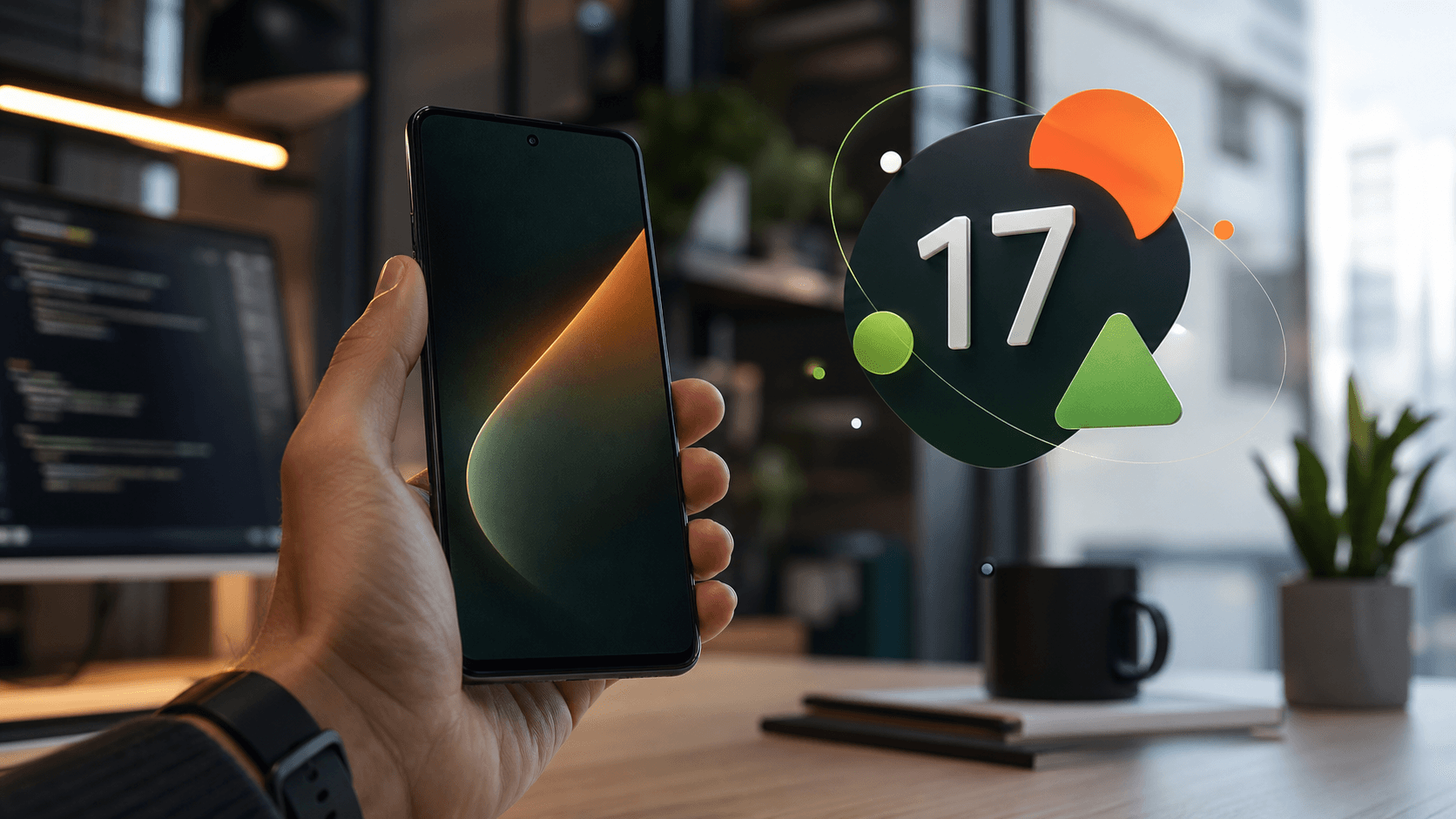
Android 17 is officially rolling out, and this is not a small cosmetic update. It is one of those platform releases that says a lot about where mobile software is going: AI agents closer to app workflows, more pressure on adaptive design, stronger privacy defaults, better multitasking, and stricter expectations around performance.
For Diveno Labs, the important part is not just "new Android version available." The important part is what Android 17 suggests for anyone building Android apps in 2026: the phone is becoming less like a single-screen launcher and more like an intelligent, multi-device workspace.
Google's official Android Developers Blog says Android 17 is available first on most supported Pixel devices and frames the release as the start of Android's transition toward an "intelligence system." TechCrunch's launch coverage also points to Google's broader strategy: Android and Pixel are increasingly being used as the showcase layer for Google's newest AI models and device experiences.
This post breaks down the update in plain product language: what changed, why it matters, and how Android product teams should respond.
Quick summary
Android 17 matters because it combines three trends that are usually discussed separately:
- AI integration is moving closer to app actions, not just chat windows.
- Android layouts are being pushed toward adaptive, large-screen-friendly design.
- Privacy, security, and performance defaults are getting stricter.
For users, the update should feel like better multitasking, more capable AI experiences, safer permissions, improved device handoff, and more polished Pixel and Wear OS features.
For developers, it means apps need to become more flexible, more observable, and more prepared for AI-assisted workflows.
What launched
Google released Android 17 on June 16, 2026, with availability beginning on supported Pixel devices. The Android Developers Blog describes the release as shipping source code to the Android Open Source Project and setting up a wave of new device and developer capabilities.
At the same time, Google pushed related ecosystem updates: a June Pixel Drop, Wear OS 7 updates, expanded parental controls, and deeper Gemini-linked features. TechCrunch highlighted Pixel Drop additions such as Gemini Omni video editing, Lyria 3 music creation, better speech-to-speech translation on Pixel 10a, and new communication and emergency features.
That combination is important. Android 17 is not only an operating system release. It is also a platform moment for Google's AI, Pixel, smartwatch, and multi-device ecosystem.
The bigger signal: Android wants apps to become AI-usable
The most interesting developer-side idea in Android 17 is AppFunctions.
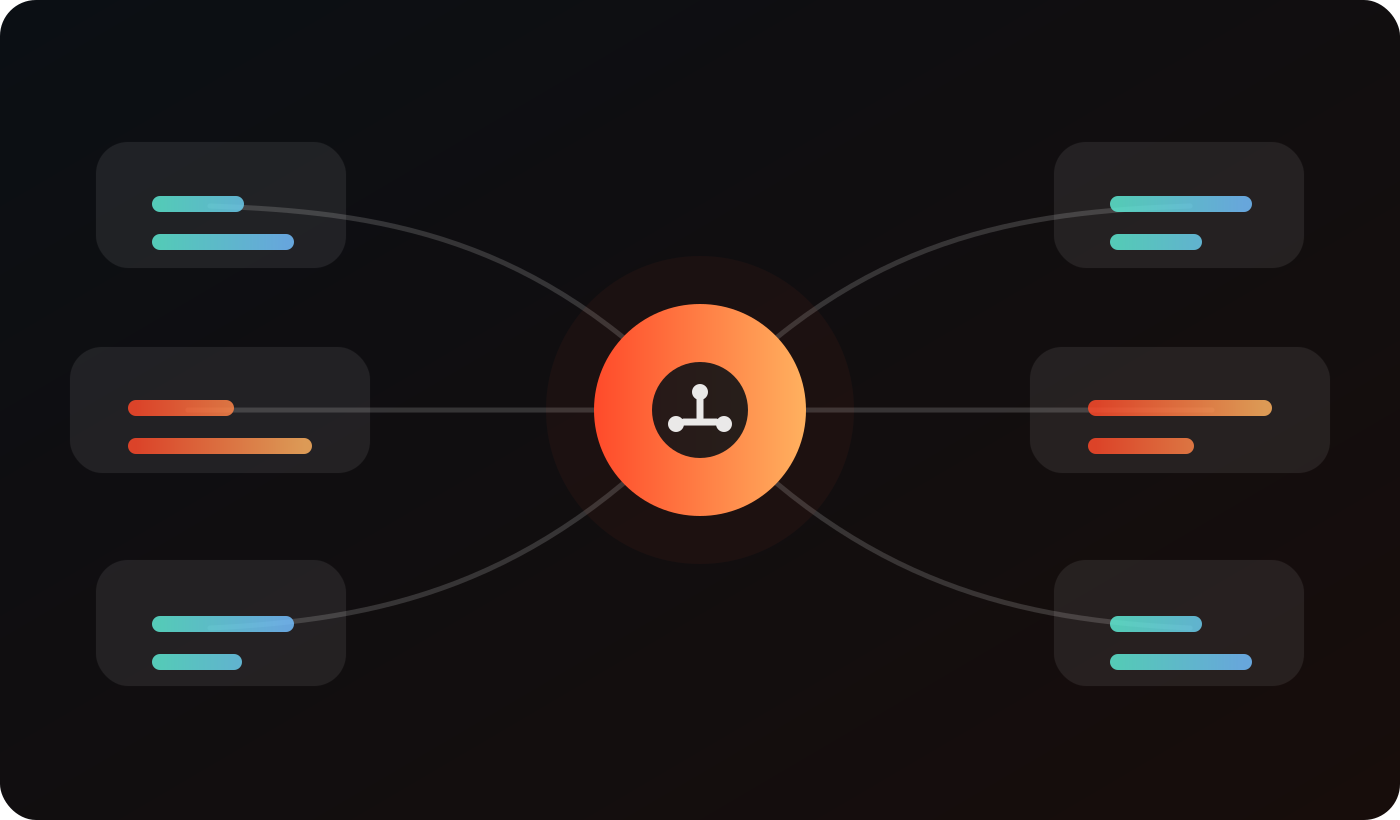
Google describes AppFunctions as a way for apps to expose their capabilities as orchestratable tools for Android's on-device AI layer. In simple language: an app can make specific actions understandable and callable by AI assistants, while keeping those actions connected to the app's local state.
This is a meaningful shift.
Most mobile AI features today live in separate surfaces. A user opens a chatbot, asks for help, copies an answer, and then goes back to another app. That works, but it is clumsy. The more useful path is for the assistant to understand what installed apps can actually do.
Imagine a notes app exposing "create note," a task app exposing "add reminder," a finance app exposing "categorize expense," or a photo app exposing "make album." The assistant does not need to guess. It can discover a supported app function and call it with structured intent.
That does not mean every app should immediately bolt AI onto everything. It means app teams should begin thinking about their product's actions as clean, describable, testable capabilities.
For a product team, the question becomes:
What are the five actions in our app that an intelligent assistant should understand perfectly?
That question is useful even before the AI integration is public for everyone. It forces cleaner product thinking.
Why AppFunctions matters for small apps too
Big platforms will obviously adopt AI-callable actions first. But smaller apps may benefit even more if the integration model becomes mainstream.
A small Android app often struggles with discovery. Users install it for one workflow, then forget the deeper features. If an assistant can discover and trigger app-specific capabilities, a smaller app can become useful inside more moments.
For example:
- A private task app can let the assistant add tasks without exposing every task to a remote server.
- A wallpaper app can let the assistant open a specific style or create a custom prompt-driven collection.
- A catalog tool can let a seller generate a product brief from selected images.
- A local utility can complete a simple action without becoming a huge cloud service.
The risk is that poorly designed AppFunctions will create confusing behavior. The opportunity is that well-designed functions can make small apps feel more native to the user's daily workflow.
The best early preparation is boring and valuable: name core actions clearly, define their inputs, define their outputs, and decide what should never happen without explicit user confirmation.
Android 17 pushes adaptive-first design harder
The second major theme is adaptive design.
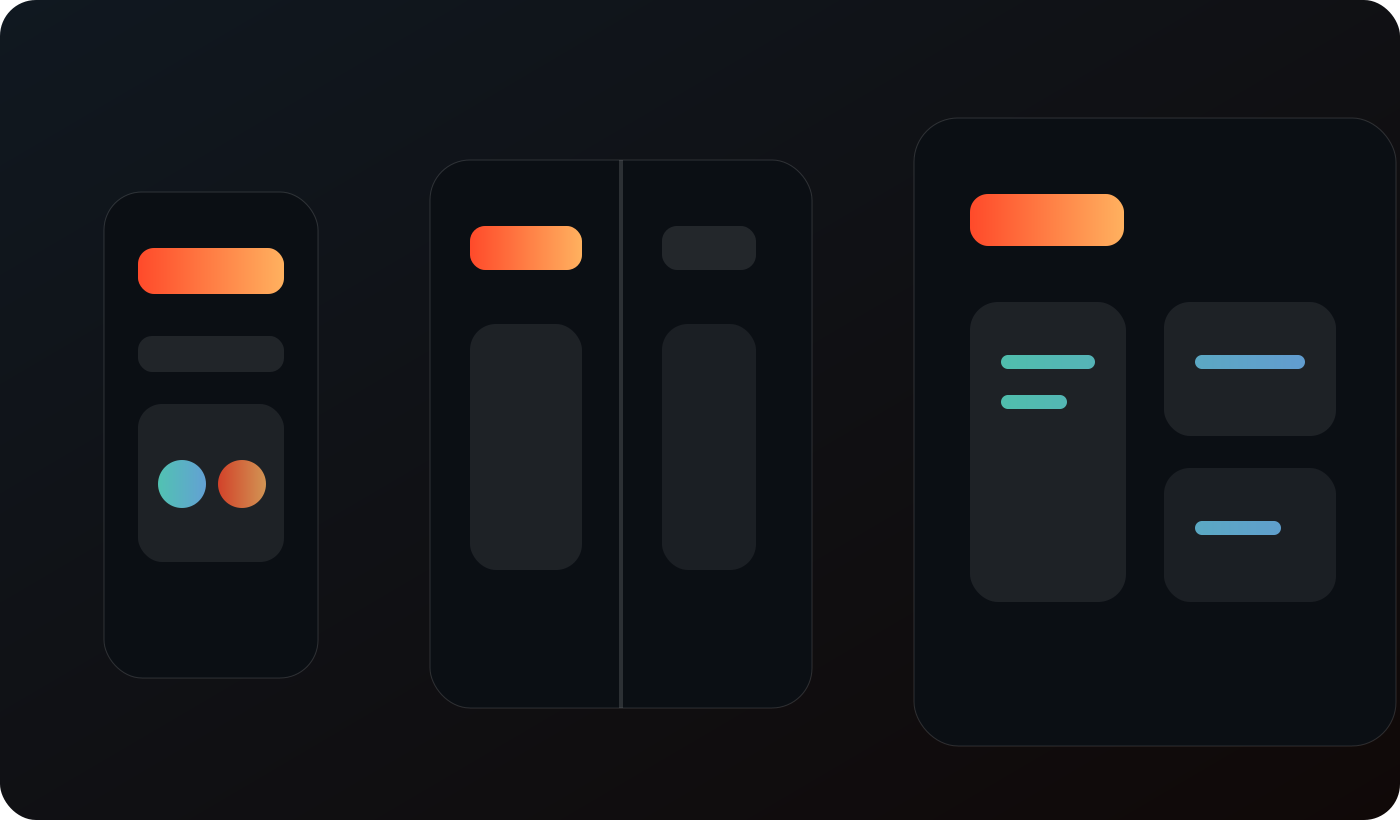
Google says Android 17 removes the developer opt-out for orientation and resizability restrictions on large screens for apps targeting API level 37. That means legacy assumptions like fixed orientation, hard aspect-ratio constraints, or "phone-only" layouts are becoming less acceptable on larger form factors.
This fits the reality of Android in 2026. Users are not only on slab phones. They move between foldables, tablets, desktop modes, car displays, wearables, and possibly Android-linked laptops or XR devices.
For app teams, this does not mean every screen has to become a complex dashboard. It means screens should survive different widths, heights, postures, and windowing states.
The minimum bar is:
- Text should wrap cleanly.
- Primary actions should remain reachable.
- Lists should not become absurdly wide.
- Detail screens should not assume one phone column forever.
- Navigation should adapt to the available space.
- State should survive resize and posture changes.
That sounds obvious, but many mobile apps still break when forced into tablet or desktop-like environments. Android 17 is making that less optional.
Compose-first is becoming the default expectation
Google's developer notes also make the platform direction clear: Android development is now Compose-first. New APIs, libraries, tools, and guidance are centered on Jetpack Compose, while many legacy View-based components move into maintenance mode.
For existing apps, this is not a command to rewrite everything tomorrow. Rewrites are expensive and often risky. But it is a signal about where future Android investment is going.
New screens should strongly consider Compose unless the app has a serious reason not to. Legacy screens should be migrated where migration solves a real problem: adaptive layouts, state handling, UI consistency, accessibility, or developer velocity.
For product owners, the practical question is not "Are we using the newest framework?" It is:
Will our current UI stack let us adapt quickly to Android's next three years?
If the answer is no, the migration plan should start with high-value screens, not an all-at-once rewrite.
Multitasking gets more serious
Android 17 introduces stronger multitasking concepts, including App Bubbles, Bubble Bar, and interactive Picture-in-Picture in desktop environments.
TechCrunch also highlighted the "bubble bar" as a user-facing feature for organizing and quickly accessing recent apps as bubbles at the bottom of the screen. Google's developer notes go further and describe a platform where apps can become floating, lightweight workflow surfaces.
This matters because it changes how users may keep apps active.
In a traditional phone model, a user opens one app, completes a task, and leaves. In a multitasking model, an app may be one of several active surfaces. It may be resized, bubbled, reopened, paused, or used alongside another app.
Apps that depend on a single full-screen state may feel awkward. Apps with clear state restoration, compact layouts, and resilient navigation will feel better.
For Android teams, this means:
- Test core flows in split-screen and resized states.
- Avoid assuming full-screen width.
- Save draft state aggressively.
- Keep important actions visible in compact layouts.
- Make loading and error states graceful when users return from another app.
The best multitasking apps do not simply fit into smaller windows. They preserve the user's intent.
Continue On points to a more fluid device ecosystem
Android 17 adds Continue On, a handoff-style feature that helps users continue a recent app task from one Android device to another. Google's developer notes describe a suggestion appearing on a tablet taskbar, letting the user launch the app or deep-link into where they left off.
This is the kind of feature that seems small until it works well. Users do not think in terms of device boundaries. They think, "I was doing something. Let me continue."
For developers, handoff requires better internal structure:
- Deep links should be reliable.
- App state should be serializable enough to resume.
- Web fallback should be considered where the app is not installed.
- Sensitive flows should not resume carelessly on shared or less secure contexts.
This is another reason clean information architecture matters. An app that cannot describe where the user is will struggle to move that state across devices.
Privacy changes are practical, not just policy language
Android 17 includes several privacy-preserving access patterns. Google's notes mention a system-level contact picker, customizable photo picker behavior, a system-rendered location button, and an eyedropper API for color picking without broad screen capture permissions.
The theme is clear: users should grant access to the thing they chose, not an entire category forever.
For app builders, this is good product discipline. If your app only needs one contact, ask for one contact. If it only needs one photo, ask for one photo. If it only needs current-session location, ask in a way that clearly matches that moment.
Broad permissions may feel convenient for developers, but they are expensive for user trust. Modern Android design is moving toward narrower, session-based access.
This is especially important for small product studios. Users may not know the brand yet. The permission prompt is part of the first impression.
Local network and OTP protections need attention
Android 17 also adds security changes that can affect real app flows.
One is local network access. Apps targeting Android 17 may need an ACCESS_LOCAL_NETWORK runtime permission or system-mediated, privacy-preserving device pickers for local network communication. This matters for smart home apps, casting, device discovery, and tools that talk to nearby hardware.
Another is SMS OTP protection. Android 17 delays access to certain SMS one-time passwords for apps that are not the intended recipient or are targeting the newer SDK behavior. The goal is clear: reduce OTP interception risk and push apps toward safer APIs like SMS Retriever or user-consent-based flows.
If your app touches authentication, device discovery, casting, local network workflows, or companion hardware, Android 17 deserves a careful audit. These are not visual changes. They can affect whether a user completes a login or connects a device.
Post-quantum app signing appears in the platform story
Android 17's security notes also include post-quantum cryptography support in the Android Keystore and a hybrid APK Signature Scheme using classical and module-lattice-based signatures.
Most app teams do not need to become cryptography experts overnight. But the direction matters. App distribution, signing, secure hardware, and long-term trust are being prepared for the post-quantum era.
For small teams, the practical takeaway is simple:
- Keep build and signing systems clean.
- Avoid one-off signing hacks.
- Track Google Play signing and target SDK requirements.
- Treat release engineering as product infrastructure, not admin work.
The less chaotic your build pipeline is, the easier it is to adopt security changes when they become mandatory.
Performance rules get sharper
Android 17 includes performance and efficiency changes around memory limits, garbage collection, lock-free message queues, custom notification restrictions, and static final field behavior.
This is where many teams get surprised. Platform releases are not only about features. They also remove old tolerances.
An app that quietly leaks memory may now face stricter termination. An app that uses reflection against internals may break. A custom notification that was oversized may stop behaving as expected. A busy queue that used to stutter may improve if the app stays within supported behavior.
The right response is not panic. It is observability.
Teams should collect crash logs, memory signals, startup timing, slow render paths, and user-visible performance issues before they become review problems. Performance work is far easier when the app already has a habit of measuring.
Pixel Drop shows where consumer AI is heading
The June Pixel Drop around Android 17 is also worth watching. TechCrunch reported Gemini Omni video editing in conversation, Lyria 3 music generation through prompts and images, better speech-to-speech translation on Pixel 10a, Android Quick Share compatibility improvements with AirDrop on older Pixel devices, and more safety features for Pixel Watch.
Not every feature will matter to every user. But the pattern matters:
- AI is entering creation workflows.
- AI is entering translation and communication.
- AI is entering device-to-device convenience.
- Watches and phones are becoming more connected.
- Safety features are becoming part of the platform experience.
For consumer app teams, the competitive bar is changing. Users will expect apps to feel more context-aware, more fluid across devices, and less clumsy around media and communication.
This does not mean every app needs generative AI. It means every app needs to understand where AI reduces friction and where it would only add noise.
Wear OS 7 broadens the context
Wear OS 7 is part of the same update wave. TechCrunch noted improved emergency detection, live updates from phone apps mirrored to Pixel Watch, better compatibility with upcoming AI glasses and headphones, more Gemini Intelligence features, personalized widgets by description, personal intelligence through Google apps and chat history, battery improvements, and multistep automation.
For Android product teams, wearables should not be treated as a separate universe. They are part of the user's attention system.
Not every app needs a watch app. But apps with reminders, alerts, health, travel, productivity, navigation, communication, or payments should think carefully about what belongs on the wrist.
The best smartwatch experiences are not miniature phone apps. They are timely, glanceable, and respectful of interruption.
What this means for Android app teams
If you maintain an Android app, Android 17 suggests a practical checklist.
1. Audit adaptive layout behavior
Test phones, tablets, foldables, split-screen, desktop-like windows, and rotation. Look for clipped text, unreachable actions, broken navigation, and state loss.
Do not only test happy paths. Try editing a form, resizing the app, switching away, and returning.
2. Review permissions
Ask whether each permission is still necessary. Replace broad access with pickers, session-scoped access, or system-mediated controls when possible.
Permission minimization is both a privacy improvement and a conversion improvement. Users are more likely to trust a prompt that matches the action they just took.
3. Prepare for AppFunctions thoughtfully
Identify a small set of app workflows that could safely become AI-callable actions. Define inputs, outputs, failure states, and confirmation requirements.
Do not expose destructive actions casually. AI-friendly does not mean permissionless.
4. Check authentication and OTP flows
If your app reads SMS messages, depends on OTP autofill, or uses web-based verification flows, test against Android 17 behavior and safer APIs.
Authentication friction is one of the fastest ways to lose users.
5. Strengthen performance telemetry
Watch memory, startup time, crashes, ANRs, background behavior, and user-visible lag. Android 17's stricter memory and runtime behavior rewards apps that already know where they are fragile.
6. Revisit notification design
If your app uses custom notifications, verify size and behavior under newer constraints. Notifications are often ignored until a platform release breaks them.
7. Plan Compose migration by value
Do not rewrite everything for fashion. Migrate screens where Compose improves adaptive behavior, state clarity, accessibility, animation, or future development speed.
What this means for Listro-style productivity apps
Productivity apps are especially affected by Android 17's direction.
A good task app is not just a list. It is a small operating layer for the user's day: reminders, widgets, shortcuts, search, repeated tasks, calendar context, and quick capture.
Android 17's multitasking and AI direction could make productivity apps more useful if they stay disciplined:
- Quick capture should work from more contexts.
- Widgets should remain glanceable and low-friction.
- App actions should be clean enough for future AI assistance.
- Privacy choices should be narrow and transparent.
- Layouts should adapt from phone to foldable to tablet.
- State should survive interruptions.
For Listro, the broader lesson is aligned with the existing product direction: local-first task planning, Android-first design, widgets, and calm workflows matter more as the platform becomes more intelligent and multi-surface.
What product teams should not misunderstand
There is a temptation with every platform launch to turn the update into a checklist of shiny features. That is useful for release notes, but it is not enough for product decisions.
Android 17 should not be read as "add AI, add bubbles, add tablet layout, done." That approach usually creates noisy software. The better reading is that Android is becoming more demanding about context.
The same user may interact with an app in a short phone session, a floating bubble, a tablet handoff, a watch notification, a desktop-style window, or an AI-assisted workflow. The app has to preserve intent across those contexts.
That does not mean every screen needs to expose every feature everywhere. It means each context needs an honest job.
For example, a task app on a watch should not expose a complex project dashboard. It should show the next action, capture a quick task, or dismiss a reminder. A task app in a tablet view can offer planning and review. A task app exposed through AppFunctions should perform narrow actions with clear confirmation rules. The same product becomes different surfaces with the same underlying logic.
That is a hard design problem, but it is also a strong filter. If a feature cannot explain where it belongs, it may not belong in the product yet.
How Android 17 changes content strategy for app companies
There is also a marketing and SEO angle here.
When major platform updates ship, app companies often publish generic news posts that repeat the headline. Those posts do not age well. They may get a little search traffic for a few days, then disappear.
A better content strategy is to connect the platform update to a product point of view:
- What does this mean for users?
- What does this mean for developers?
- What should product teams audit?
- Which changes are urgent and which are strategic?
- How does this affect the app category we operate in?
For Diveno Labs, that means Android 17 is not just a news item. It is a chance to explain how we think about Android-first product quality: privacy, local-first workflows, adaptive screens, widgets, low-friction capture, and calm automation.
That kind of article has more long-term value because it connects a current event to an evergreen product principle.
The daily tech update automation should follow the same rule. It should not merely summarize the news. Each post should explain why the update matters for builders, users, small teams, founders, Android developers, AI workflow designers, or digital product owners.
What to watch over the next few weeks
Android 17 will not land evenly across the ecosystem overnight. Pixel gets the earliest attention, but the practical story unfolds as developers test target SDK behavior, OEMs plan rollouts, and users discover which features actually change daily use.
Over the next few weeks, product teams should watch five areas.
1. Real-world AppFunctions adoption
The concept is exciting, but the practical details matter. Which app categories get early access? How strict are the review and safety expectations? How visible are AppFunctions to users? Do assistants execute actions reliably, or does the first wave feel experimental?
The answers will decide whether AppFunctions becomes a serious app-discovery and workflow layer or remains a developer curiosity for a while.
2. Large-screen enforcement pain
Large-screen resizability sounds clean in documentation. Real apps often carry years of assumptions. Watch for developer reports around broken layouts, forced orientation changes, activity recreation surprises, and edge cases in foldable or desktop modes.
If many apps struggle, adaptive design will become a bigger engineering priority across the ecosystem.
3. Permission prompt conversion
Privacy-preserving pickers and session-based access are good for trust, but teams still need to design the surrounding experience well. A permission prompt that appears without context can still feel suspicious, even if it is technically narrower.
The winners will be apps that explain access at the moment of need, use the narrowest available API, and recover gracefully if the user says no.
4. Gemini's role outside the Gemini app
The most important AI question is not whether Gemini can generate music or edit video. It is whether Gemini becomes useful across normal app workflows without breaking user trust.
If AI remains mostly a separate destination, users will treat it as another app. If AI becomes a trustworthy action layer across apps, Android product design changes more deeply.
5. Wearables and glanceable automation
Wear OS 7's direction suggests a future where watches, phones, earbuds, and glasses pass context between each other more fluidly. That makes notification quality more important, not less.
Apps that spam users will feel worse across more surfaces. Apps that send fewer, better, more contextual updates will feel native.
The Diveno Labs take
Android 17 is not asking every app to become bigger. It is asking apps to become clearer.
Clearer about what they do. Clearer about permissions. Clearer about layout behavior. Clearer about AI-callable actions. Clearer about what belongs on a phone, a tablet, a watch, or an assistant surface.
That clarity is good for users and good for small teams.
Small teams cannot win by matching every platform feature immediately. They win by choosing the platform changes that strengthen their product promise.
For a private productivity app, that may mean better widgets, adaptive planning screens, safer task access, and clean future AppFunctions. For a wallpaper app, it may mean safer media pickers, better gallery performance, and more expressive creation flows. For a service workflow, it may mean turning repeated business actions into clean automation primitives.
The platform is moving toward more intelligence. The product response should be more discipline.
What this means for wallpaper and creative apps
Creative apps also have a clear path in Android 17.
Media APIs, picker customization, AI creation workflows, and Pixel-level creative tools suggest that users will expect more flexible editing, safer media access, and richer device-native experiences.
For a wallpaper app such as Liquid Wallpapers, the practical opportunities are:
- Better media selection flows.
- More adaptive gallery layouts.
- Clearer privacy boundaries around photos and device storage.
- Potential AI-assisted creation that still keeps user control obvious.
- Stronger performance behavior for preview-heavy screens.
The key is restraint. Creative AI should make the user's intent easier to express, not bury the app under novelty.
Why this update matters beyond Android
Android 17 reflects a wider industry direction. Platforms are trying to make apps:
- More accessible to AI agents.
- More adaptive across screens.
- More private by default.
- More secure against credential theft and future cryptographic risks.
- More resilient under multitasking pressure.
This is the shape of software in 2026. Users do not want more app complexity. They want less friction across more contexts.
The teams that win will not be the teams that add every new API first. They will be the teams that understand which platform changes improve the user's real workflow.
A practical 30-day response plan
If you own an Android app, use this 30-day plan:
Week 1: Readiness audit
List all screens, permissions, authentication flows, notifications, widgets, and background tasks. Identify anything likely to be affected by Android 17.
Week 2: Adaptive testing
Test the most important flows across phone, tablet, foldable, split-screen, desktop mode, and rotation. Record layout and state-loss issues.
Week 3: Privacy and security cleanup
Replace broad permissions where possible. Review OTP flows, local network access, media pickers, contact access, and sensitive input handling.
Week 4: AI and product action mapping
Define the app's most important user actions. Decide which could eventually become structured, assistant-callable AppFunctions and which should always require manual confirmation.
This plan is intentionally boring. That is why it works.
Sources checked
This article was prepared from current public sources checked on June 17, 2026:
- Android Developers Blog: Android 17 is here
- TechCrunch: Android 17 launches with new multitasking tools as Google expands Gemini features
- Google Blog: June 2026 Pixel Drop
- Google Blog: Wear OS 7
- Google Blog: Expanded Android parental controls
All article visuals are original Diveno Labs illustrations created for this post. They do not reuse third-party product screenshots or copyrighted press images.
Final thought
Android 17 is a platform update, but it is also a product design reminder. Apps now need to be adaptive, privacy-aware, AI-readable, and resilient across interrupted workflows.
That sounds like a lot. But the work starts with simple questions:
- Does the app still work when the screen changes?
- Does the user understand every permission?
- Can the app describe its core actions clearly?
- Does state survive real life?
- Does the product become calmer when the platform becomes smarter?
Those questions are where good Android products will separate themselves over the next year.
Frequently asked questions
What is the biggest Android 17 change for app developers?
The biggest strategic change is Android's move toward an adaptive, AI-aware app model, especially AppFunctions, large-screen resizability, and stronger privacy and security defaults.
Does Android 17 only matter for Pixel users?
Pixel devices get the release first, but Android 17 matters broadly because its APIs, target SDK behavior, adaptive requirements, and developer tooling influence future Android app standards.
Should small Android teams update their apps immediately?
Small teams should not rush blindly, but they should audit layouts, permissions, background memory behavior, OTP flows, and future AI integration points now so the upgrade is calm instead of reactive.
Build with Diveno Labs
Turn this idea into a working system.
Share the workflow, product, or content bottleneck you want to improve. We will help shape it into a practical build.
Discuss an Android product