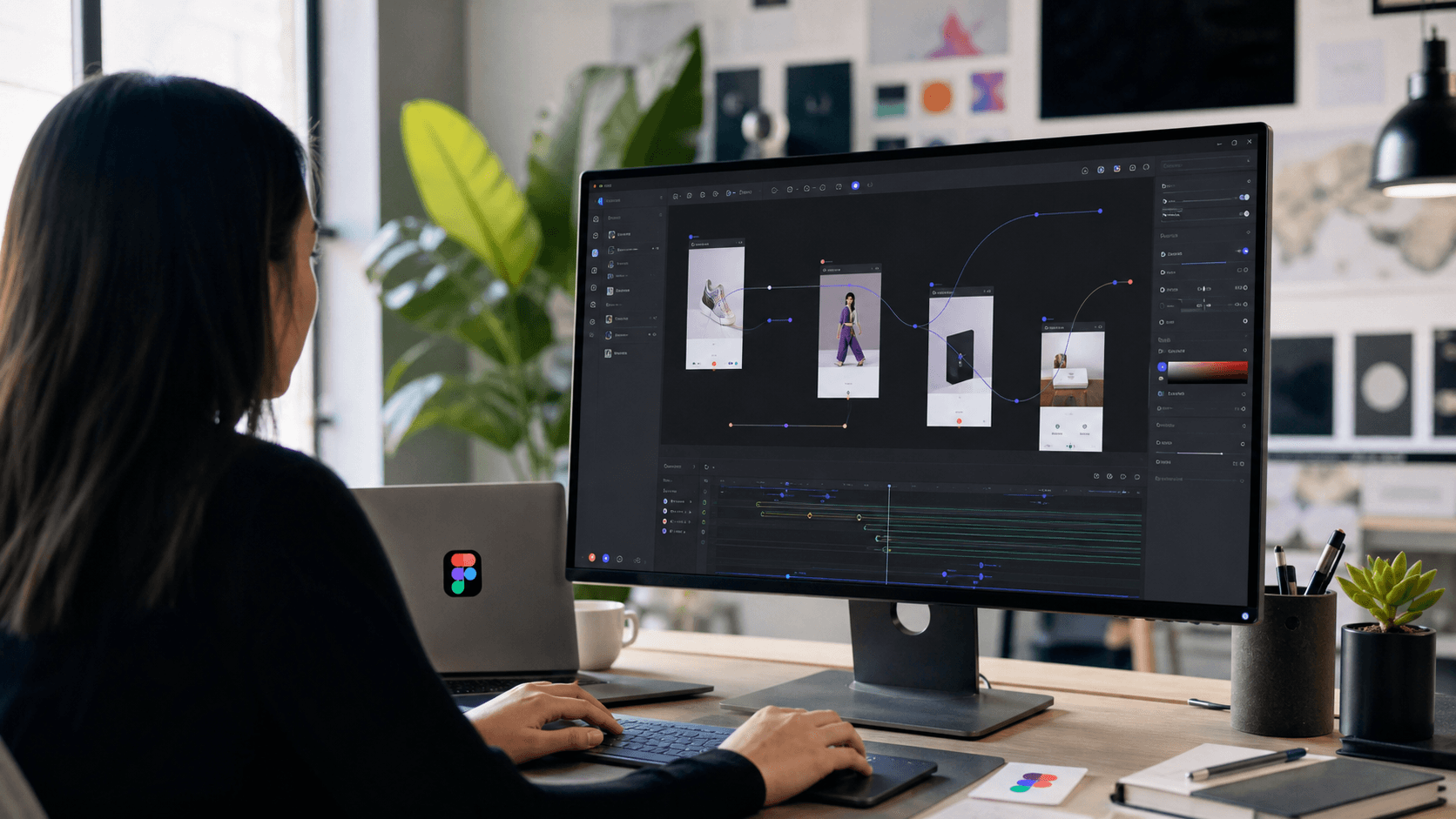
Figma used Config 2026 to make a very direct statement about where product design tools are going: the design canvas is no longer just a place for static screens. It is becoming a live workspace for code, AI, shaders, plugins, and now motion.
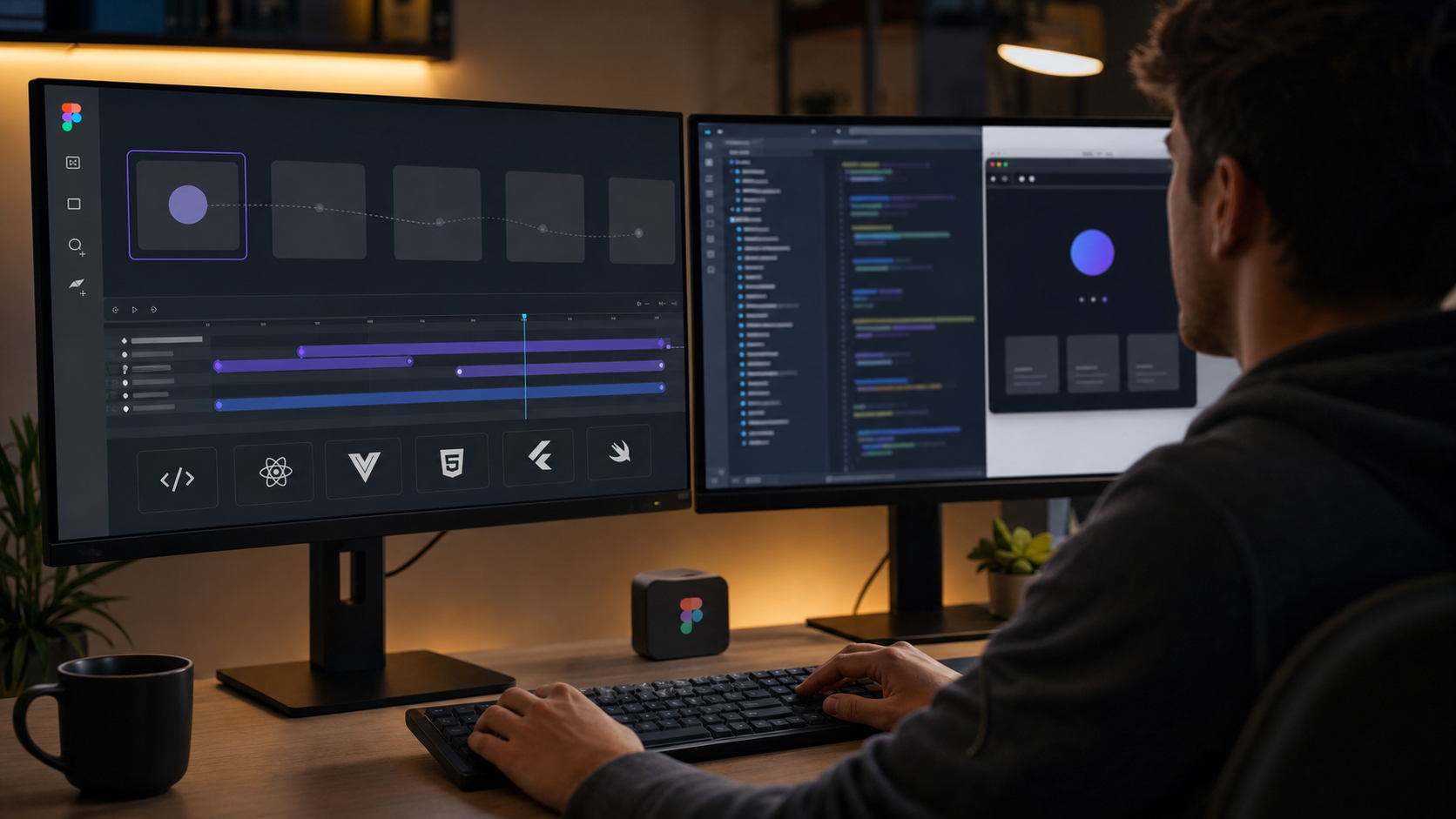
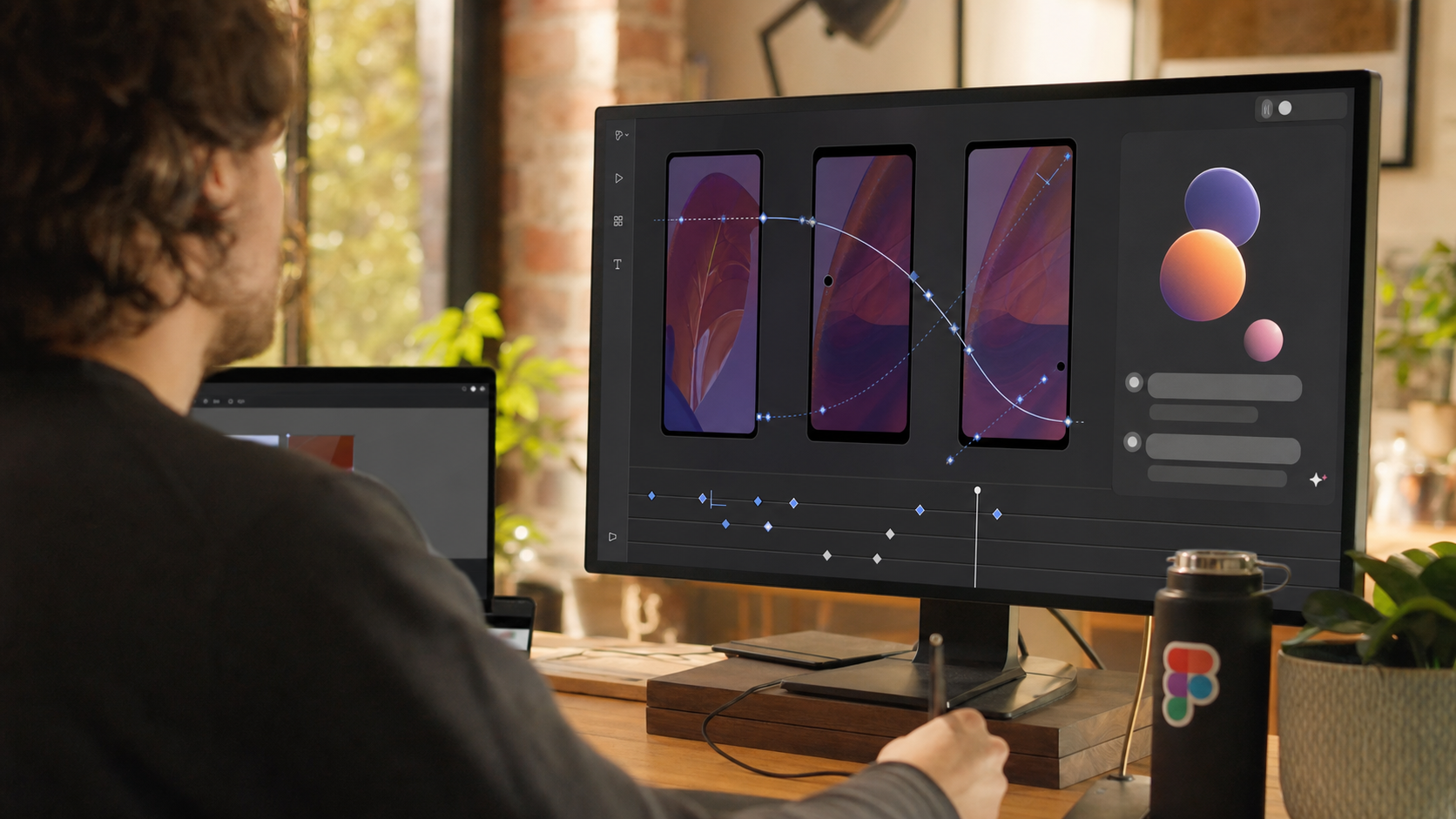
The most practical launch for product teams is Figma Motion. Figma's official Config 2026 recap says Figma Design now includes a timeline with keyframes, presets, and more. Designers can build motion from scratch, layer it onto existing designs, or ask the Figma agent to generate a starting point. Figma's own Motion launch post is even clearer: motion is now native to the same canvas where designs already live, and the experience includes Dev Mode access and functionality for smoother handoff.
For Diveno Labs readers, this is not just a design-tool feature. It is a workflow shift.
Motion has always been part of great digital products. It explains state changes, guides attention, makes feedback feel immediate, and turns a rough interface into something that feels carefully built. But in many teams, motion has also been the first thing to get lost between design intent and production reality. A designer prototypes one interaction in one tool, a developer rebuilds it somewhere else, and the final implementation becomes an approximation.
Figma Motion matters because it moves that conversation closer to the main product file.
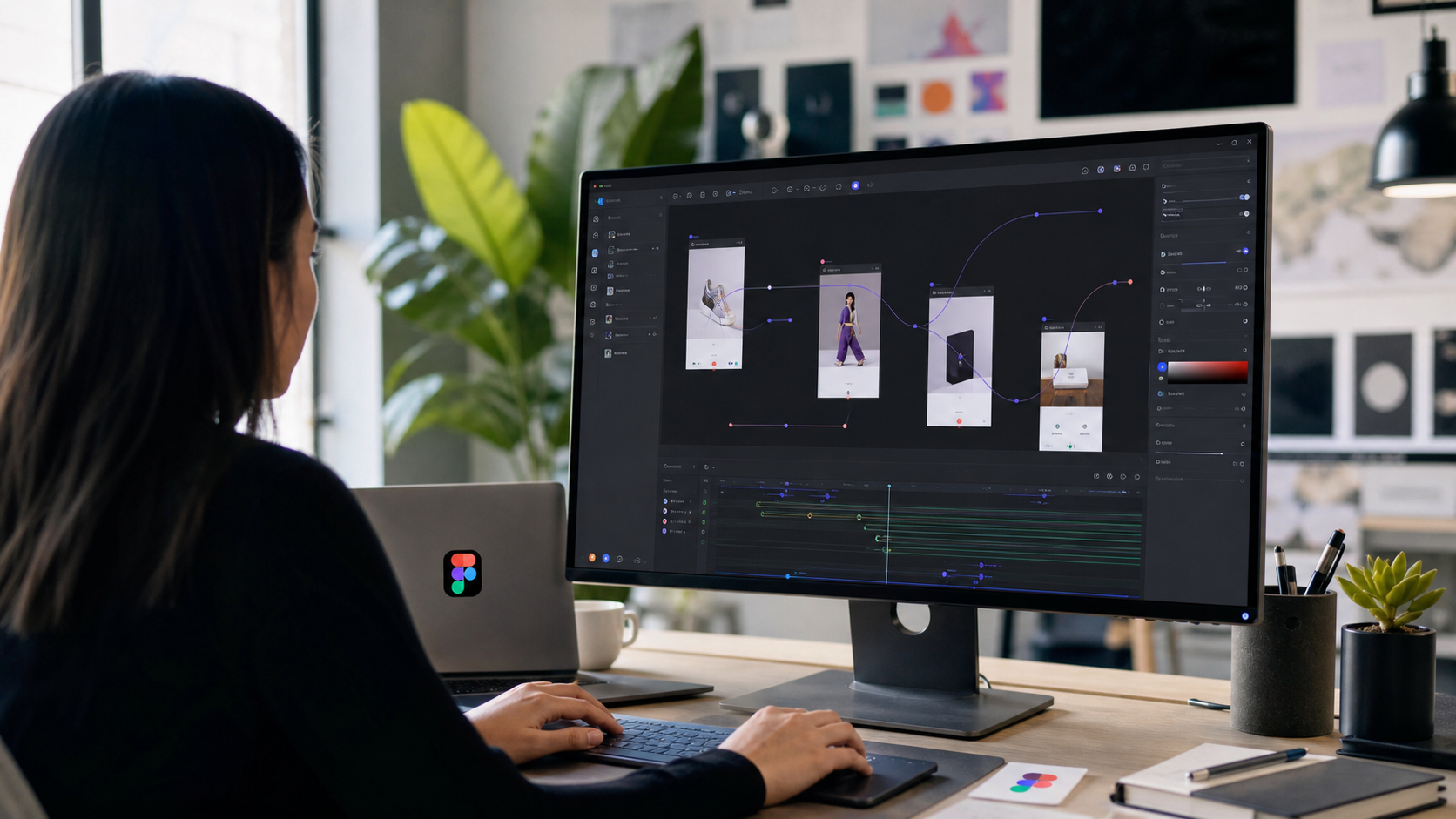
The short version
Figma Motion adds native animation tooling to Figma Design.
The important pieces are:
- a timeline inside the design canvas
- keyframes for animating layers and properties
- presets for common animation patterns
- AI-generated motion starting points through the Figma agent
- Dev Mode support for handoff
- a broader Config 2026 platform push that also includes Code Layers, shaders, generative plugins, and expanded agent capabilities
The headline is not "Figma added animations." The better headline is that Figma is trying to make motion a normal material in product design, closer to color, type, layout, and components.
That distinction matters. If motion stays outside the core design workflow, teams treat it as decoration. If motion lives beside the screens, components, variants, comments, and developer handoff, teams are more likely to use it as part of interface behavior.
What Figma actually announced
Figma's Config 2026 recap describes Motion as a new material inside Figma Design. The company says it has added a timeline with keyframes and presets, and that designers can build motion from scratch, layer motion onto existing designs, or ask the Figma agent to generate a starting point.
The dedicated Figma Motion launch post frames the change as a way to remove the bottleneck around motion creation. Any designer can prompt the Figma agent to create motion directly on the new animation timeline, then continue editing the result manually. Figma also emphasizes Dev Mode access and functionality, which is important because motion only becomes useful in product work when it can survive the trip from design intent to shipped interface.
The broader Config 2026 context matters too. Figma also announced a more expressive canvas, Code Layers, shader fills and effects, generative plugins, and new agent capabilities. The Verge's June 24 report summarized the direction as Figma bringing AI motion graphics, shader tools, and code/design workflows closer together on the same canvas.
In other words, Motion is part of a larger platform strategy. Figma wants teams to treat the canvas as the shared surface for product thinking, visual design, interaction design, and implementation.
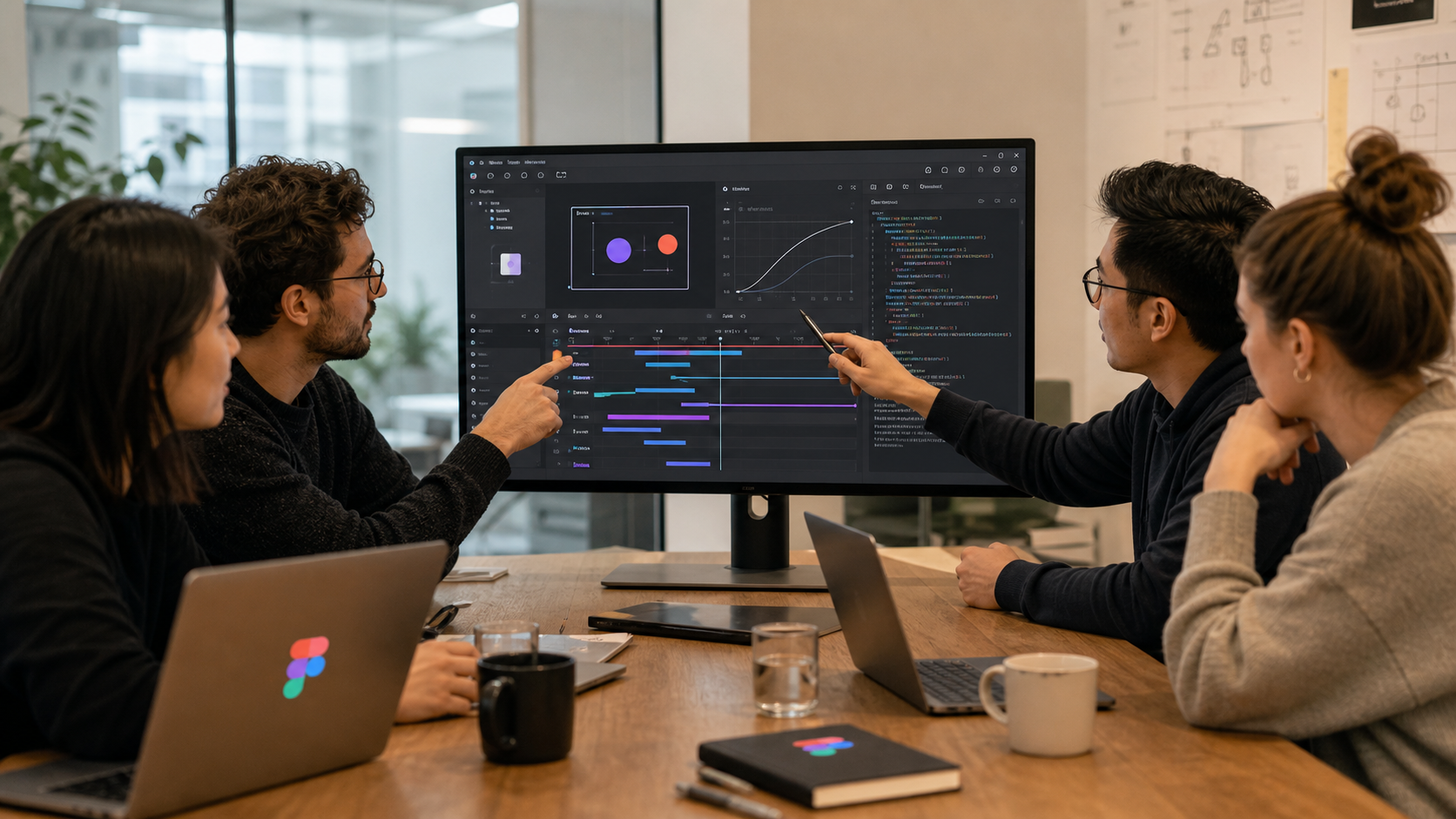
Why product teams should care
Most users do not describe an app as good because the easing curve was perfect. They just feel that the product is clear, fast, stable, and intentional.
Motion contributes to that feeling in small but important ways.
It can show that a card moved instead of disappeared. It can make a loading state feel controlled instead of broken. It can distinguish an error from a warning. It can make navigation feel spatial. It can help users understand that a task was completed, a file was saved, or a setting changed.
But those details are fragile.
In many product teams, motion starts as an idea in a prototype, then gets compressed into a comment like "add smooth transition here." That is rarely enough. Developers need timing, state, sequence, constraints, and fallback behavior. Designers need to see whether the implemented version still matches the intent. Product managers need to know whether the interaction helps the workflow or merely adds polish.
When motion is native to the product-design file, the discussion becomes more concrete.
Instead of "make this feel nicer," the team can review:
- when the animation starts
- what property changes
- how long it takes
- whether the movement supports the user's mental model
- what happens on repeated actions
- what should be disabled for reduced-motion accessibility
- how the developer should interpret the interaction
That is much more useful than a disconnected video export or a separate prototype that no longer matches the main file.
The biggest workflow change: motion moves earlier
The best time to think about motion is not at the end of the build.
If the interface has a complex state change, motion should be part of the interaction decision. If the product has a heavy onboarding flow, motion should be part of the guidance system. If the app has a dashboard, command palette, editor, or task workflow, motion can clarify what changed and why.
Figma Motion makes it easier to test these decisions earlier, while the team is still shaping the product.
That matters for startups and small product teams because motion work often gets cut when it requires too much specialized setup. A founder, designer, or frontend engineer may know an interaction needs polish, but switching tools, creating a separate animation file, exporting assets, and translating everything into code adds friction. When the motion timeline lives in Figma, the first version becomes easier to create and easier to discuss.
The Figma agent angle is also meaningful here. AI-generated motion will not replace taste. It may, however, reduce the blank-canvas problem. If a designer can ask for a starting point, then refine the timeline, the workflow becomes closer to "generate, judge, tune" than "build every microinteraction from scratch."
That is a sensible use of AI in creative tooling. The model gives momentum. The designer keeps judgment.
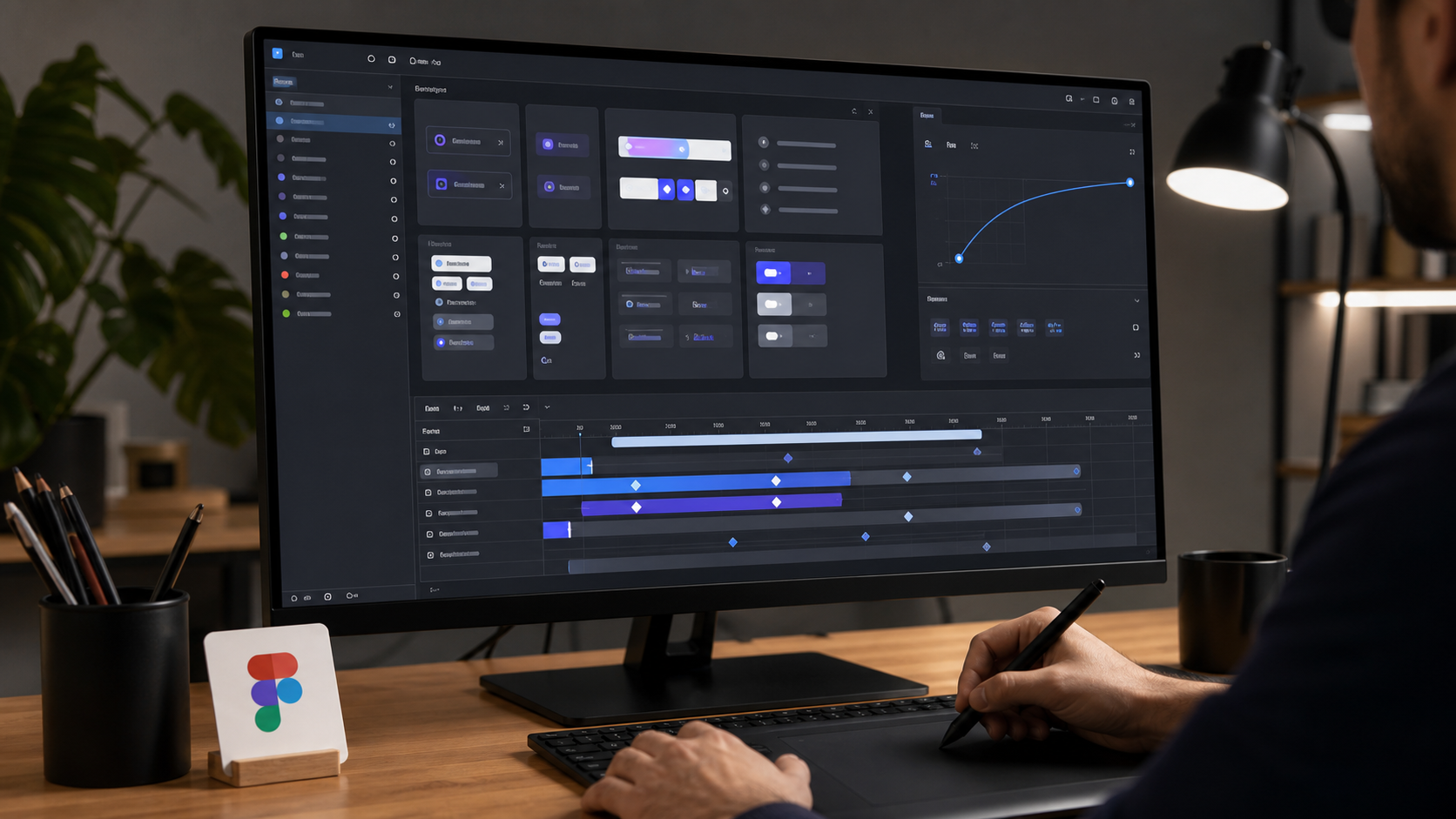
Motion as a design-system material
The most interesting version of Figma Motion is not one-off animation. It is repeatable motion.
Good products do not animate randomly. They develop a motion language.
A design system might define:
- quick feedback transitions for taps and clicks
- slower entrance patterns for modals and drawers
- consistent movement for navigation
- specific easing for cards, sheets, and overlays
- reduced-motion alternatives
- loading and success behaviors
- rules for when not to animate
This is where native motion inside Figma can become genuinely useful. If motion stays attached to components and product flows, teams can review it as part of system quality, not as an afterthought.
For example, a task app might use one pattern when a task is completed, another when a task is rescheduled, and a different one when a task is deleted. A finance app might use subtle motion to show confirmation and avoid flashy movement around sensitive data. A marketplace might use animation to clarify filtering, sorting, and cart changes.
Those patterns should be documented, reused, and implemented consistently.
Figma's Config session description for its Motion deep dive says the team is covering flexible, componentized, on-brand motion content inside Figma, from the new Motion Timeline to agent-connected skills and exporting animations to files or production code. That is the right framing. Motion becomes more valuable when it is componentized and connected to implementation, not trapped in a demo.
Why Dev Mode support matters
The handoff problem is the quiet center of this launch.
It is easy to create a beautiful prototype that is hard to implement. It is also easy to implement a transition that works technically but misses the product intent. The gap between those two worlds is where a lot of motion quality disappears.
Figma says Motion includes Dev Mode access and functionality. The practical value is that developers can inspect motion behavior closer to the design source. That does not automatically mean every animation becomes production-ready code. It does mean the team has a clearer shared reference.
For developers, the useful handoff details include:
- duration
- delay
- easing
- property changes
- state names
- trigger conditions
- sequence order
- responsive behavior
- reduced-motion behavior
The more of that lives in the same workspace, the less a developer has to infer from a screen recording.
What this means for agencies and app studios
For agencies, Motion is not just a tool improvement. It can become a deliverable improvement.
Clients often notice motion quality, even if they cannot name it precisely. They feel when a landing page transition is clunky, when an app feels unfinished, or when a dashboard has no response to user action. But many client projects still define motion vaguely, because the project scope focuses on screens and features.
Figma Motion gives studios a cleaner way to include interaction polish in the design package.
Instead of delivering static UI and hoping motion gets interpreted correctly, a studio can deliver:
- key user flows with motion states
- component-level animation guidance
- accessible reduced-motion recommendations
- developer-ready inspection notes
- examples of where motion should and should not appear
That is valuable for small teams building premium apps, consumer tools, SaaS dashboards, and brand-heavy digital experiences.
It also helps scope conversations. If a client wants a highly animated onboarding experience, the design file can show exactly what that means before engineering commits to it. If the client only needs restrained transitions, the team can keep motion lightweight and purposeful.
Where AI fits without taking over taste
The most overhyped reading of Figma Motion would be "AI will animate your product."
The more useful reading is narrower: AI can help generate motion starting points.
That is still important. Motion design has a steep learning curve because designers must think across time. A static screen asks, "What should this look like?" Motion asks, "What changes, in what order, at what speed, and why?"
An AI starting point can make that first draft less intimidating.
But teams should not ship generated motion uncritically. The motion still needs product judgment:
- Does it clarify the state change?
- Does it slow down frequent workflows?
- Does it distract from the content?
- Does it respect accessibility settings?
- Does it match the brand?
- Does it create engineering cost that is not worth the user benefit?
The best design teams will use AI as a sketching layer, then tune the animation deliberately.
The startup implication: polish becomes less expensive
Startups often ship interfaces that are functional but visibly unfinished.
That is understandable. Time is limited, the backlog is long, and the core product still matters more than animation polish. But product quality is partly emotional. When a tool responds cleanly, users trust it more. When interactions feel rushed, the product can feel less reliable even if the backend is solid.
Figma Motion lowers the cost of adding thoughtful polish, especially for teams already living in Figma.
A startup can use it to:
- prototype a new onboarding flow
- align on app transitions before development
- make a mobile interaction feel more native
- test landing-page hero motion
- clarify dashboard state changes
- document microinteractions for reusable components
That does not mean every startup should animate everything. The better move is to identify moments where motion reduces confusion or increases confidence.
Examples:
- A save confirmation should feel immediate.
- A payment state should feel calm and trustworthy.
- A task completion animation should be quick, not theatrical.
- A drag-and-drop workflow should clearly show where the item goes.
- An AI generation flow should show progress without overpromising certainty.
Motion should help the user understand the product. If it only helps the product show off, it is probably too much.
What teams should be careful about
Native motion tools can also make it easier to overdo motion.
That is the trap. When animation becomes easier, teams may add it everywhere. Product quality usually improves when motion becomes more intentional, not more frequent.
Teams should define constraints early:
- Use motion to explain state, not decorate every state.
- Keep common actions fast.
- Avoid long transitions in workflows users repeat many times.
- Respect reduced-motion settings.
- Keep motion consistent across similar components.
- Test on lower-end devices, not only fast laptops.
- Treat motion as part of performance.
Accessibility deserves special attention. Some users experience discomfort from large movement, parallax, zooms, or looping animation. Every serious product team should plan reduced-motion alternatives. A native motion workflow is only mature if it supports inclusive behavior.
Performance also matters. A beautiful transition that drops frames on real devices can make the product feel worse. Designers and developers should review motion together with real constraints in mind: browser performance, mobile GPU behavior, CSS versus JS animation choices, bundle size, and runtime complexity.
How Diveno Labs would use Figma Motion in a real project
For a practical app build, we would not start by animating the whole product.
We would start with the flows where motion carries meaning:
- Onboarding: transitions that show progress and reduce uncertainty.
- Navigation: movement that helps users understand where they are.
- Forms: feedback for validation, saving, and errors.
- AI workflows: progress, review, approval, and completion states.
- Dashboards: filters, cards, and updates that change without feeling jumpy.
- Mobile interactions: sheets, drawers, swipes, and contextual actions.
Then we would define a small motion system:
- fast feedback timing
- medium transition timing
- modal/drawer entrance rules
- success and error treatment
- reduced-motion versions
- implementation guidance for React, CSS, or native mobile
Figma Motion can become the place where that system is designed and reviewed before the codebase carries it forward.
What this means for developers
Developers should not read Figma Motion as "more design work thrown over the wall."
The better version is the opposite. If used well, it can reduce ambiguity.
Developers can ask designers to specify motion directly in the file instead of describing it vaguely in comments. They can inspect behavior closer to the source. They can push back when a motion pattern is expensive, inaccessible, or hard to maintain. They can help turn one-off effects into reusable implementation primitives.
For React and Next.js projects, for example, a team might map Figma motion patterns to:
- CSS transitions
- CSS keyframes
- Framer Motion or Motion primitives
- route transitions
- component variant states
- reduced-motion hooks
- shared easing constants
The design file should not become the only source of truth for runtime behavior. The codebase still owns production logic. But the design file can make the intended behavior much clearer.
The bigger signal from Config 2026
Figma Motion is one piece of a bigger product direction.
With Code Layers, Figma is bringing executable code closer to the canvas. With shaders, it is bringing visual effects closer to design. With generative plugins and agent skills, it is making custom tooling more accessible. With Motion, it is bringing time-based design into the same workspace.
That suggests a simple thesis: the design canvas is becoming a product-building surface.
It will not replace engineering. It will not remove the need for production architecture. But it can make the early product loop much more expressive. Teams can explore what something looks like, how it behaves, how it moves, and sometimes how it runs, all in one place.
For teams that already treat Figma as the meeting point between product, design, and engineering, this is a natural expansion. For teams that still use Figma only as a static mockup tool, Config 2026 is a prompt to reconsider the workflow.
The Diveno Labs take
Figma Motion is important because it makes motion less exceptional.
That may sound small, but it is not. When motion requires a separate specialist workflow, it tends to appear late, inconsistently, or not at all. When motion lives inside the design canvas, teams can make it part of product thinking from the start.
The teams that benefit most will not be the ones that animate the most. They will be the ones that use motion to make products clearer, more responsive, and more trustworthy.
For startups, this can raise the quality floor. For agencies, it can improve deliverables and handoff. For developers, it can reduce guesswork. For users, it can make software feel more understandable.
That is the real promise of Figma Motion at Config 2026: not more movement, but better shared control over how digital products behave.
Source notes
Sources checked on June 26, 2026:
- Figma Blog: Config 2026 recap
- Figma Blog: Introducing Figma Motion
- Figma Help Center: What's new from Config 2026
- Figma Config session: Figma deep dive
- The Verge: Figma now has AI motion graphics and shader tools
Image notes:
- All images in this post were generated with the GPT image generation model for Diveno Labs and saved under
/public/blog-images. - Images were reviewed for context fit, Figma-like interface relevance, cropping, contrast, mobile readability, authenticity, and avoidance of readable fake UI text.
Frequently asked questions
What did Figma launch for motion at Config 2026?
Figma launched native Motion inside Figma Design, including a timeline, keyframes, presets, agent-generated starting points, and Dev Mode support for smoother handoff.
Does Figma Motion replace every dedicated animation tool?
Not for every specialist workflow, but it makes everyday product motion much easier to create, review, and hand off inside the same file where product design already happens.
Why should startups care about Figma Motion?
Startups can prototype interactions, align designers and developers earlier, and avoid losing motion details during handoff, which helps small teams ship more polished interfaces faster.
Build with Diveno Labs
Turn this idea into a working system.
Share the workflow, product, or content bottleneck you want to improve. We will help shape it into a practical build.
Build a polished product interface