
Small businesses usually do not need "AI everywhere." They need fewer repetitive tasks, faster responses, cleaner handoffs, and better visibility into work that already happens every day.
That is where AI automation becomes useful. The goal is not to replace the business. The goal is to remove the slow loops around the business.
What AI automation actually means
AI automation combines software workflows with AI models that can understand text, classify information, draft responses, summarize data, or make recommendations.
In practical terms, it can help with work like:
- Reading a form submission and deciding what type of lead it is
- Drafting a first reply for a customer enquiry
- Summarizing a long conversation for the next team member
- Creating catalog copy from product details
- Turning messy notes into structured tasks
- Flagging urgent requests before they get buried
The strongest systems keep a human in control for important decisions.
Good workflows to automate first
Start with processes that are repetitive, measurable, and already painful.
Lead capture and qualification
Many businesses receive leads through forms, WhatsApp, Instagram, email, or phone calls. AI can help organize those enquiries into categories, score urgency, and prepare a useful first response.
This saves time without changing the way customers contact you.
Customer support drafts
If your team answers the same questions again and again, an AI assistant can draft replies from your policies, product information, pricing notes, and previous support patterns.
The team still approves the reply, but the blank page disappears.
Internal reporting
Weekly summaries, task reports, sales notes, and project updates are perfect automation candidates because they follow a repeated structure.
AI can turn scattered updates into a clean summary for founders, managers, or clients.
Content and catalog production
Product descriptions, social captions, collection notes, and image briefs can be produced faster when AI has the right brand rules and product data.
For ecommerce and catalog-heavy businesses, this can remove hours from every launch cycle.
How to choose the right automation
Use three filters:
- The task happens often.
- The current process wastes time or causes mistakes.
- The result can be reviewed before it reaches the customer.
If a workflow passes all three, it is a strong candidate.
What the setup usually includes
A useful AI automation setup may include:
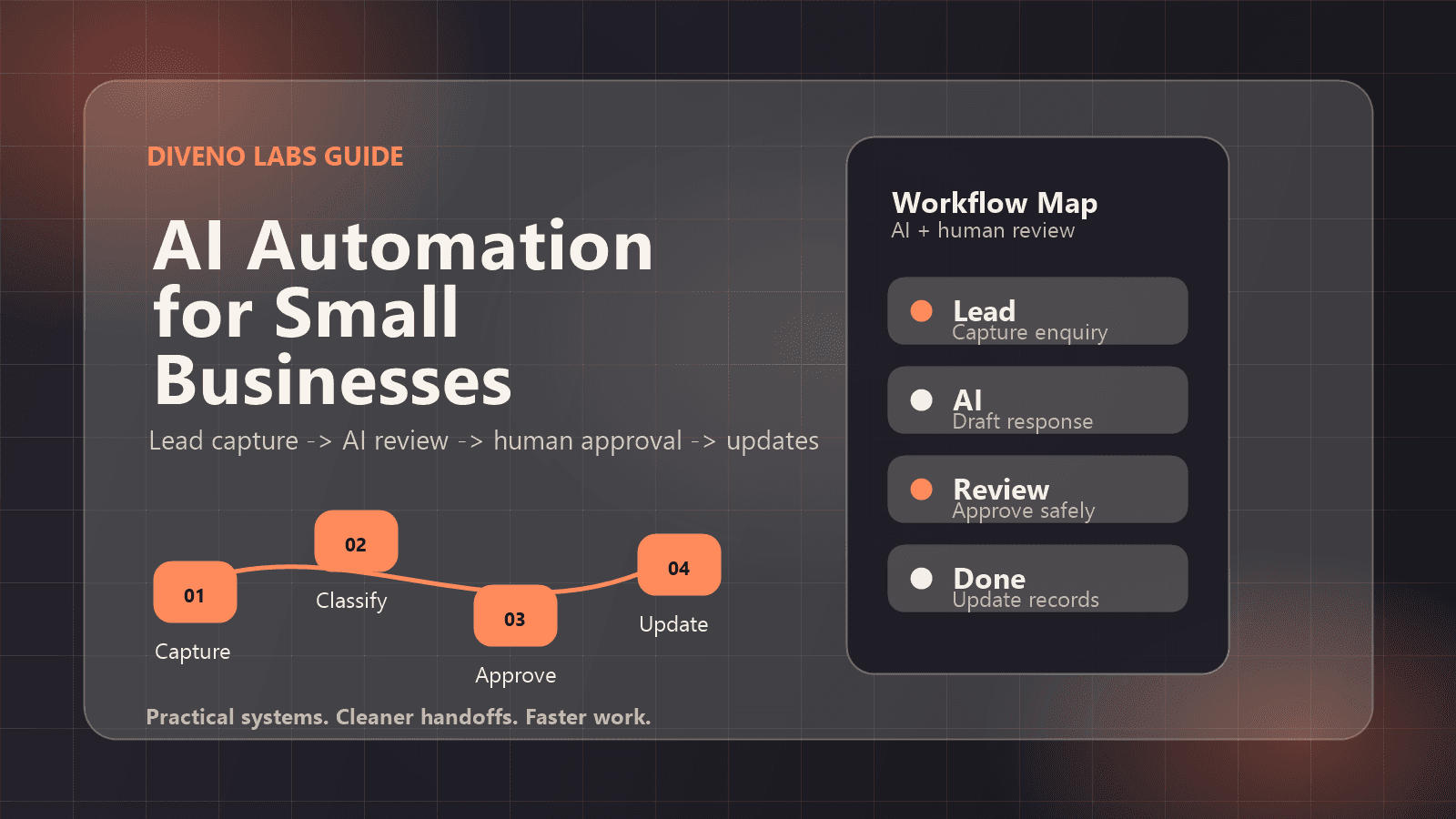
- A trigger, such as a form submission or new message
- A data source, such as a spreadsheet, CRM, document, or product catalog
- An AI step, such as classification, drafting, summarizing, or extraction
- A review step for the team
- A final action, such as sending a reply, creating a task, or updating a dashboard
The best systems feel boring in the right way. They run quietly and make the team faster.
What to avoid
Avoid automating a broken process too early. If nobody knows who owns a task, what the final answer should look like, or when a request is complete, AI will only make the confusion faster.
Also avoid sending AI-generated responses directly to customers in sensitive workflows unless you have strong review, logging, and escalation rules.
A simple starting plan
Choose one workflow. Write down the current steps. Collect five to ten real examples. Define what a good output looks like. Then build a small version that helps the team review and improve the process.
That small version is often enough to prove whether the automation deserves more investment.
Final thought
AI automation works best when it is tied to a real business bottleneck. Start with one useful workflow, make it reliable, and then expand from there.
Frequently asked questions
What is the best first AI automation for a small business?
Start with a repetitive workflow that already has clear inputs and outputs, such as lead qualification, customer support replies, quote drafting, or internal reporting.
Do small businesses need custom AI software?
Not always. Many teams can start with a focused workflow using existing tools, then move to custom software when the process becomes important enough to own.
How long does an AI automation project take?
A small proof of concept can often be planned and built in weeks, while larger systems with integrations, review flows, and dashboards need more careful scoping.
Build with Diveno Labs
Turn this idea into a working system.
Share the workflow, product, or content bottleneck you want to improve. We will help shape it into a practical build.
Discuss an AI automation workflow